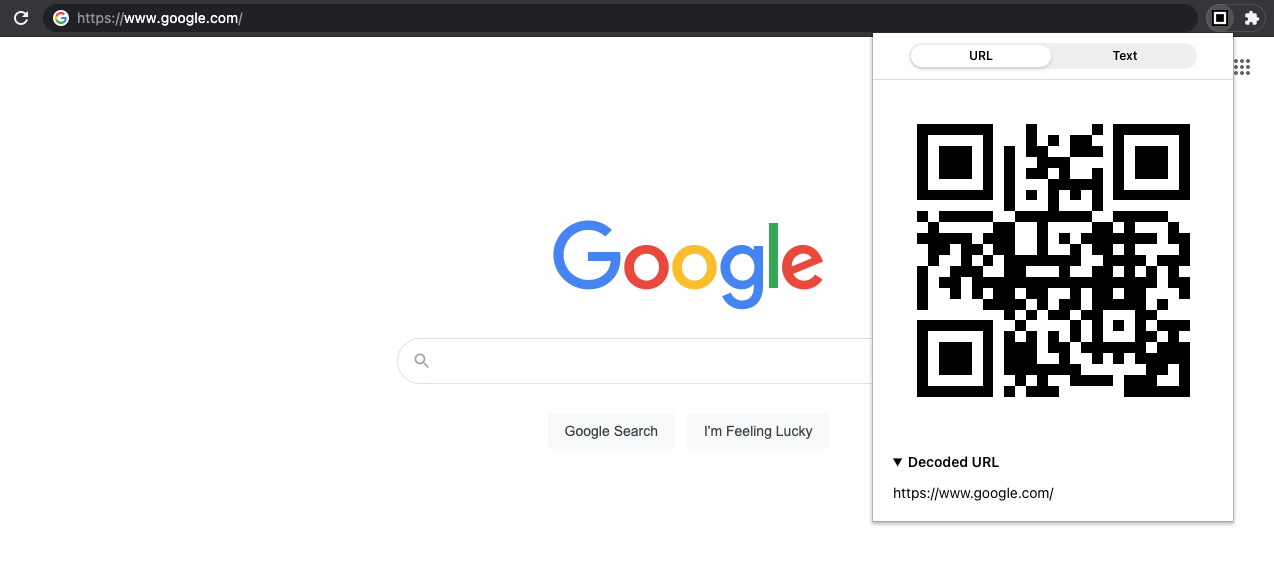
Share selected text or page URL as QR code
- display QR code for URL
- display QR code for selected text or copy/paste/cut text from clipboard
git clone https://github.com/JB1905/share-qr.gitcd share-qryarn
# Or, use npm
npm iyarn watch
# Or, use npm
npm run watch- open the Extension Management page by navigating to
chrome://extensions - enable Developer Mode by clicking the toggle switch next to Developer mode
- click the
LOAD UNPACKEDbutton and select the dist in the extension directory
- enter
about:debuggingin the URL bar - click
This Firefox - click
Load Temporary Add-on - open the dist in the extension’s directory and select any file inside
This project is licensed under the MIT License © 2020-present Jakub Biesiada