
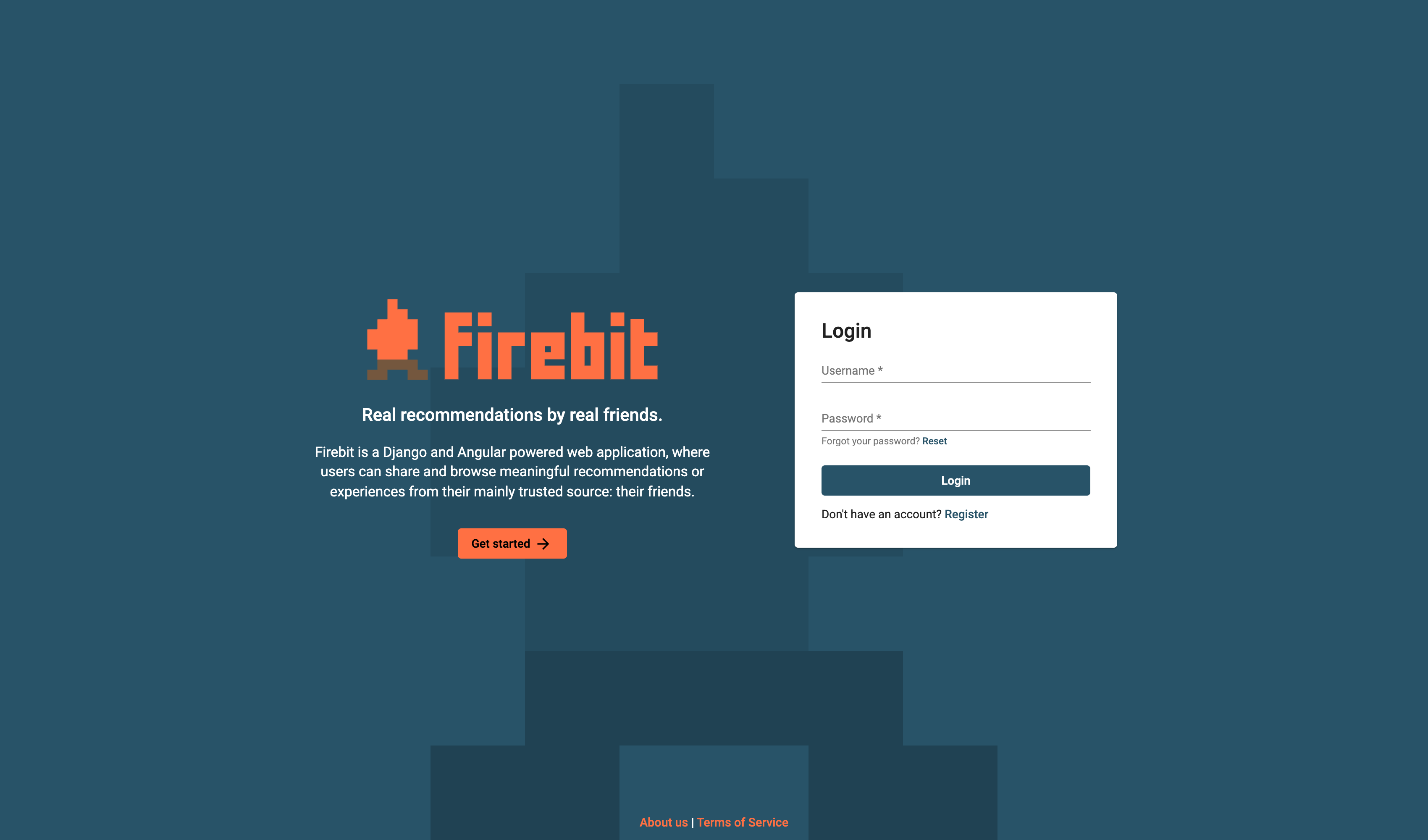
Real recommendations by real friends.
Firebit is a Django and Angular based web application, where users can share and browse meaningful recommendations or experiences from their most trusted sources: their friends.
Team • Features • Instructions • Screenshots
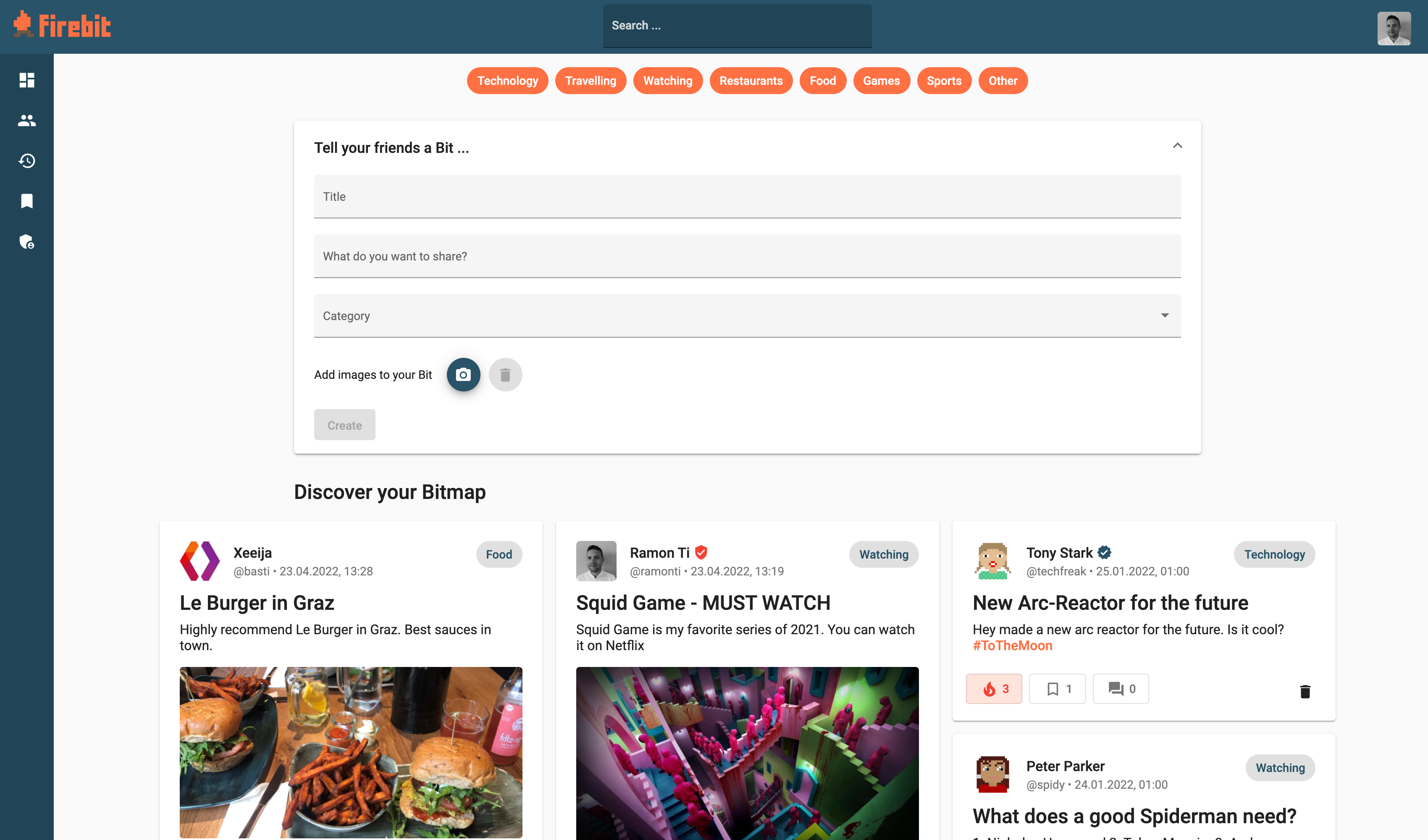
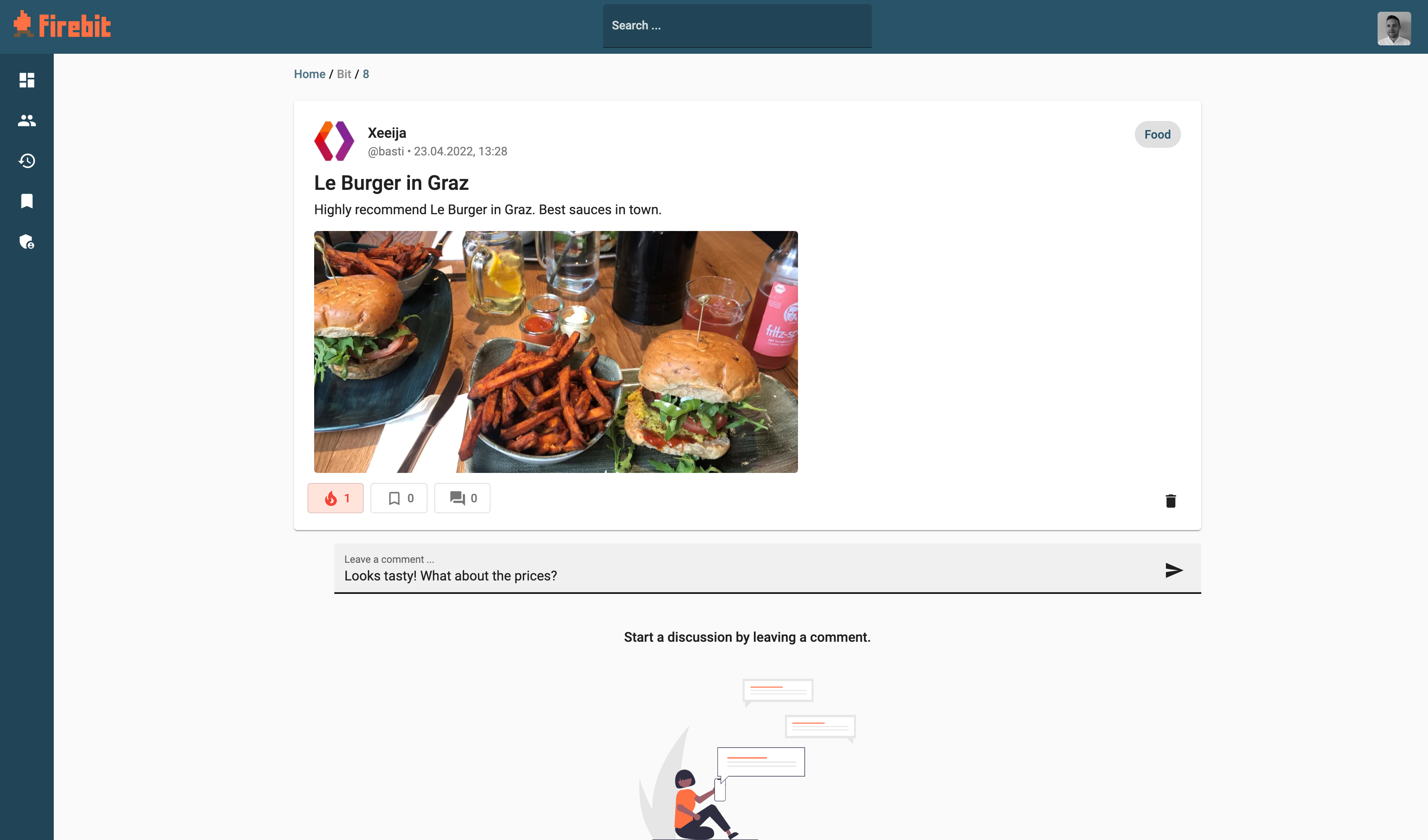
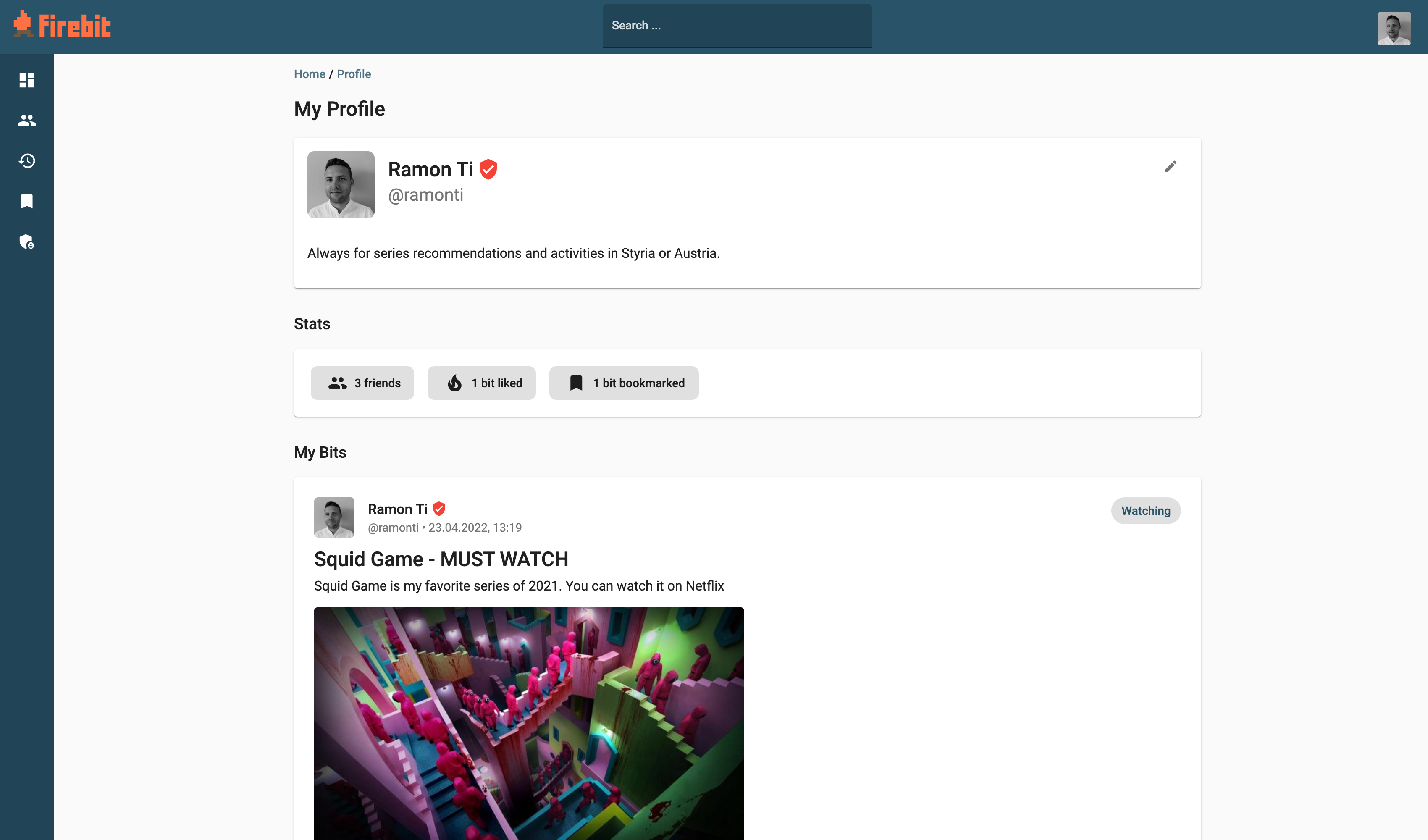
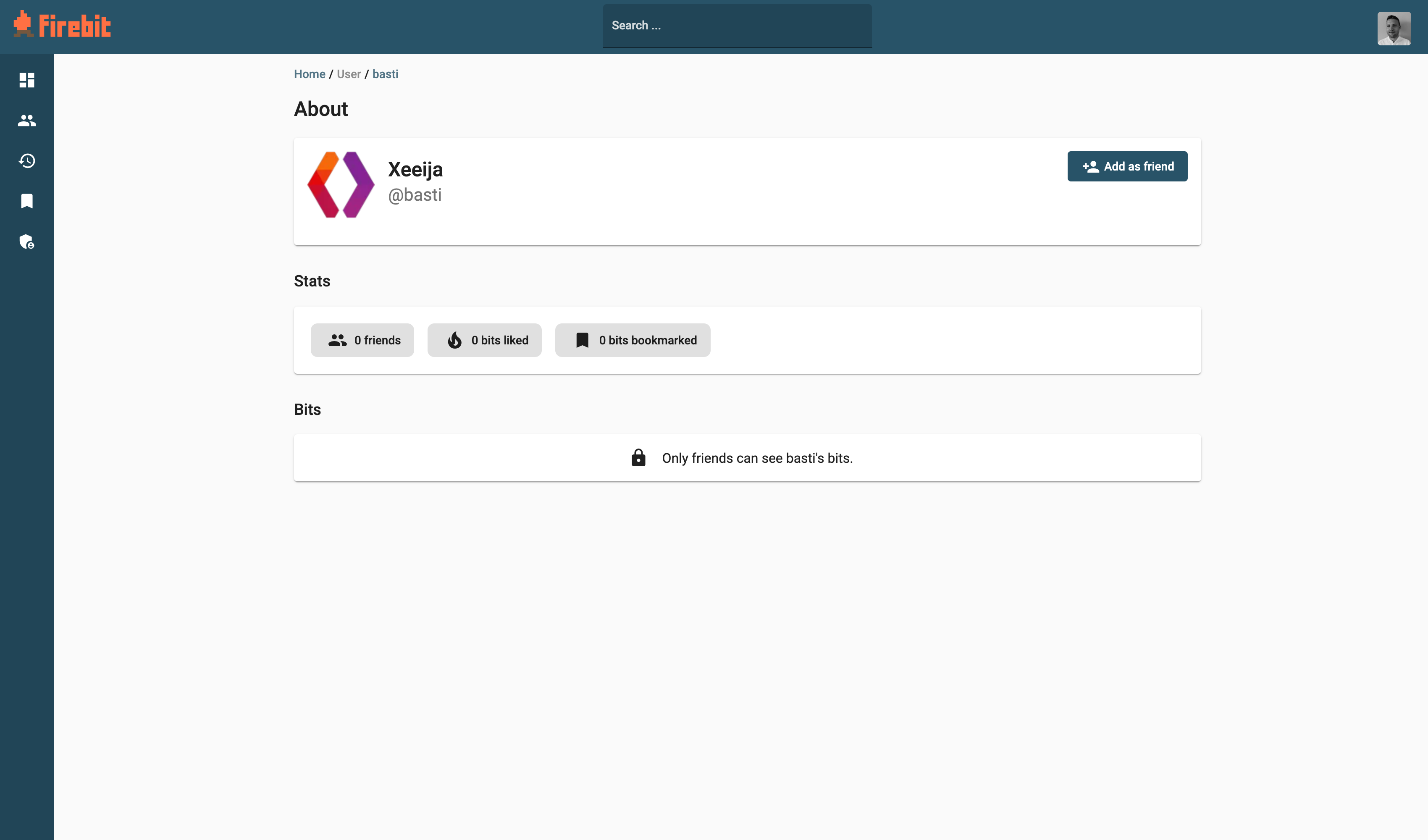
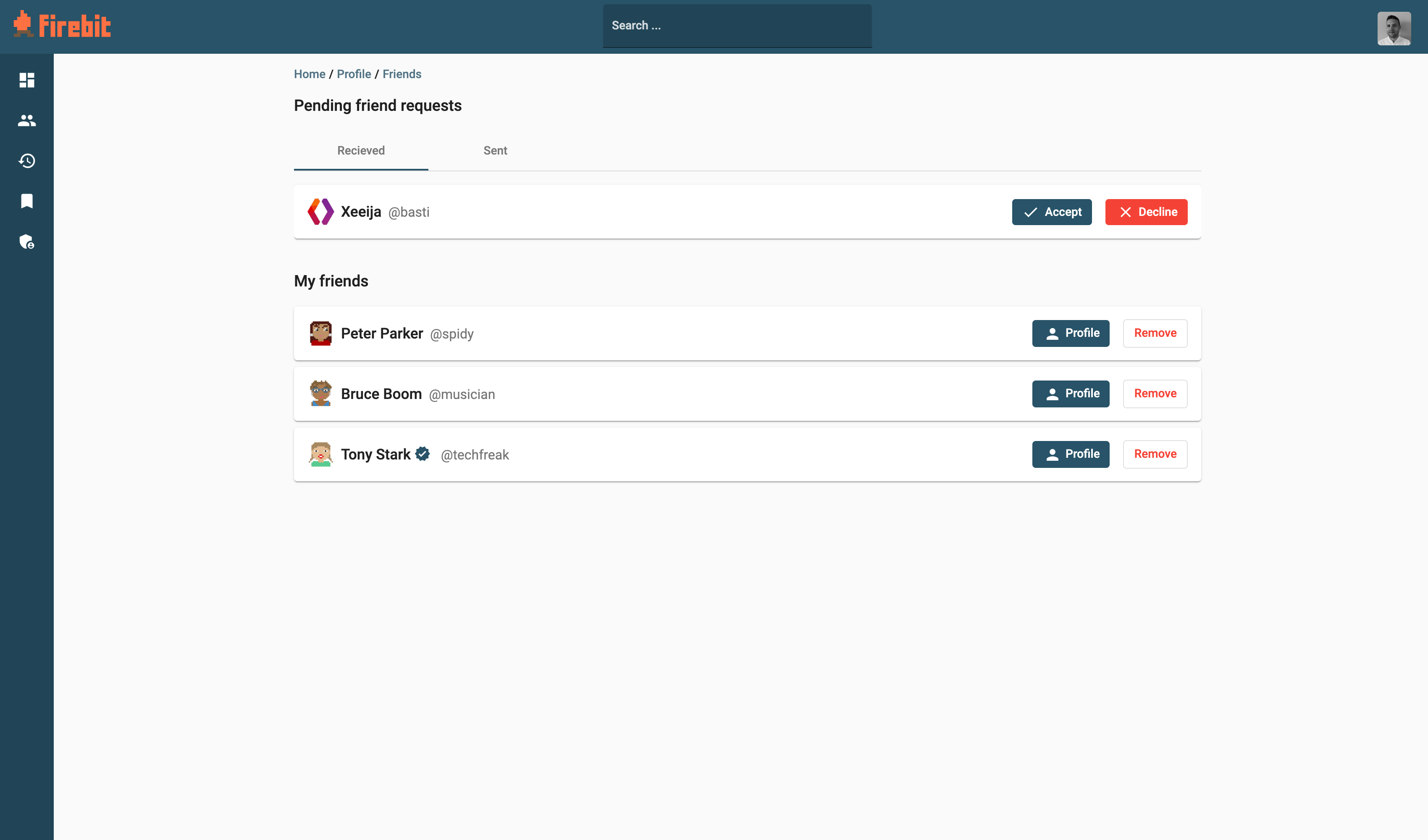
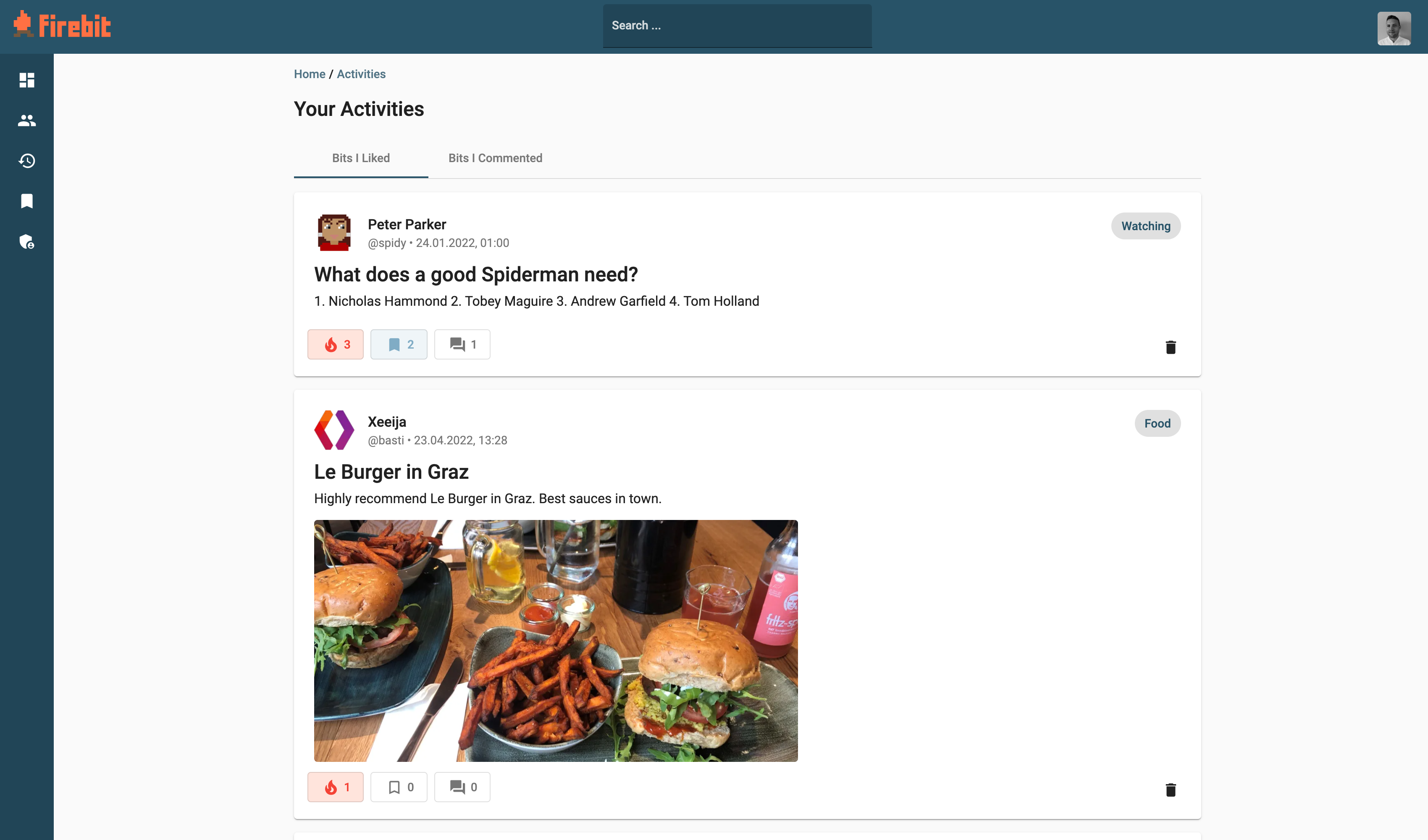
Firebit enables users to share experiences as “bits”. A bit consists of a title, description, category and multiple images. Users may like, bookmark or comment these bits. In addition, users can add new friends and customize their profile page with a thumbnail and about me section.
The search functionality enables users to find new friends or lookup bits by title or hashtags. Moreover, the activities page gives an overview of your interactions on the platform.
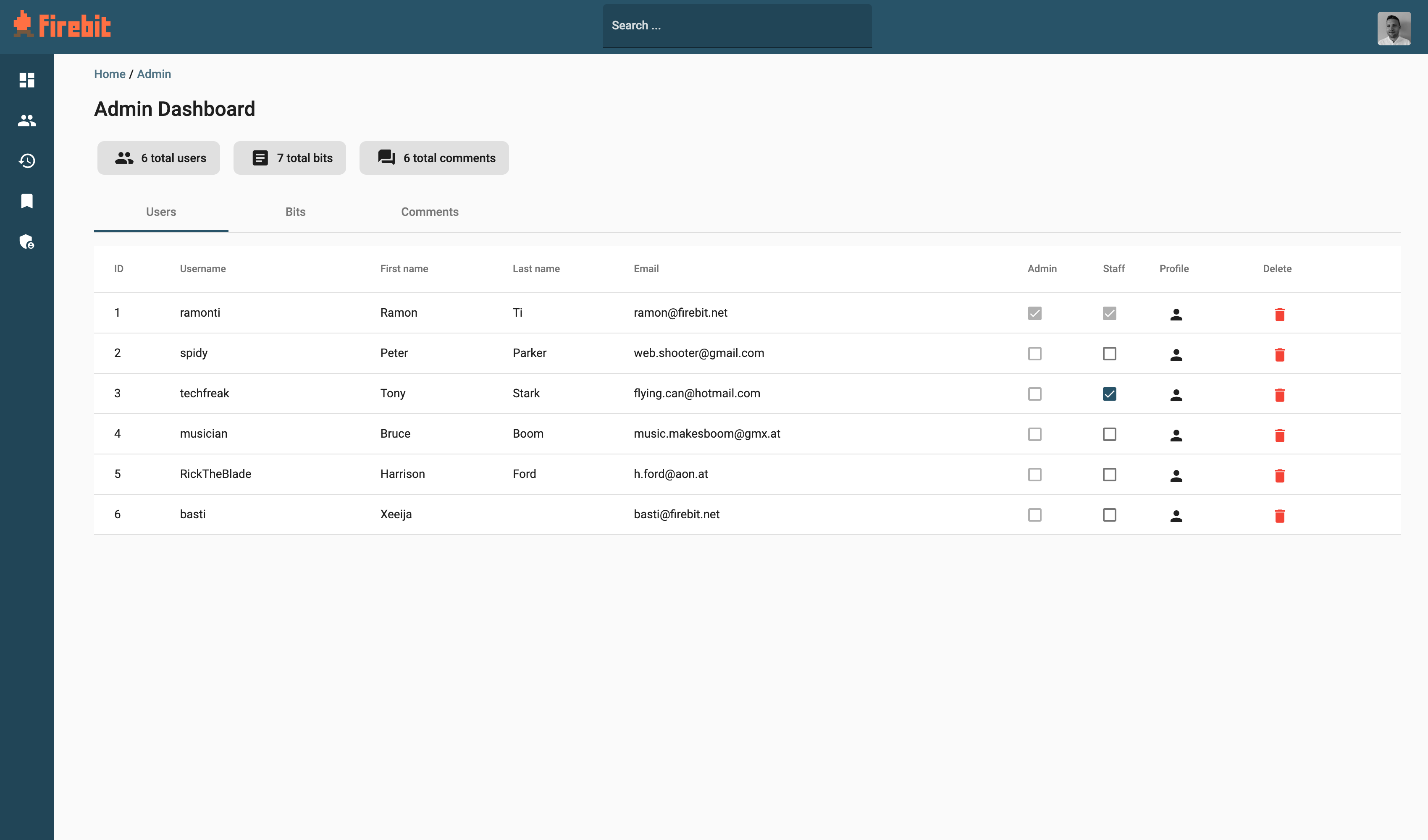
Users can sign up and login on Firebit. If they forgot their password, they can easily reset it by using the email password reset. Administrators may delete inappropriate bits or comments and may update user information.
| Type | Feature | Status |
|---|---|---|
| Backend | RESTful API | ✅ |
| Backend | Authentication system | ✅ |
| Backend | Multiple models | ✅ |
| Backend | Database | ✅ |
| Backend | Authorization system | ✅ |
| Frontend | Interaction with API | ✅ |
| Frontend | Authentication (register & login) | ✅ |
| Frontend | Authorization for multiple roles | ✅ |
| Frontend | CRUD functionality | ✅ |
| Frontend | Form validation | ✅ |
| Frontend | Filter data | ✅ |
| Frontend | Multiple components | ✅ |
| Frontend | Multiple services | ✅ |
| Frontend | Angular Router | ✅ |
| Type | Feature | Status |
|---|---|---|
| Backend | File upload and handling | ✅ |
| Backend | Password reset with email support | ✅ |
| Backend | Configparser for SMTP data | ✅ |
| Backend | Nested serializers | ✅ |
| Frontend | Custom UI, design and branding | ✅ |
| Frontend | Dark mode | ✅ |
| Frontend | Terms of Service and About Us | ✅ |
| Both | Admin dashboard with stats | ✅ |
| Both | Search multiple models | ✅ |
| Both | Social networking functionality | ✅ |
Once you have created a local copy of the latest release, you may follow these instructions to set up the backend and frontend of the project.
- Python 3.10
- PIP
- IDE (e.g. IntelliJ IDEA)
- Configure IDE properly - plugins, project structure, SDK, VENV, module
- Install requirements
pip install -r backend/requirements.txt
- Migrate the database1
python manage.py migrate
- Create superuser1 (firstname and lastname should be set in the user profile later)
python manage.py createsuperuser
- Prepopulate the database1
python manage.py loaddata categories.json friendship_status.json
- Create mock data1,2 (optional)
python manage.py loaddata auth_users.json bits.json bookmarks.json comments.json friendships.json likes.json
- Run backend server1
python manage.py runserver
- Go to http://localhost:8000 to find the API endpoints
1 The python command may vary on your system - e.g. py on Windows, python3 on MacOS when using brew
2 You may create some mock data (e.g. other users, bits and friendships) that is connected with the superuser account.
To use the password reset functionality with real emails, you need to set your own SMTP configuration. If no SMTP configuration is found, the password reset email is rendered in the python console.
- Navigate to
backend/config - Rename
smtp.ini.exampletosmpt.ini - Insert your own SMTP configuration into
smpt.ini
- NPM
- Angular 12
- IDE (e.g. IntelliJ IDEA)
- Configure IDE properly (e.g. install plugins)
- Navigate to
frontendand run
npm install
- Run frontend server
ng serve
- Go to http://localhost:4200 to find the web application (you may login using your superuser credentials)
FH Joanneum, Information Management (IMA19), Software Engineering Selective