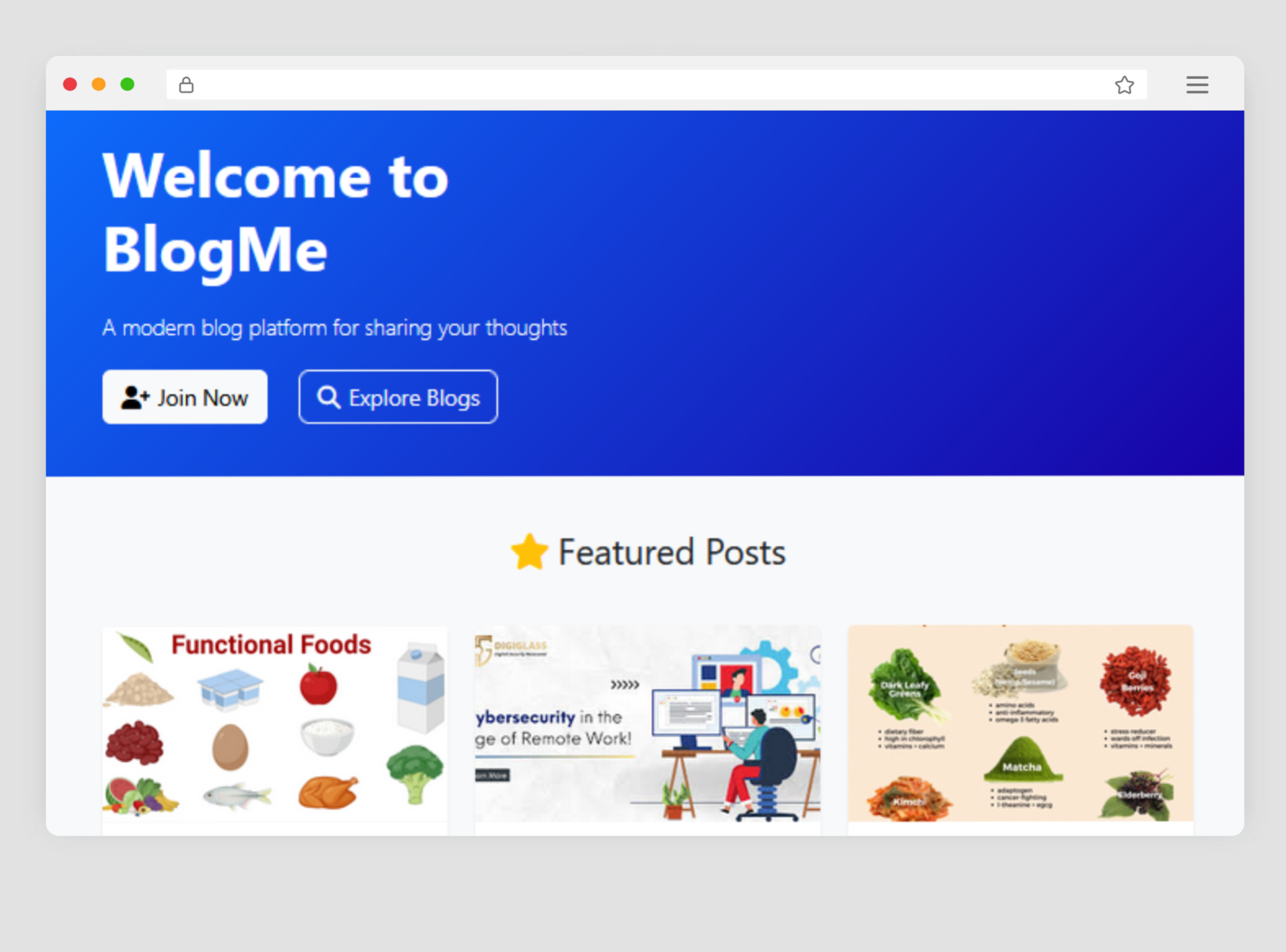
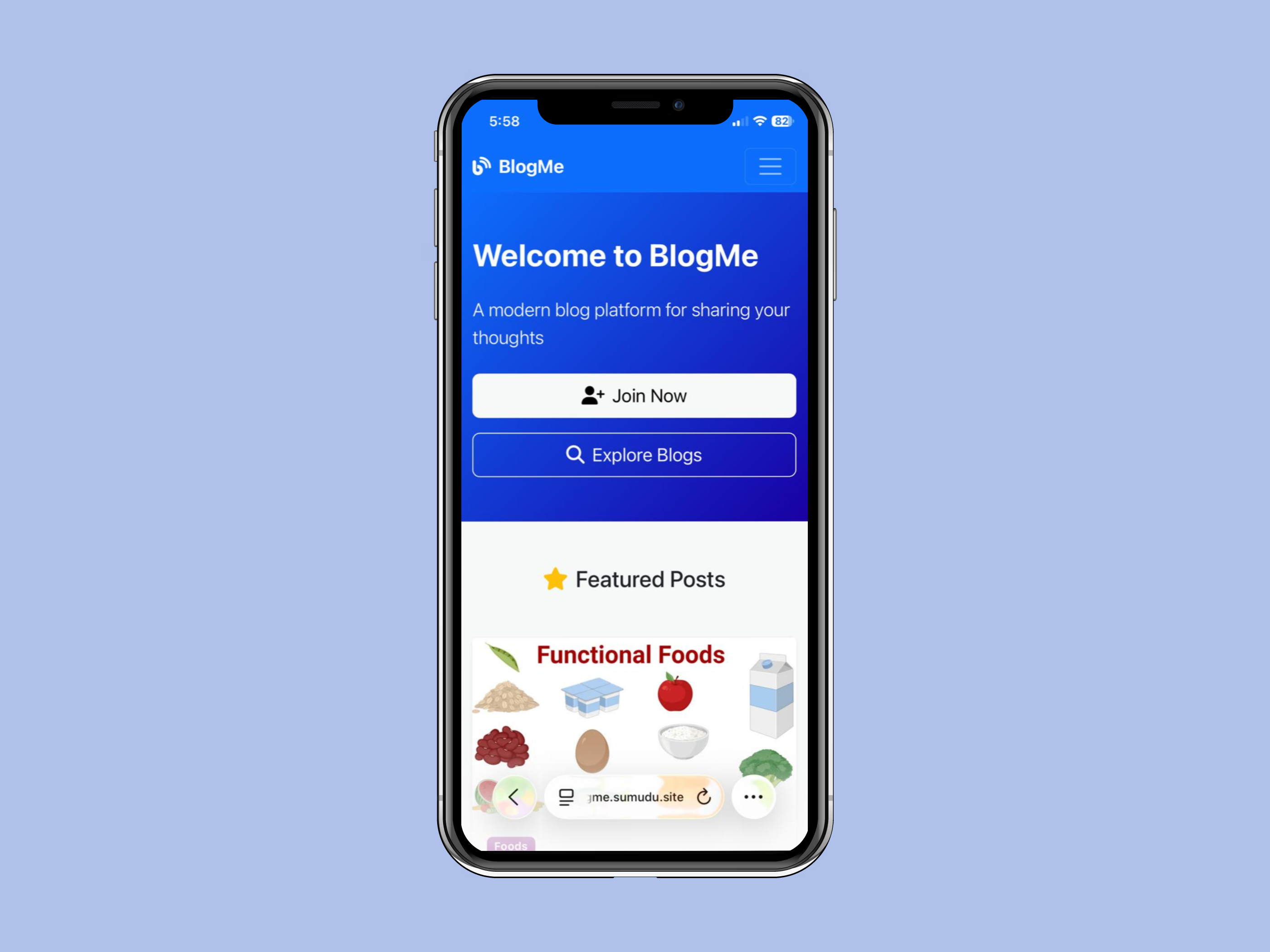
Welcome to BlogMe, a feature-rich blogging platform designed for sharing thoughts, managing content, and engaging with users. This platform includes both user and admin panels, offering a seamless experience for all stakeholders.

🔗 Website: https://blogme.sumudu.site
-
User Registration and Login
- Secure user authentication with email and password.
- Password hashing for enhanced security.
-
Profile Management
- Update personal details such as name, email, and profile picture.
-
Blog Creation and Management
- Create, edit, and delete personal blog posts.
- Upload images to enhance blog content.
-
Search and View Blogs
- Search for blogs by keywords or categories.
- View featured blogs and explore trending content.
-
Notifications
- Receive notifications for blog interactions and updates.
-
Related Blogs
- View related blogs based on categories or tags for better content discovery.
-
Dashboard Overview
- View total counts of users, blogs, views, notifications and categories.
-
User Management
- Block or delete user accounts.
-
Blog Management
- View and delete blog posts.
-
Category Management
- Create, update, or delete blog categories.
- Add colors and descriptions to categories for better organization.
-
Notifications Management
- Send and manage notifications for users.
-
Demo Mode
- A restricted mode for showcasing the platform without making permanent changes.
- Prevent modifications in demo mode to ensure data integrity during demonstrations.
-
Blog Filters and Sorting
- Filter blogs by category, user, date or status.
- Sort blogs by newest, oldest, title or most popular.
- Frontend: HTML, CSS, Bootstrap
- Backend: PHP
- Database: MySQL
- Libraries:
- PHPMailer for email handling.
- vlucas/phpdotenv for environment variable management.
- Other Tools:
- Composer for dependency management.
Crystal Beauty Clear is deployed on:
- ✅ Server Provider: DigitalOcean
- 🌐 Data Center Location: BLR1 (Bangalore, India)
- 🧠 Memory (RAM): 2 GB
- 💾 Disk Space: 50 GB SSD
- 🖥️ Operating System: Ubuntu 24.04 LTS (x64)
- Clone the repository:
git clone https://github.com/sumudu-k/BlogMe.git
- Install dependencies:
composer install
- Create a
.envfile by copying the.env.examplefile and update it with your database and site details: Then edit the.envfile with your configuration. - Create a database called
articlewebsiteand importarticlewebsite.sqldatabase file to phpmyadmin. - Start your local server and access the platform.
- You need to configure your server settings by adding your
emailandapp passwordfor working password reset functionality.
We welcome contributions to improve BlogMe! To contribute:
- Fork the repository.
- Create a new branch for your feature or bug fix.
- Submit a pull request with a detailed description of your changes.