


One CLI, multiple AI providers. Nori is a local AI coding agent that lets you switch between Claude, Gemini, and Codex. All from the same native CLI.
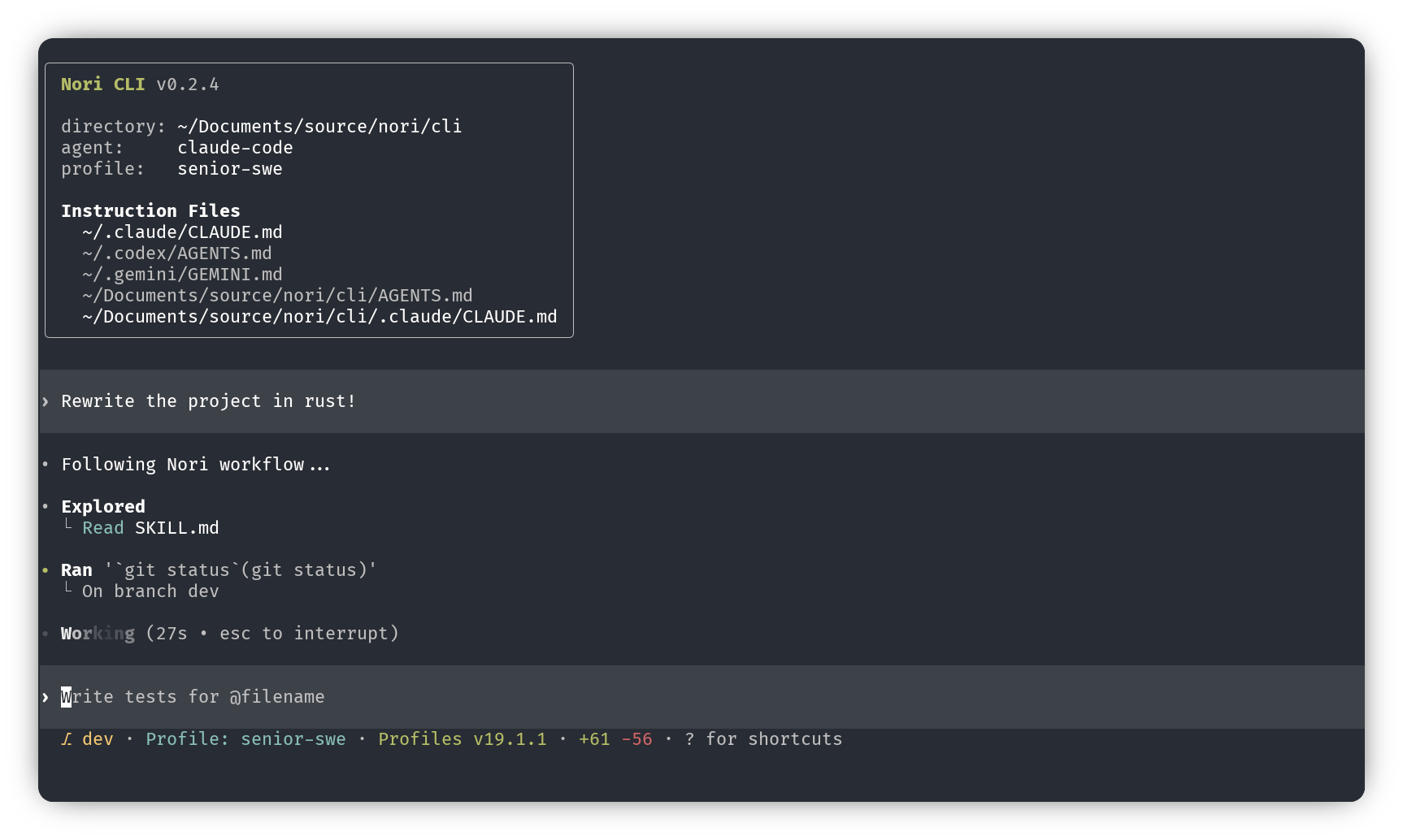
npm install -g nori-ai-cliOr download binaries from GitHub Releases.
noriThat's it. The agent you choose will rely on existing auth if you have previously been using Claude Code, Codex, or Gemini on this system (and if not, login instructions are below). Nori launches an interactive TUI where you can chat, run commands, and let the AI assist with your codebase.
Each provider you plan to use needs to be authenticated separately before use. Then switch between AI providers with the /agent command.
Currently each agent relies on an existing authenticated session on your system. If you're coming in from another CLI tool, great! You should be good to go. If not, first follow the authentication for your desired provider:
| Provider | Authentication |
|---|---|
| Claude | Run npx @anthropic-ai/claude-code in your terminal, then when the Claude CLI opens, type /login there. |
| Gemini | Run npx @google/gemini-cli in your terminal, then when the Gemini CLI opens, type /auth there. |
| OpenAI | In Nori, use /agent to switch to Codex, then run /login inside the Nori interface. Nori will prompt you to install OpenAI via npm if needed. |
- Multi-provider: Anthropic's Claude Code, Google DeepMind's Gemini, and OpenAI's Codex
- Improved terminal interface: Fast incremental renders in Ratatui, double buffered scrollback history, and built in Rust for performance
- Coming Soon!
- Sandboxed execution: Commands run in OS-level security sandboxes
- MCP integration: Connect to Model Context Protocol servers for extended tools
- Session persistence: Save and resume conversations with
nori resume - Multi-agent orchestration: Alternate between multiple agent sessions
Nori CLI is built on the great work within OpenAI Codex CLI.
Nori CLI is working with the great protocol led by Zed Industries for orchestrating agents.


![@blacksmith-sh[bot]](https://avatars.githubusercontent.com/in/807020?s=64&v=4)