




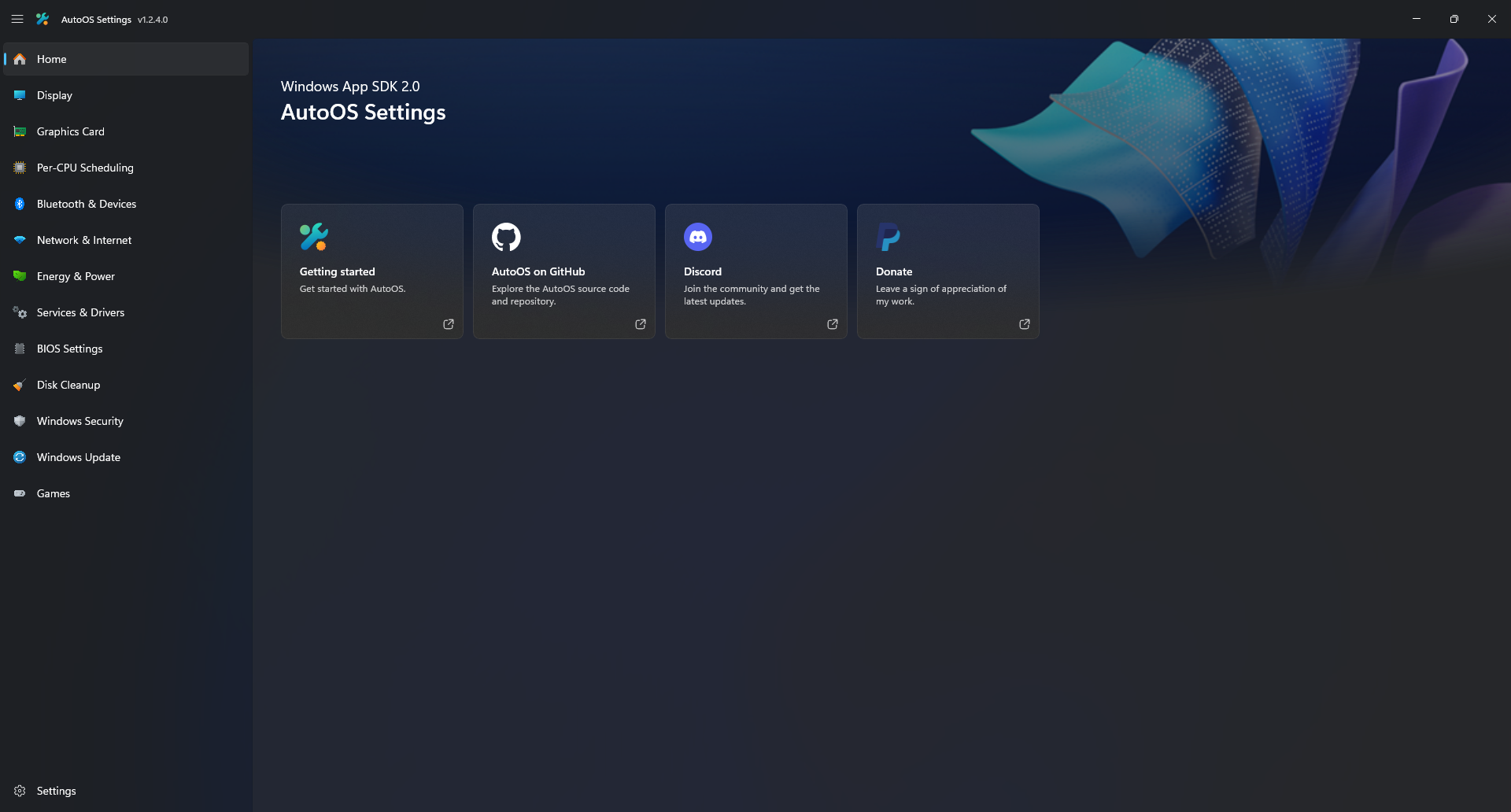
AutoOS is a WinUI3 application focused on automation to improve performance while ensuring privacy and compatibility.
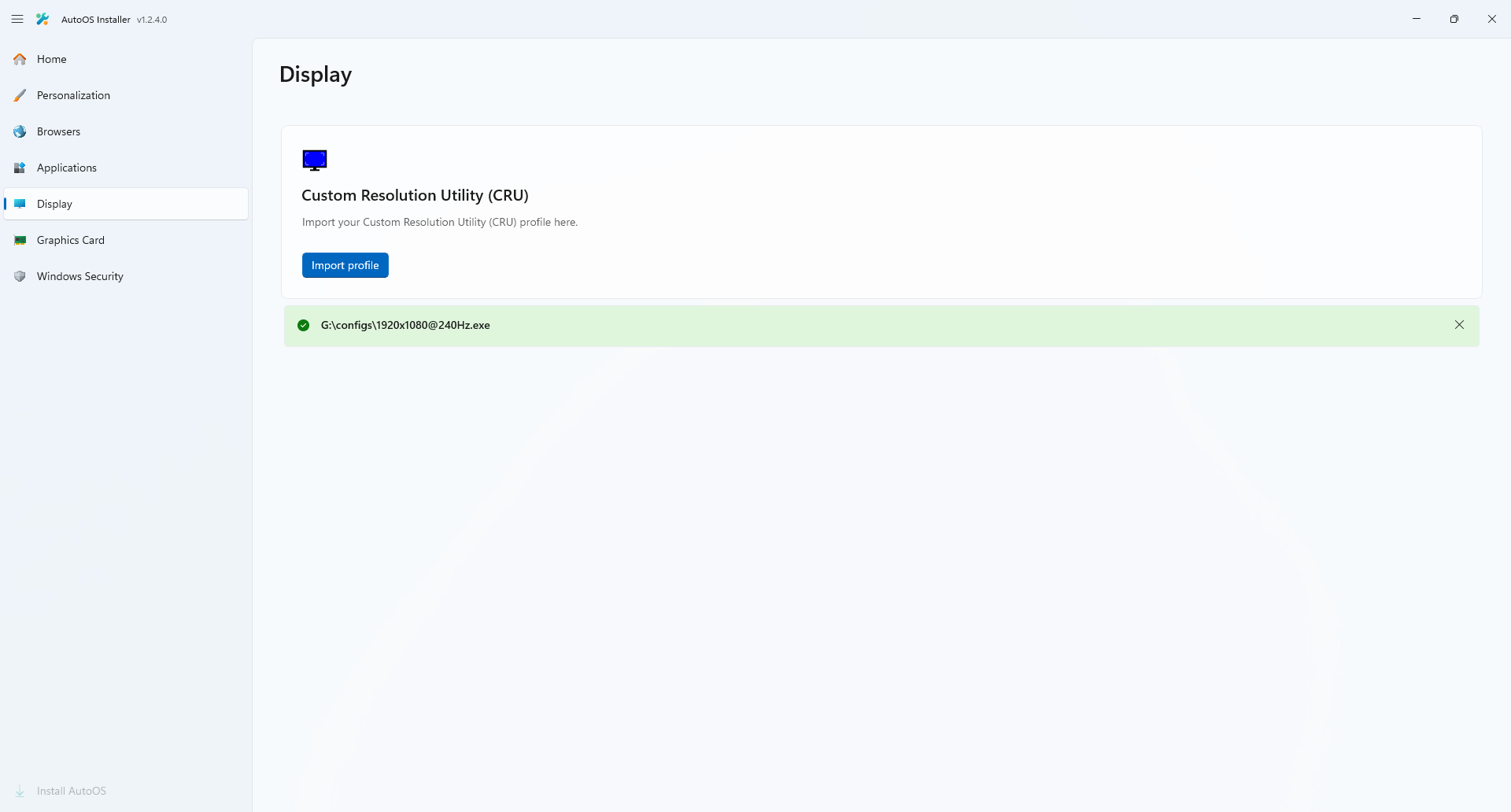
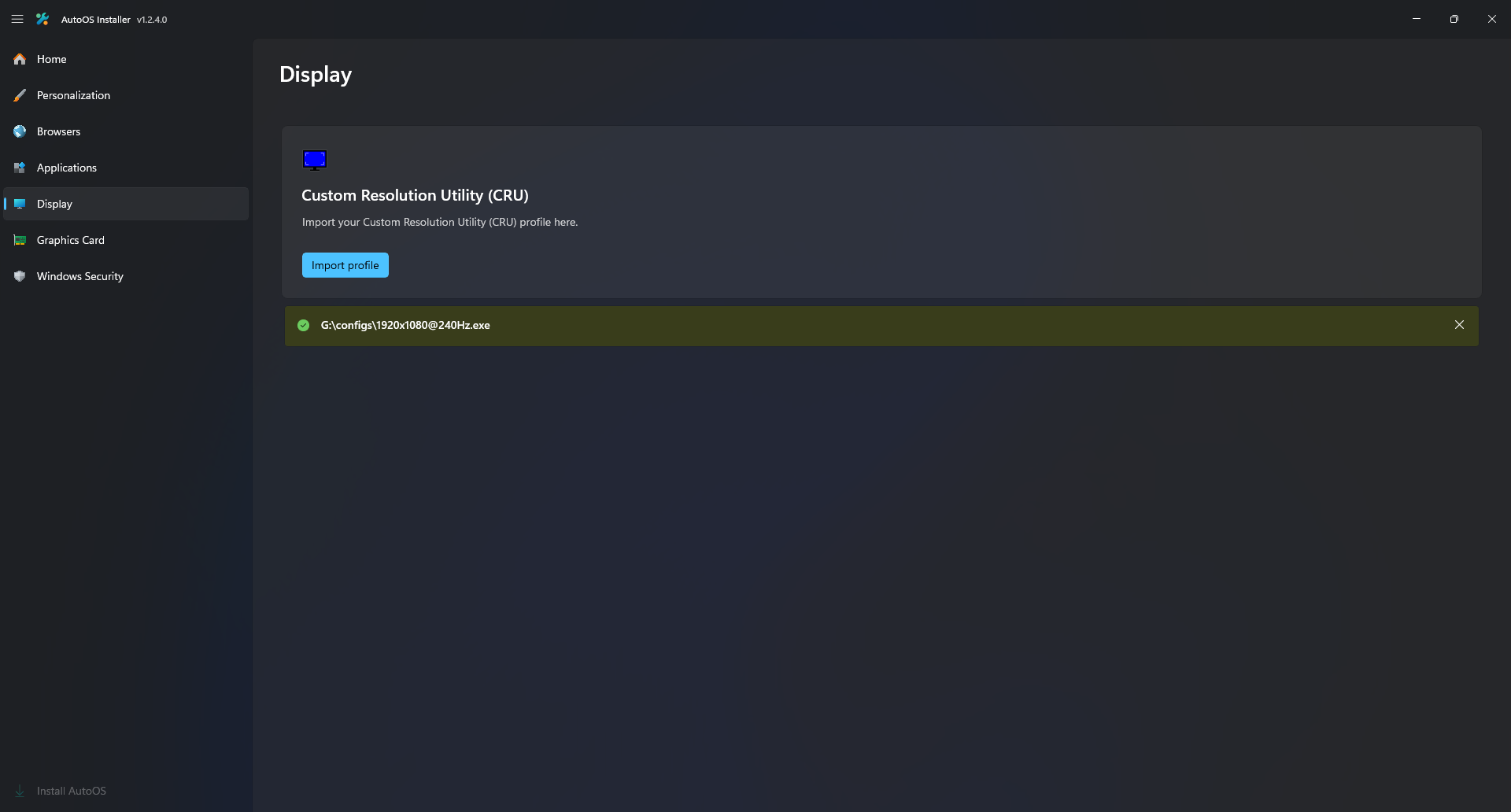
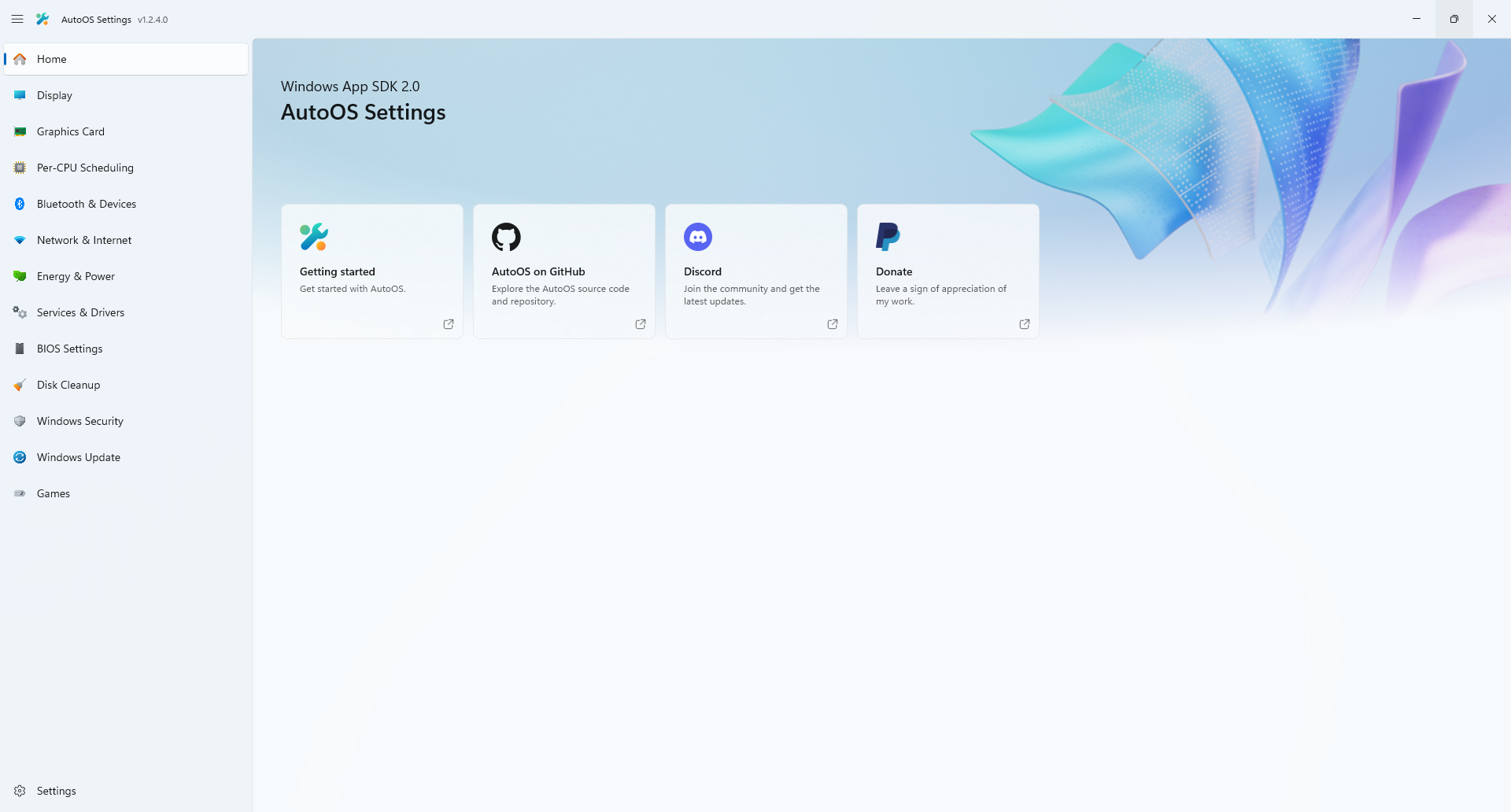
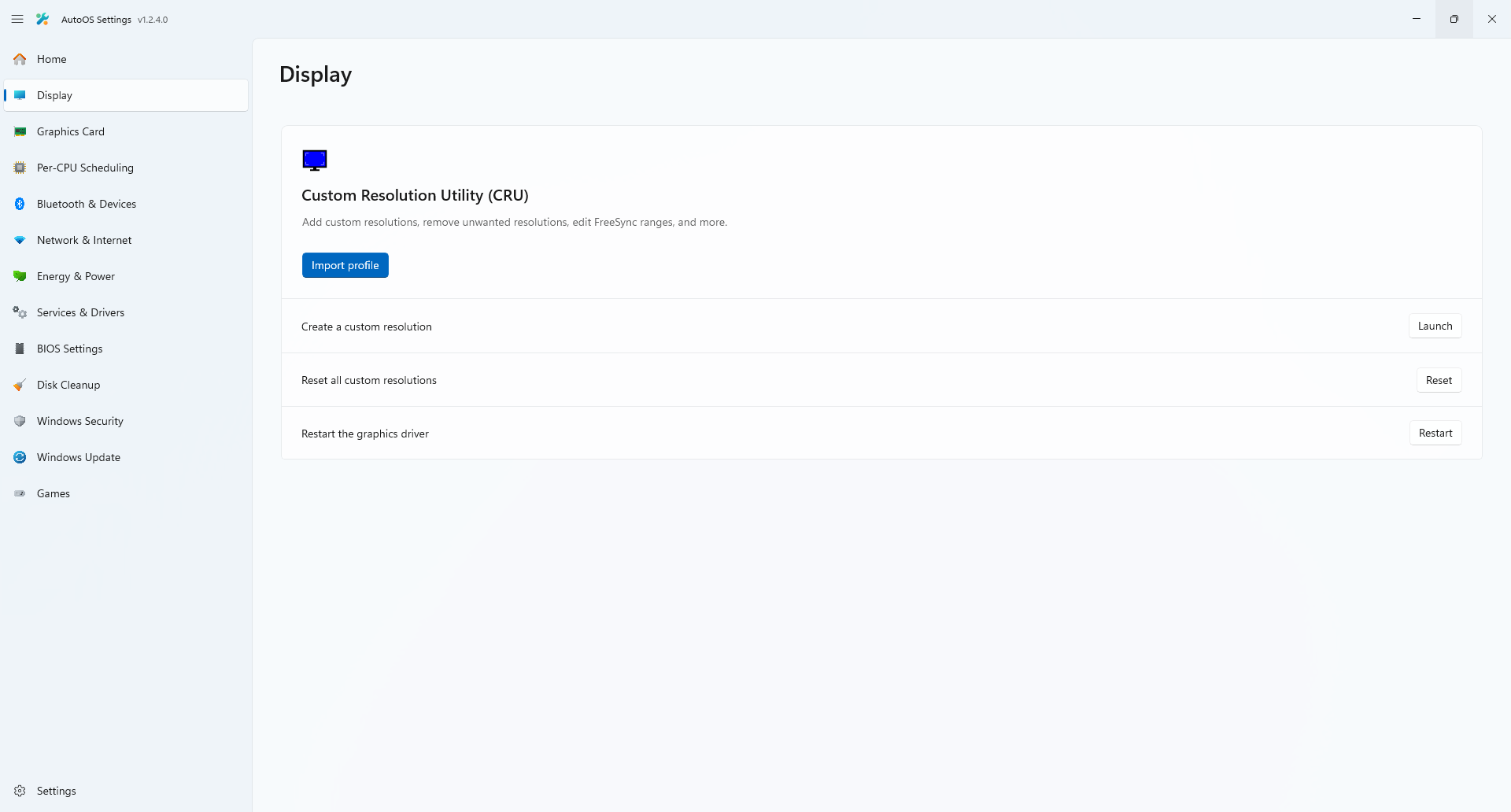
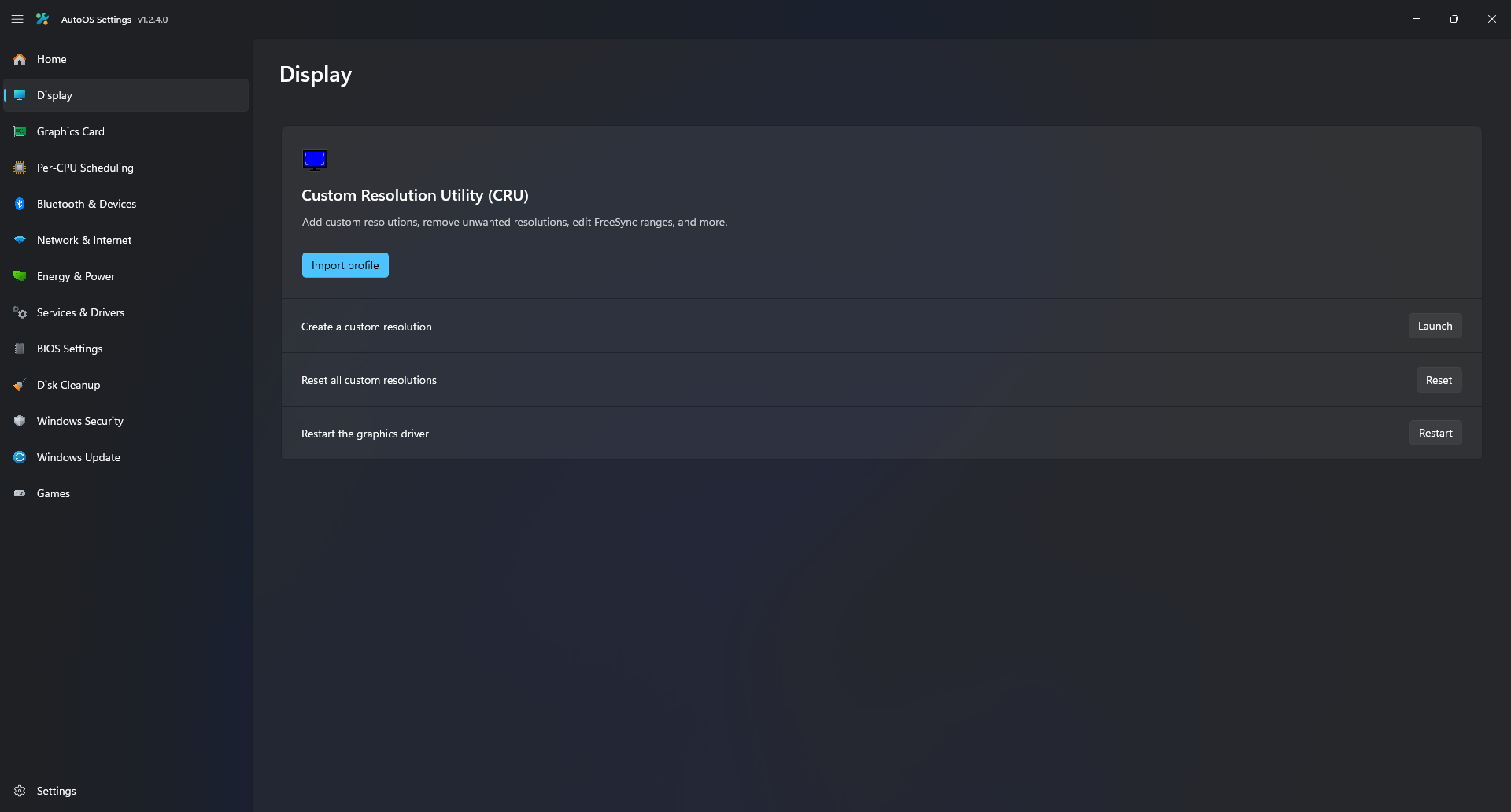
- Automatically set every monitor to their highest supported refresh rate
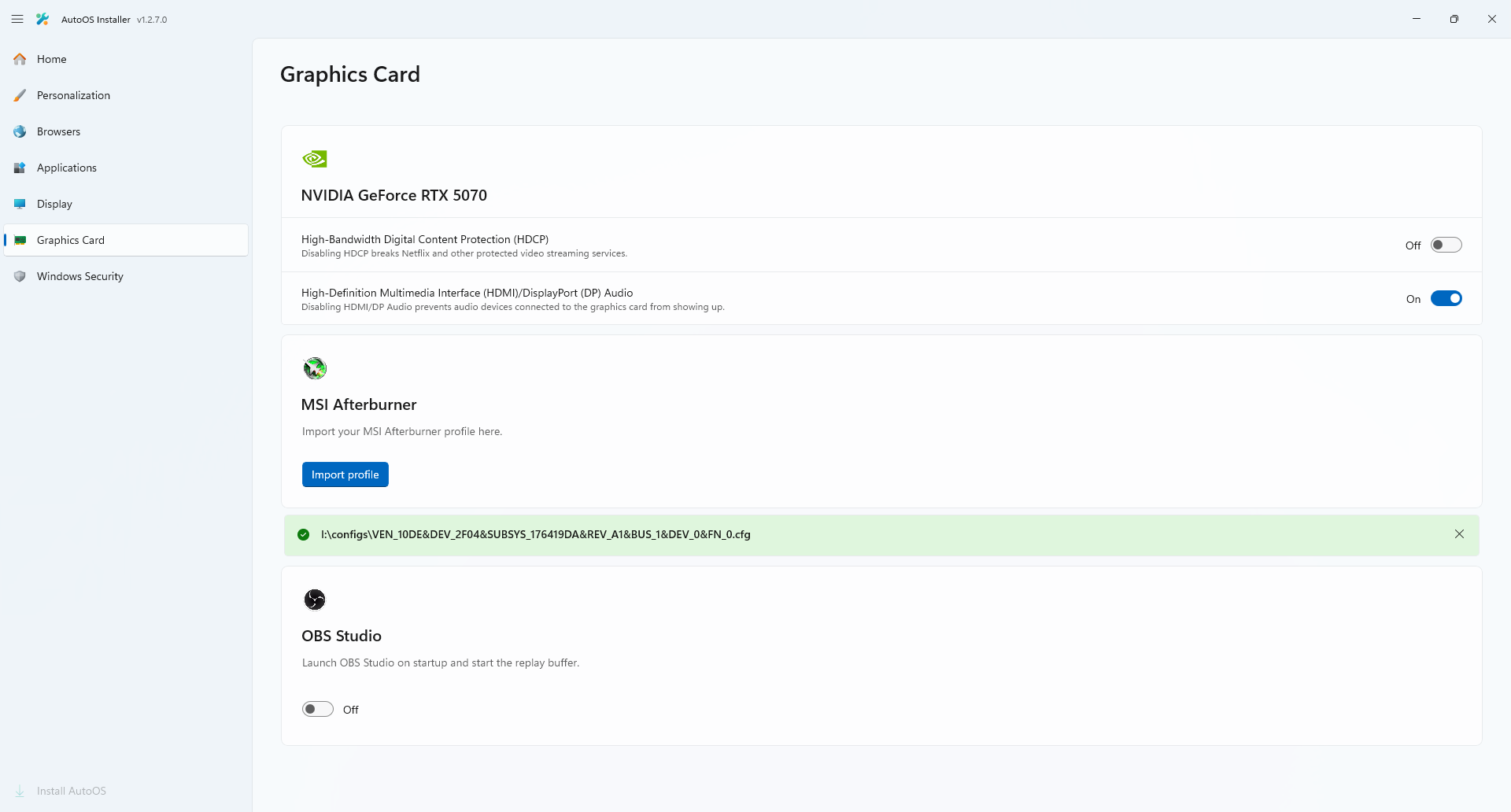
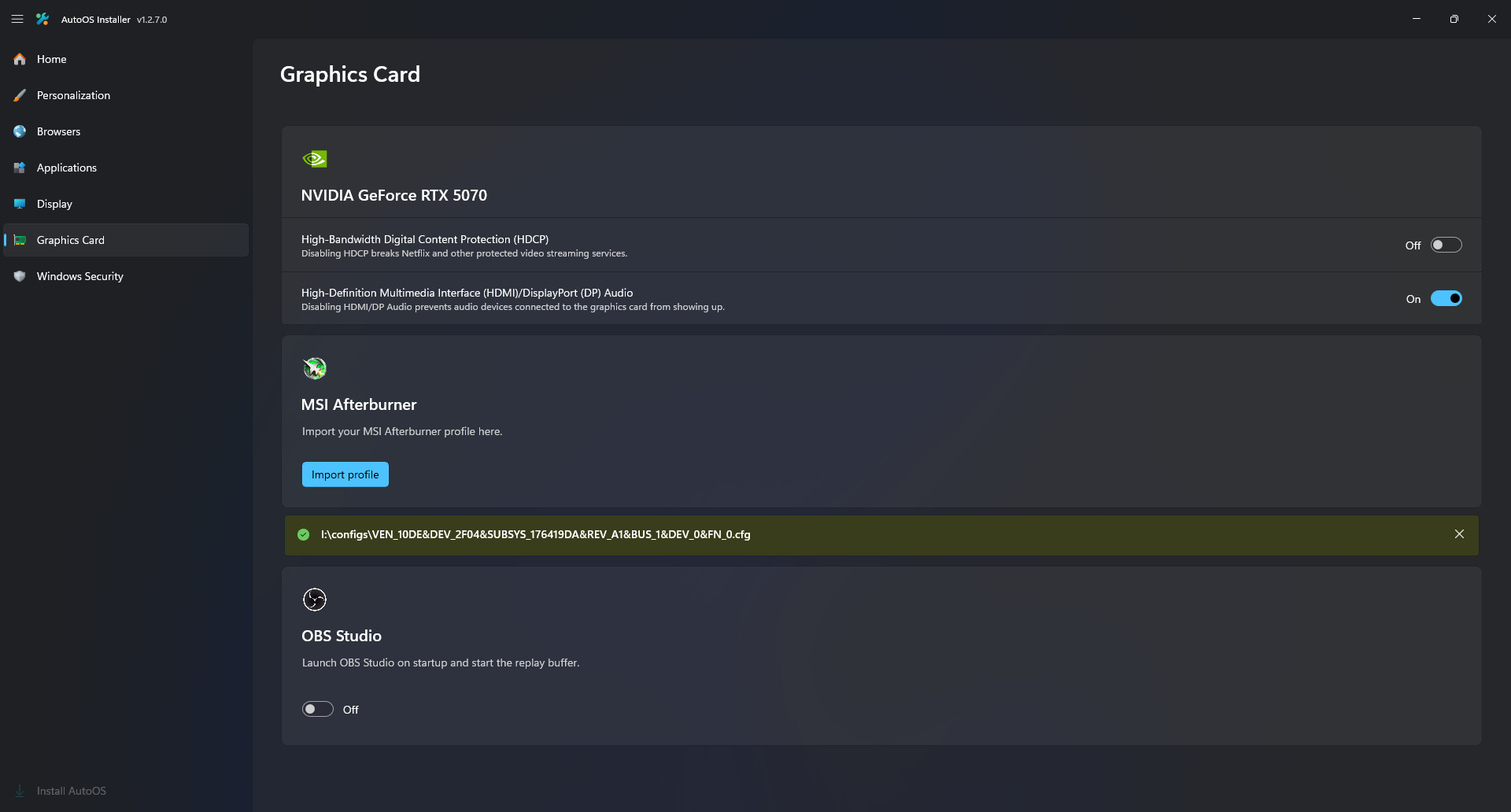
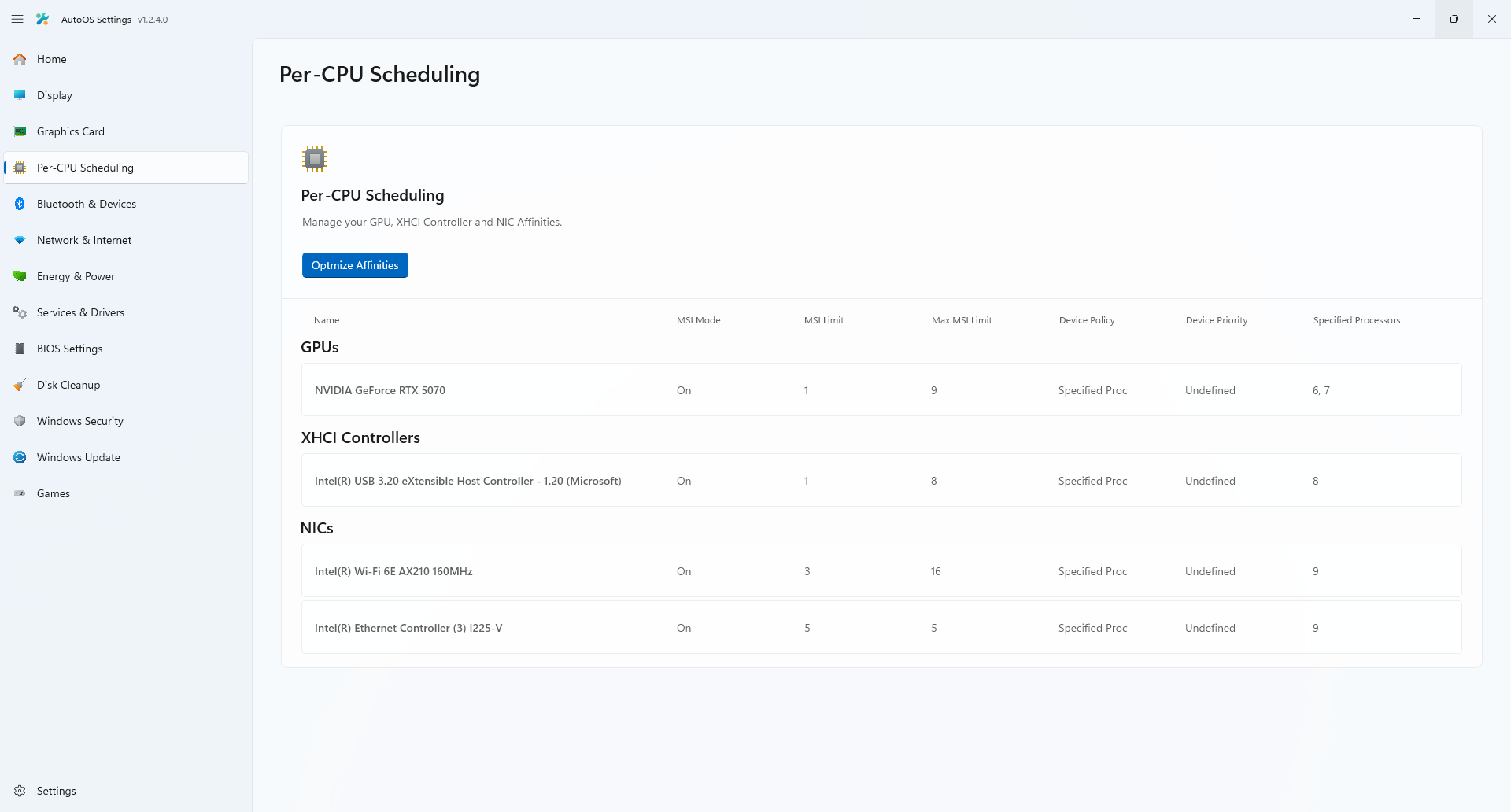
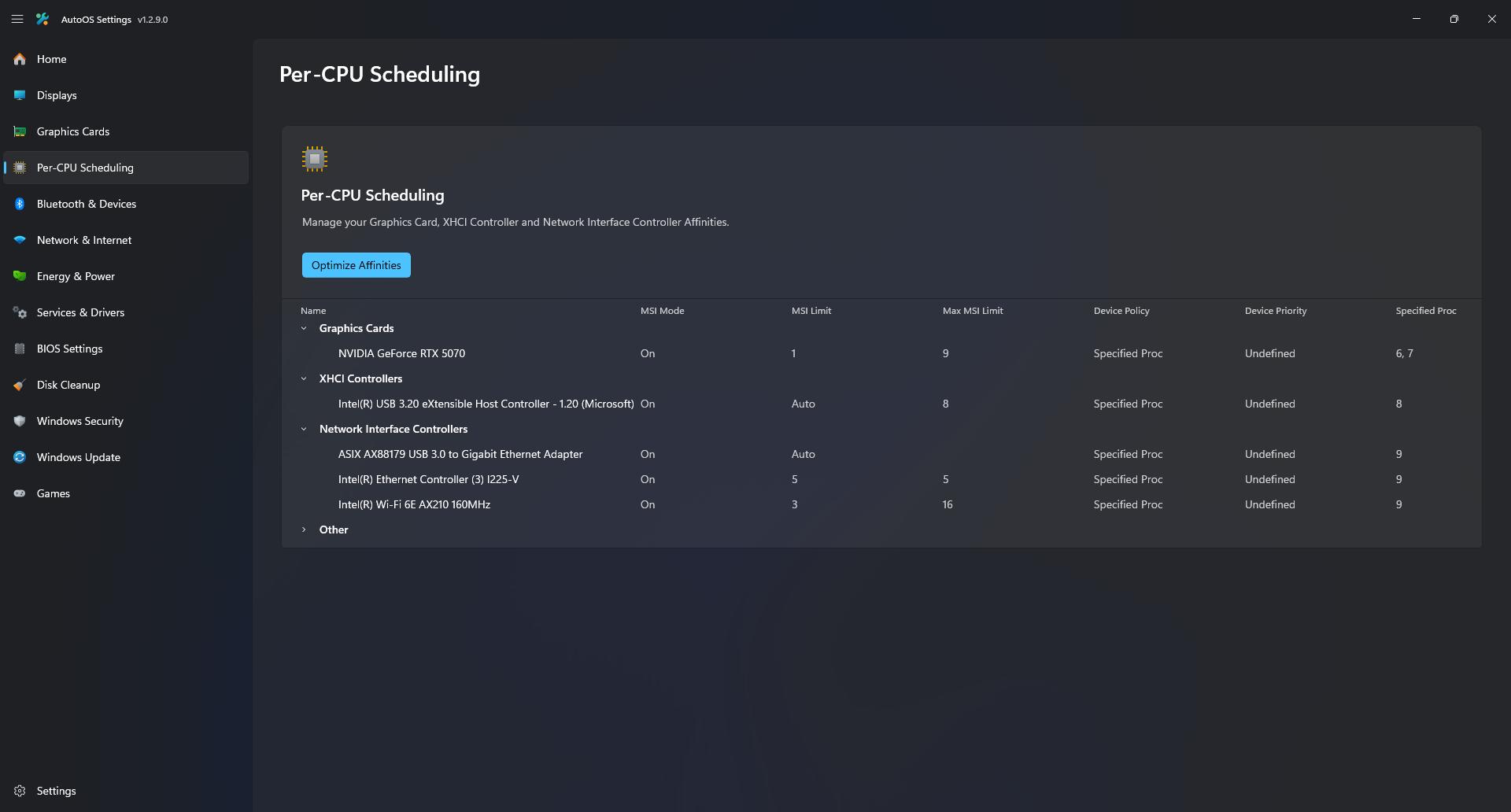
- Automatically optimize GPU, XHCI Controller and NIC affinities
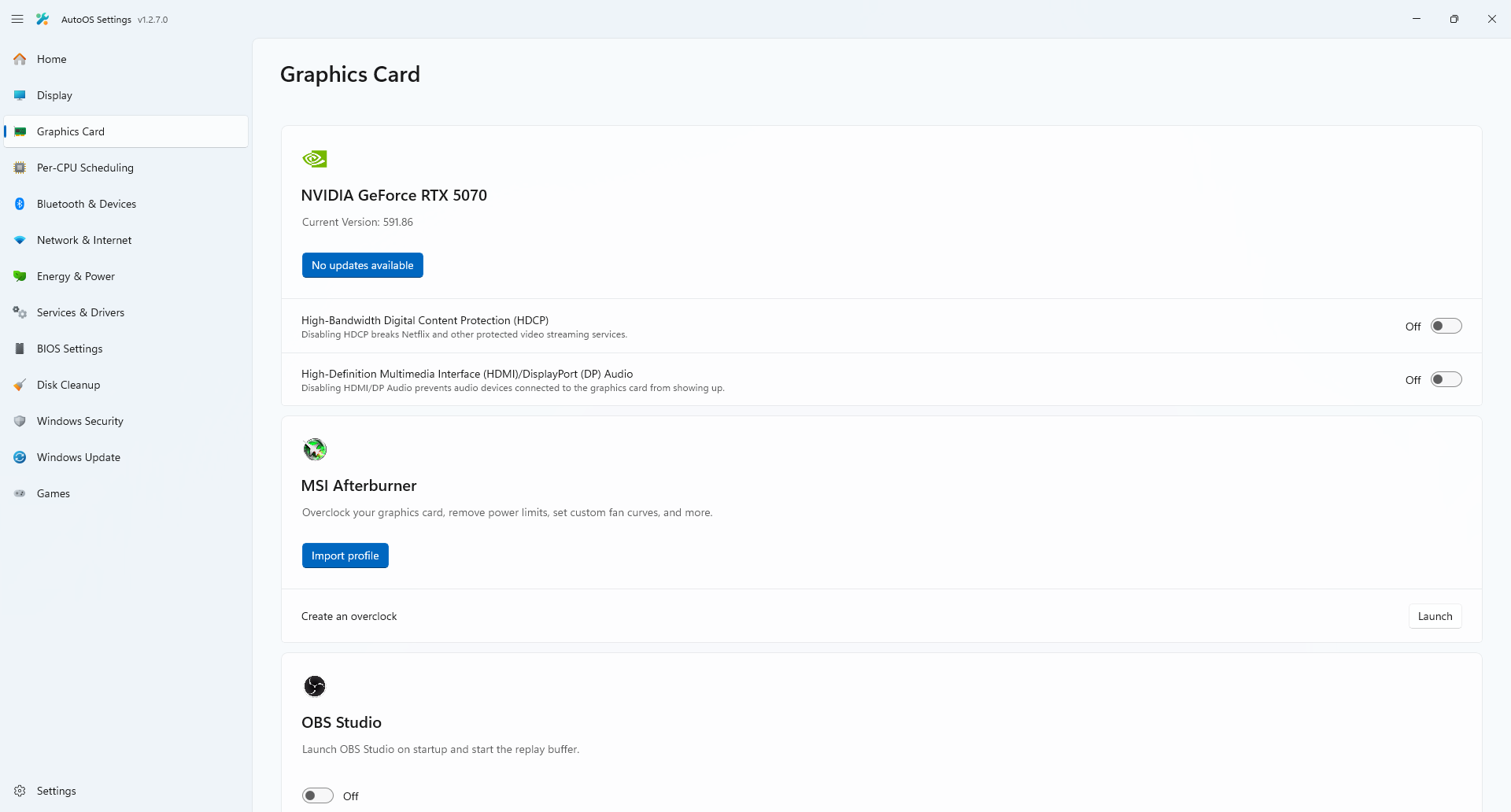
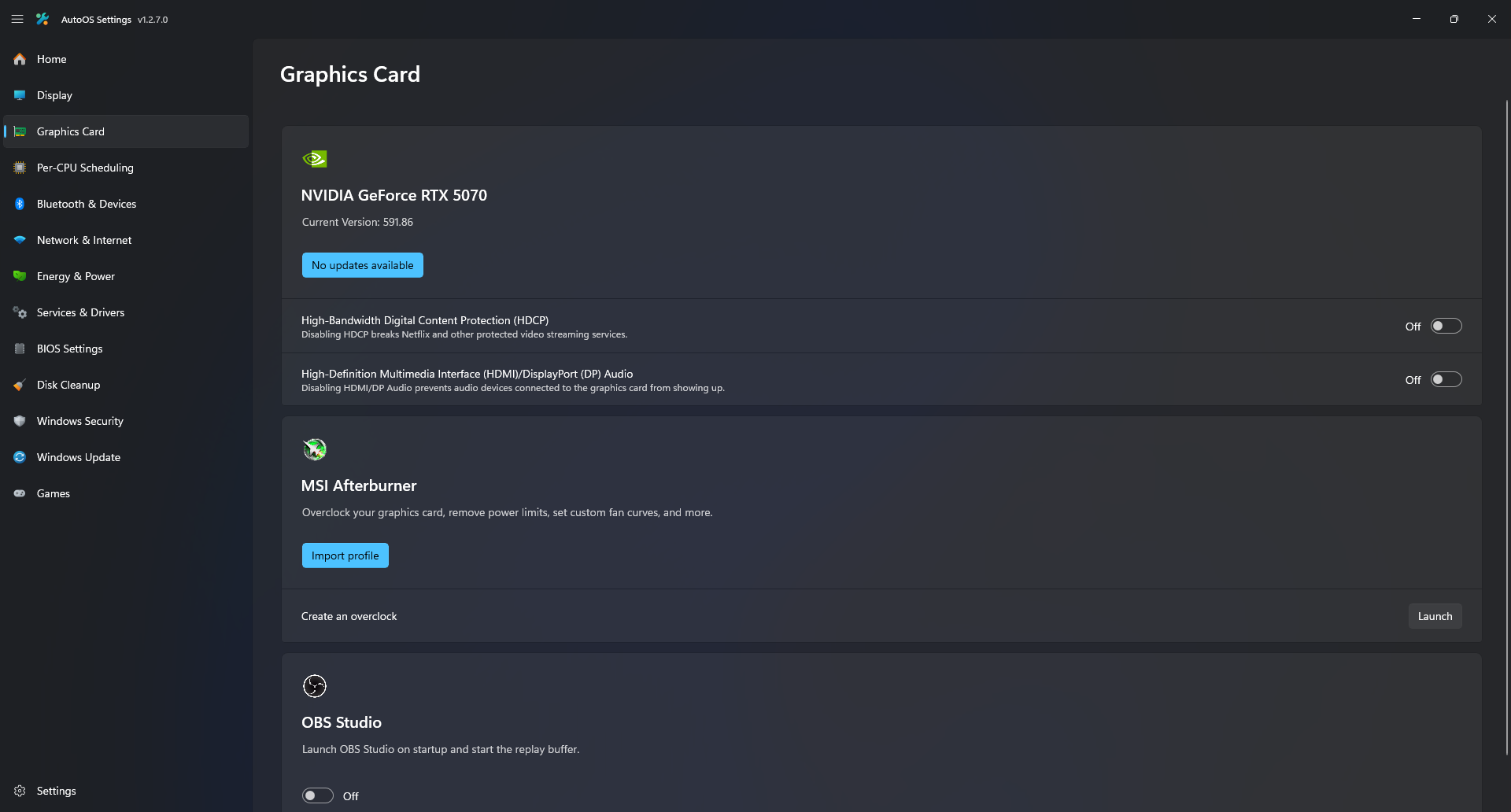
- Easily update GPU driver with one click
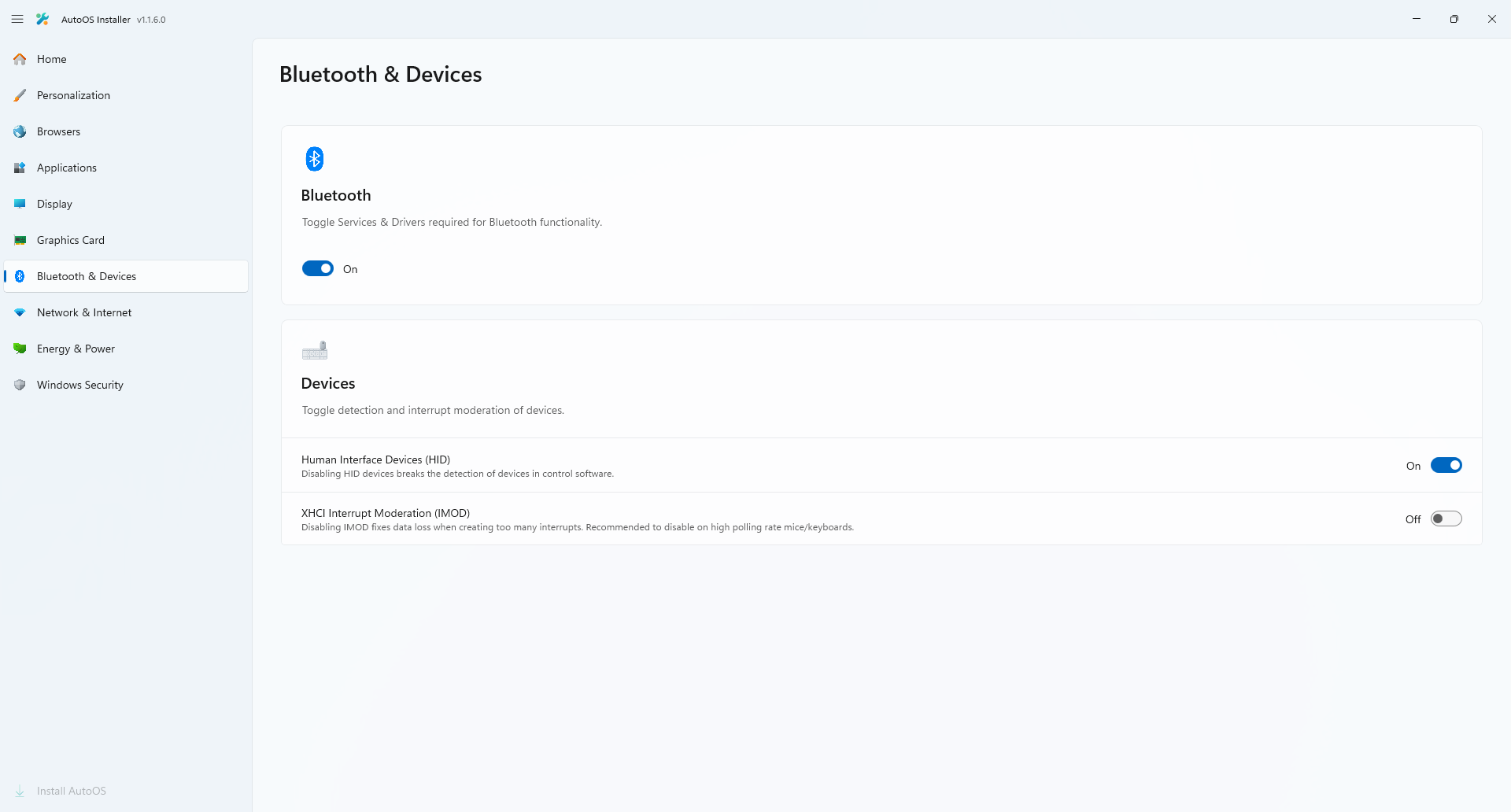
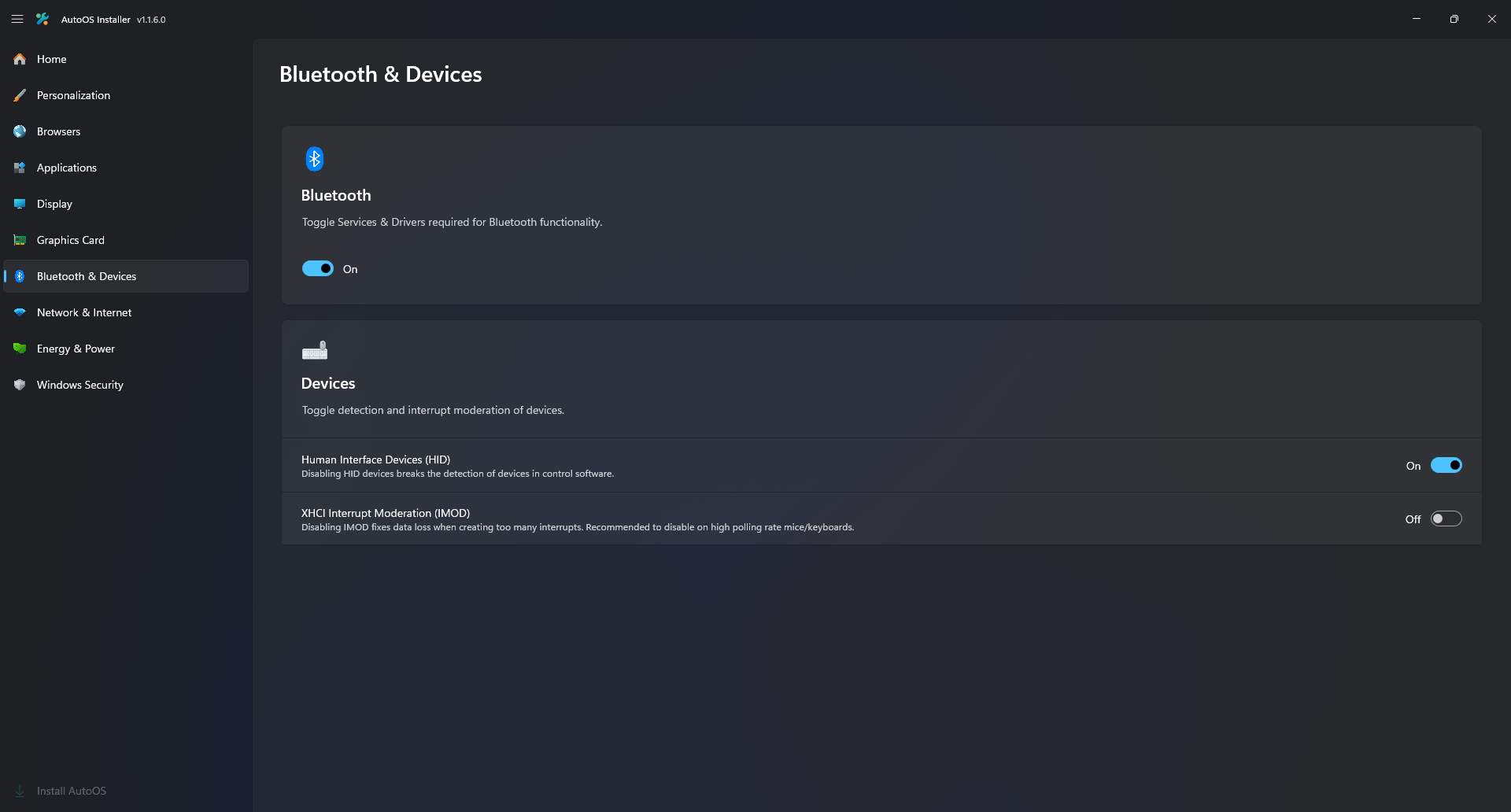
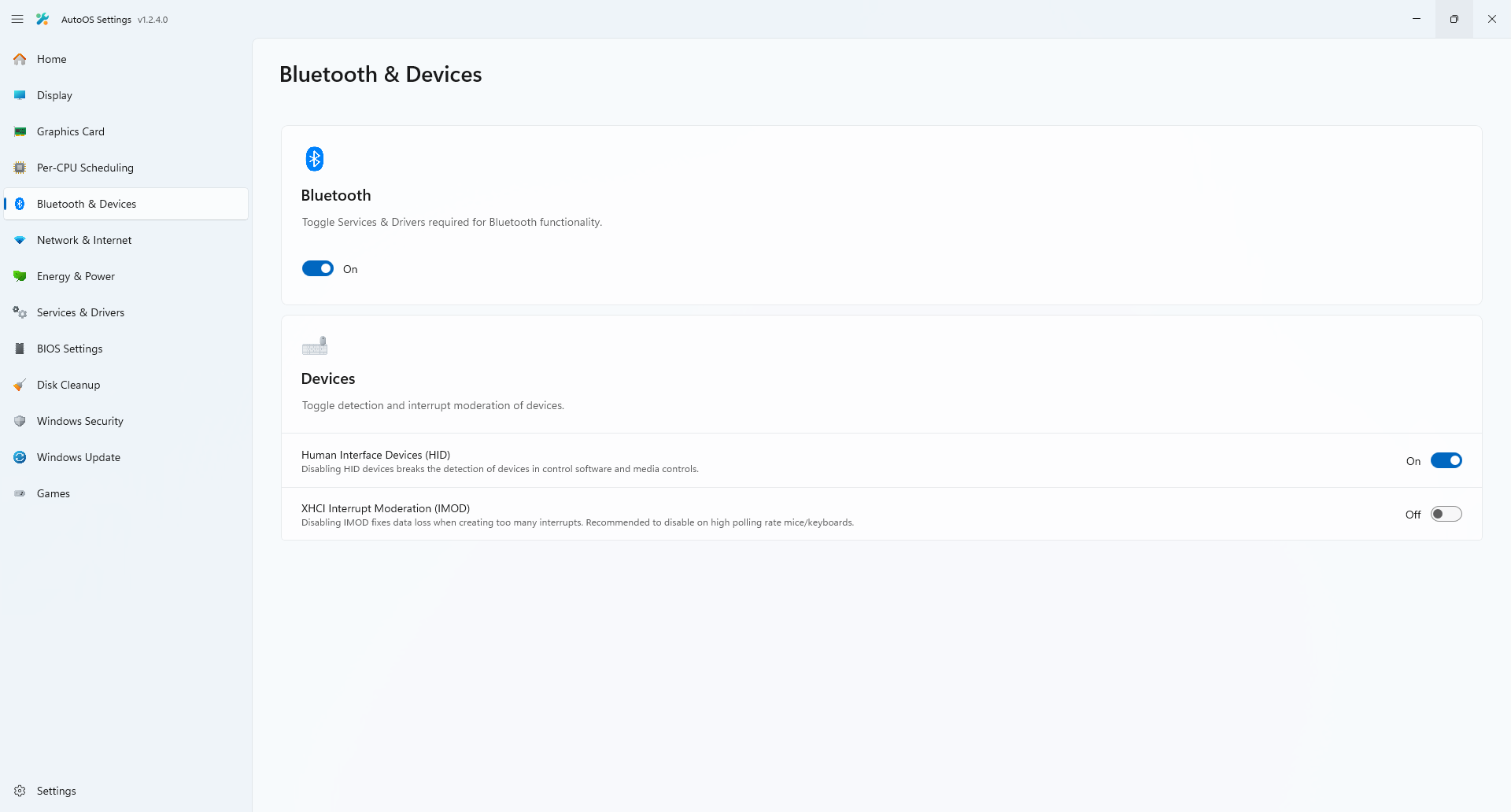
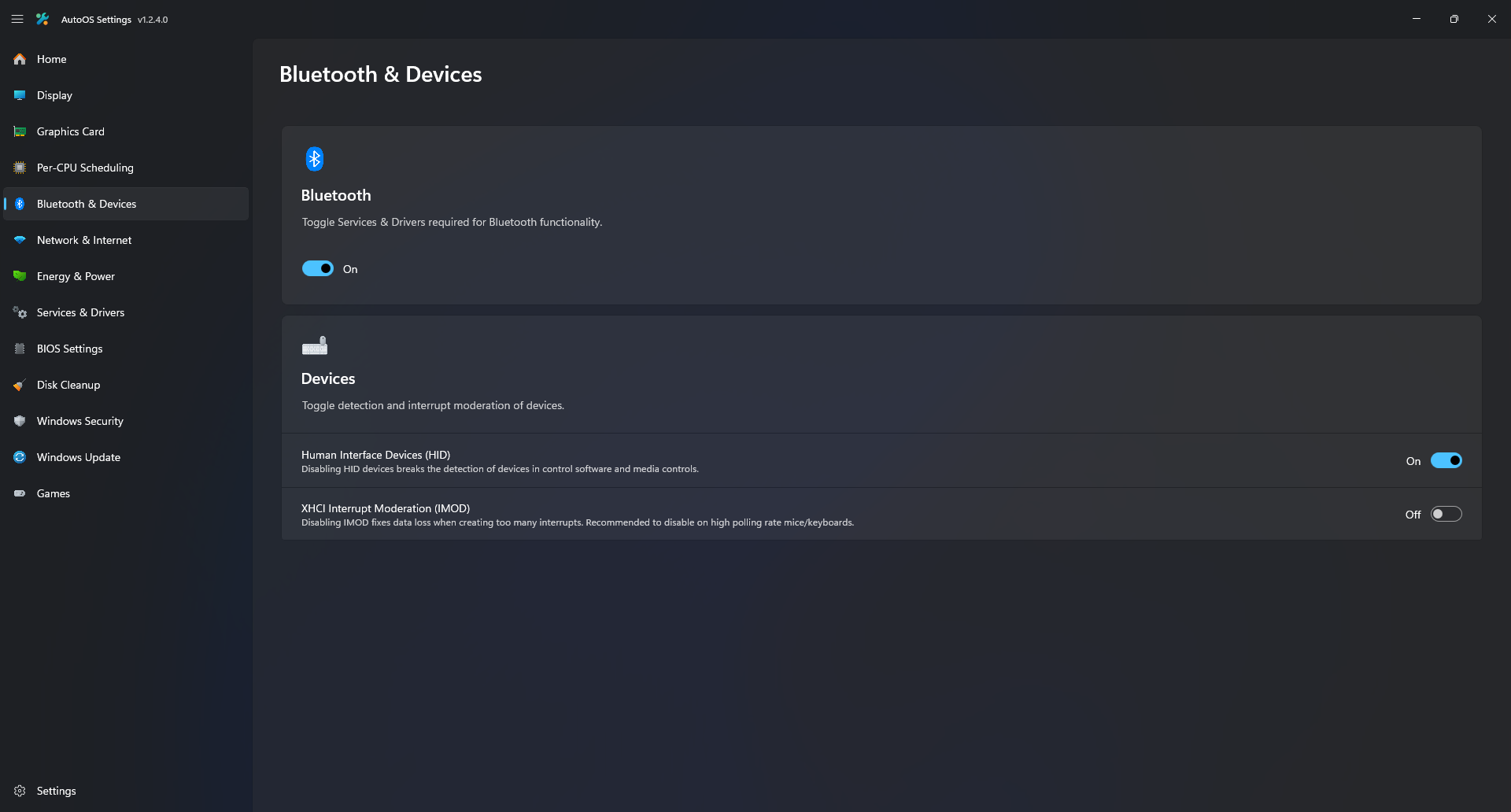
- Toggle XHCI Interrupt Moderation without having to restart
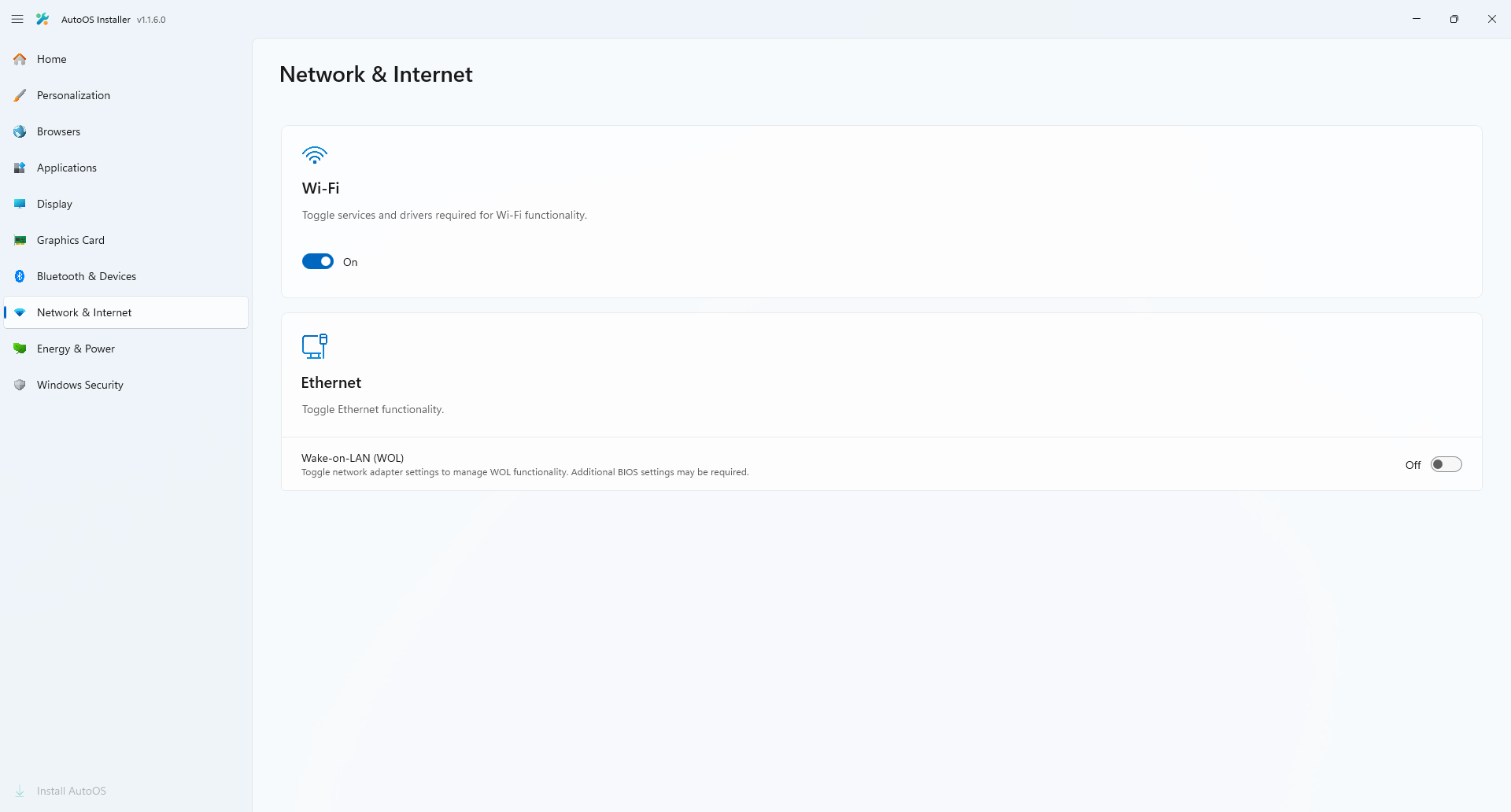
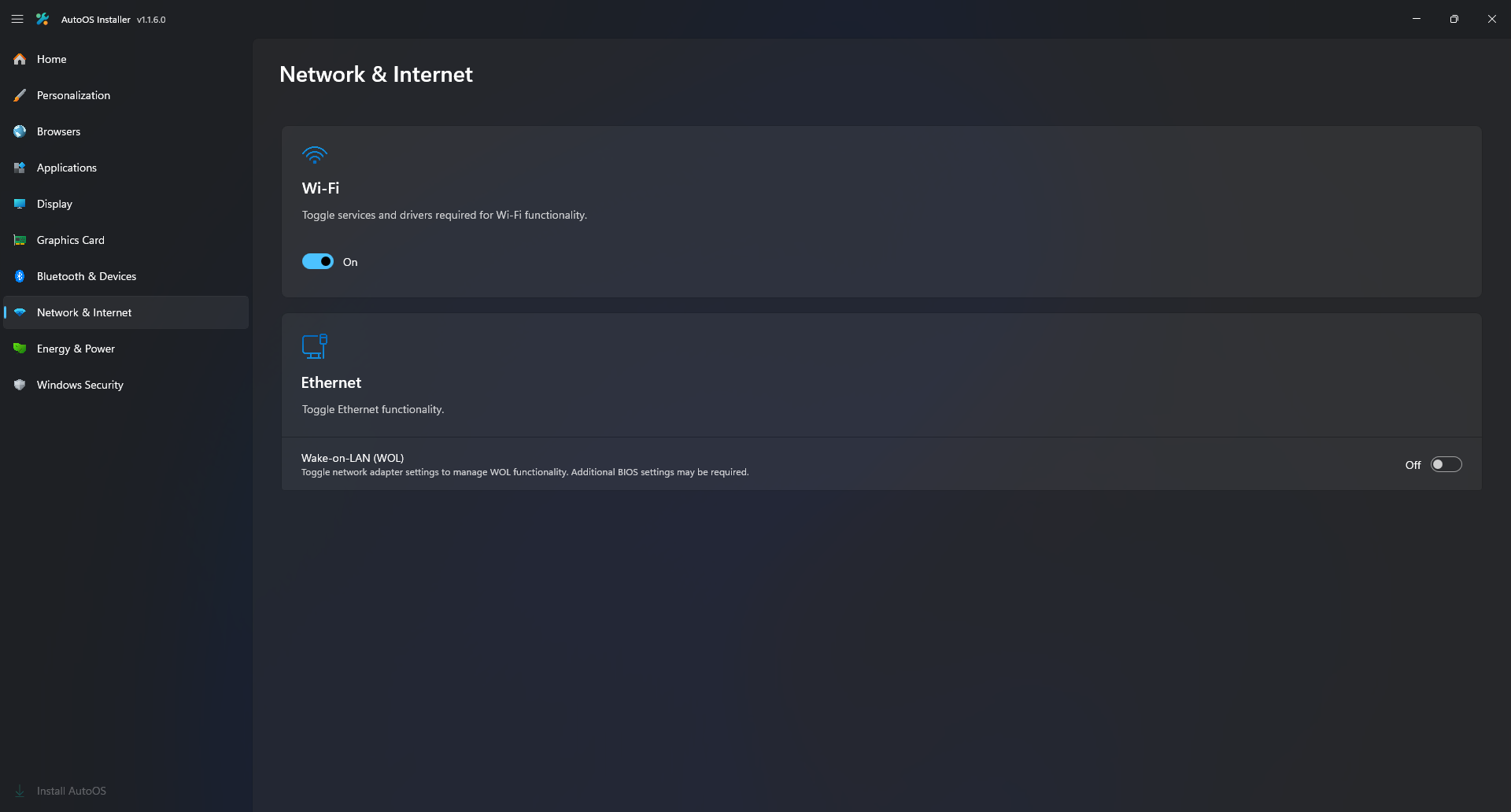
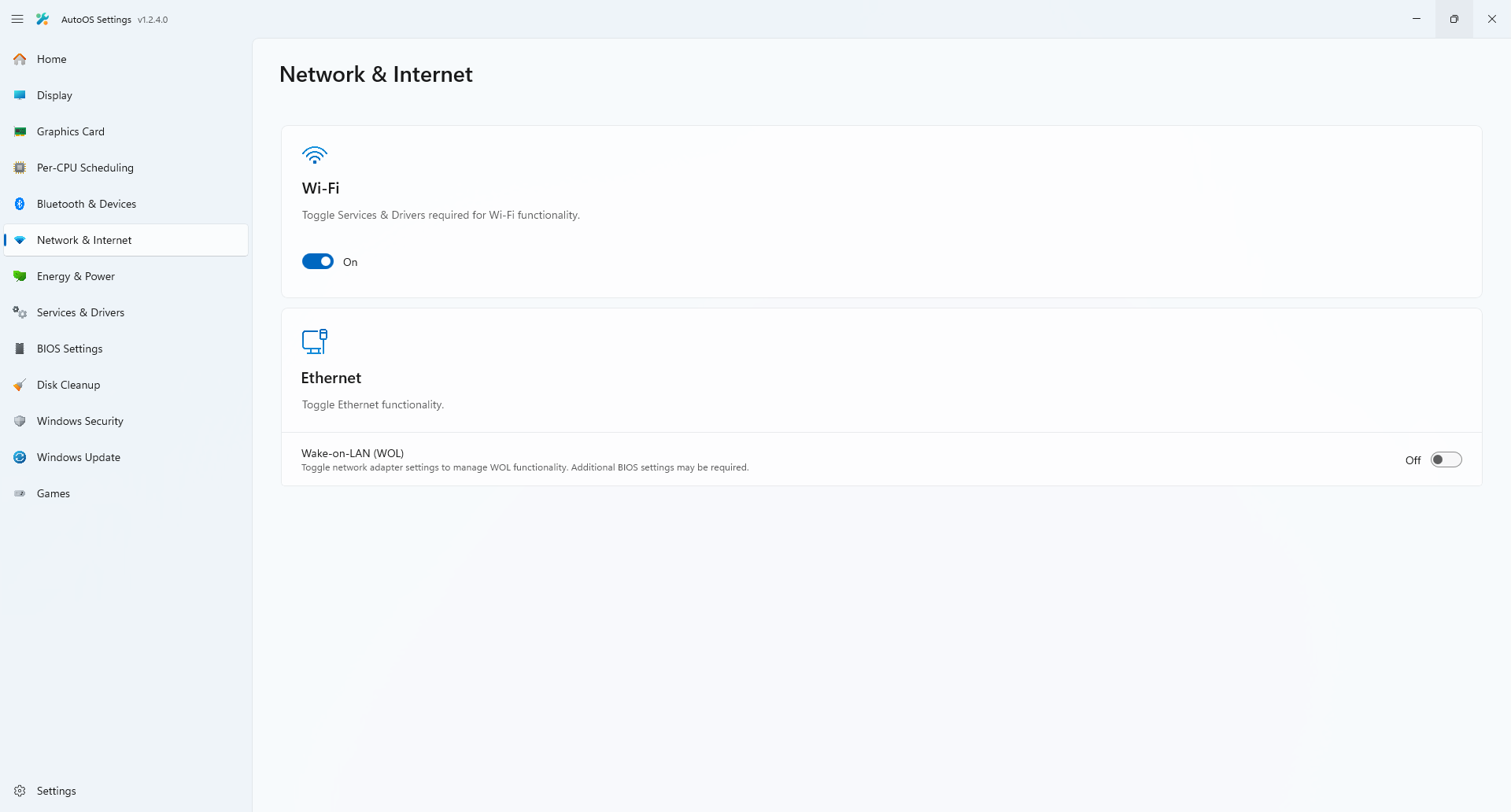
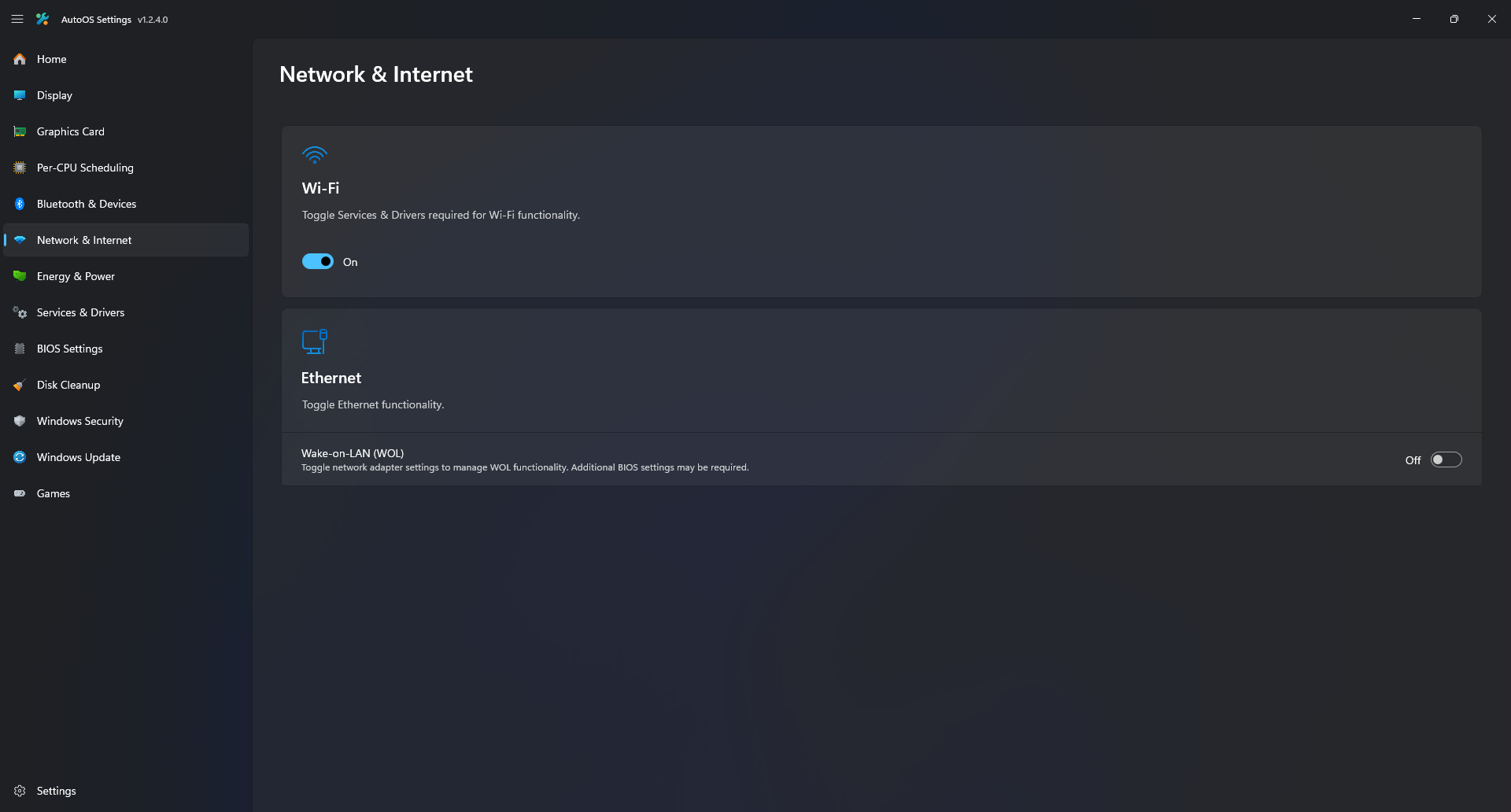
- Toggle between service states with configured functionality
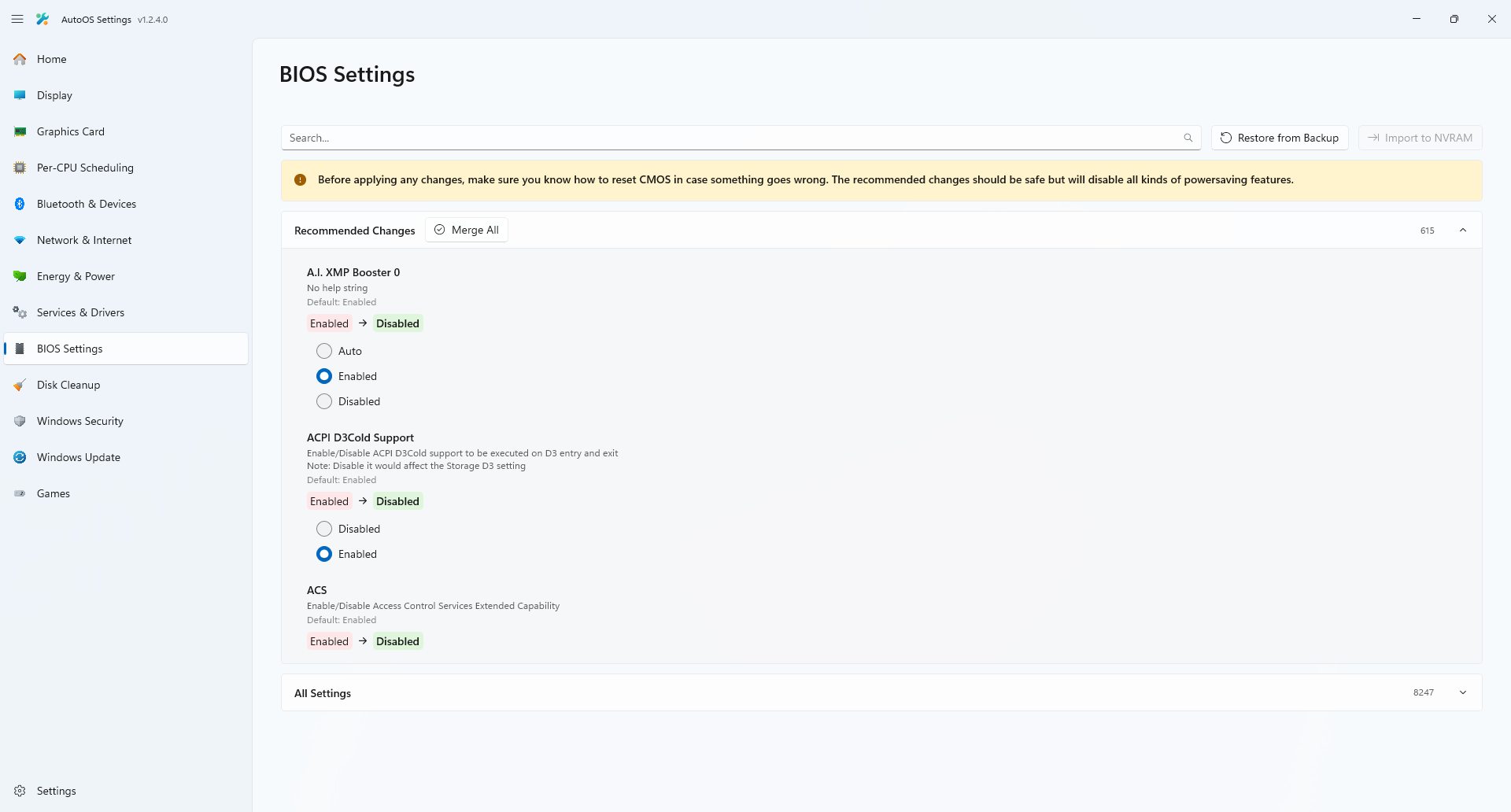
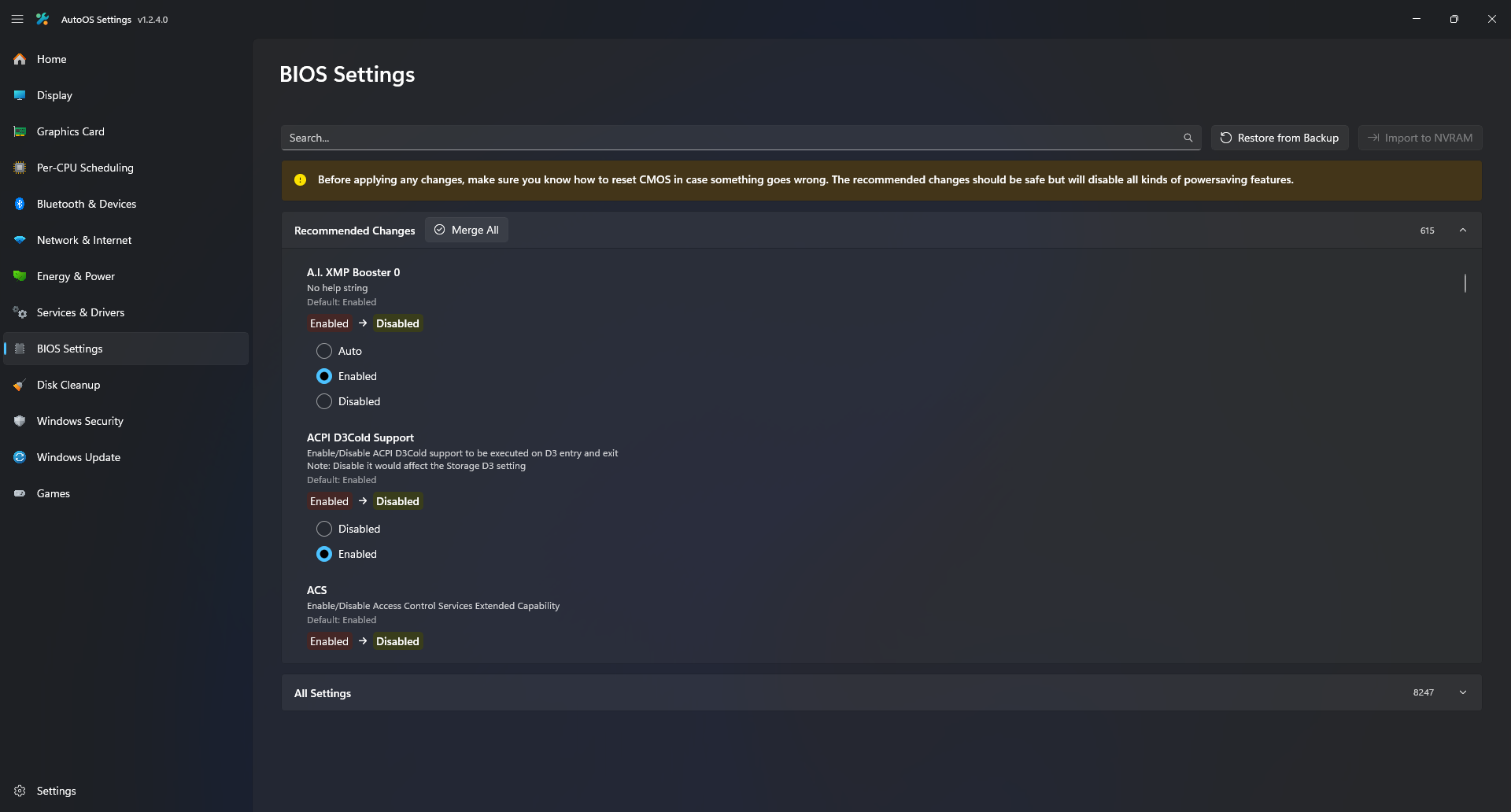
- Apply all hidden BIOS Settings (500+) in one click
- Automatically import Epic Games and Steam titles from old install
- Custom Game Launcher supporting (Epic Games, Steam, Riot Games, Ryujinx)
- Stop processes when running your game to stop all unnecessary services and executables
- Blank screen after installing the Graphics Driver: You may experience a blank screen in the App after installing the Graphics Driver. To fix this, resize the window from the left side until it rerenders the UI.
Note
If you want to change the display language of Windows, do so after AutoOS is fully set up.
Step 1: Before installing, please join my Discord Server to receive installation support and stay informed about future updates or changes.
Step 2: Download the latest Windows 23H2 ISO from here. Other ISOs are currently not supported.
If your download speed is slower than usual, use 1VPN and set it to USA West. Then restart the download:
Step 3: Extract the downloaded zip file.
Step 4: Go to the Drivers / Support page or your Mainboard / PC and download your LAN, Wi-Fi and Bluetooth driver (No Audio, Chipset, or anything else). On prebuilts and laptops you may also need the disk driver (Intel Rapid Storage Technology Driver) otherwise you may get a bluescreen.
Extract all .zip files (for .exe files, there may be an extract option in the setup, otherwise use 7-Zip, NanaZip, or WinRAR to extract them) and move all extracted folders into one folder.
Step 5: Open PowerShell as Administrator.
Step 6: Paste this into the PowerShell window to download and run the deployment script.
Set-ExecutionPolicy -ExecutionPolicy Bypass -Scope Process -Force
irm https://raw.githubusercontent.com/tinodin/AutoOS/master/deploy.ps1 | iex
If you get any errors during the script, its most likely because your current operating system has disabled services that are required. Make sure to you use a default installation of windows to run the script.
Step 7: Once the script finished, restart your computer and boot into the default option. Make sure to keep your ethernet cable connected or connect to your WiFi in the setup. Then wait for Windows to finish installing.
Step 8: Once finished, wait for AutoOS to open up (On slower systems this may take a minute).
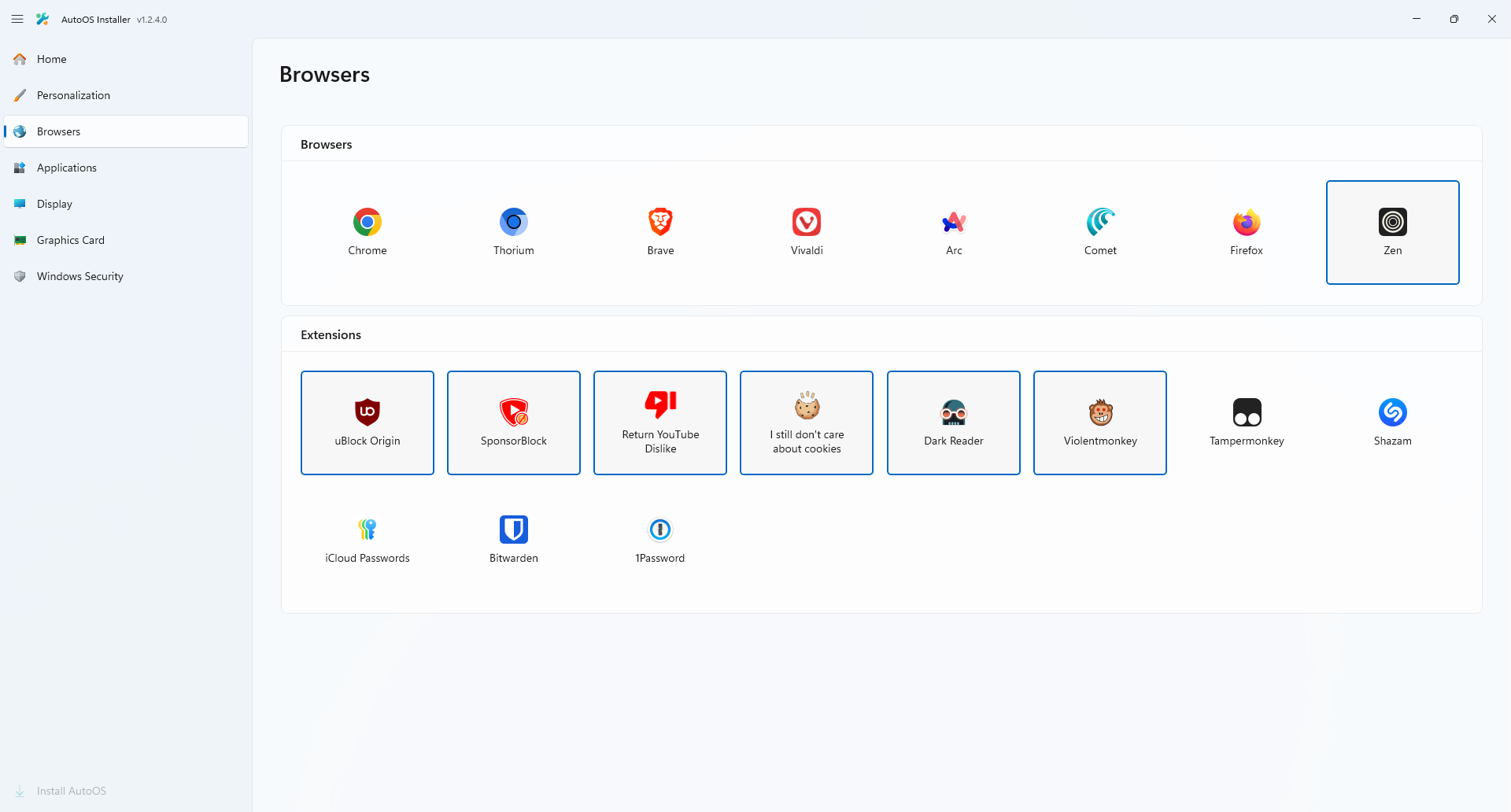
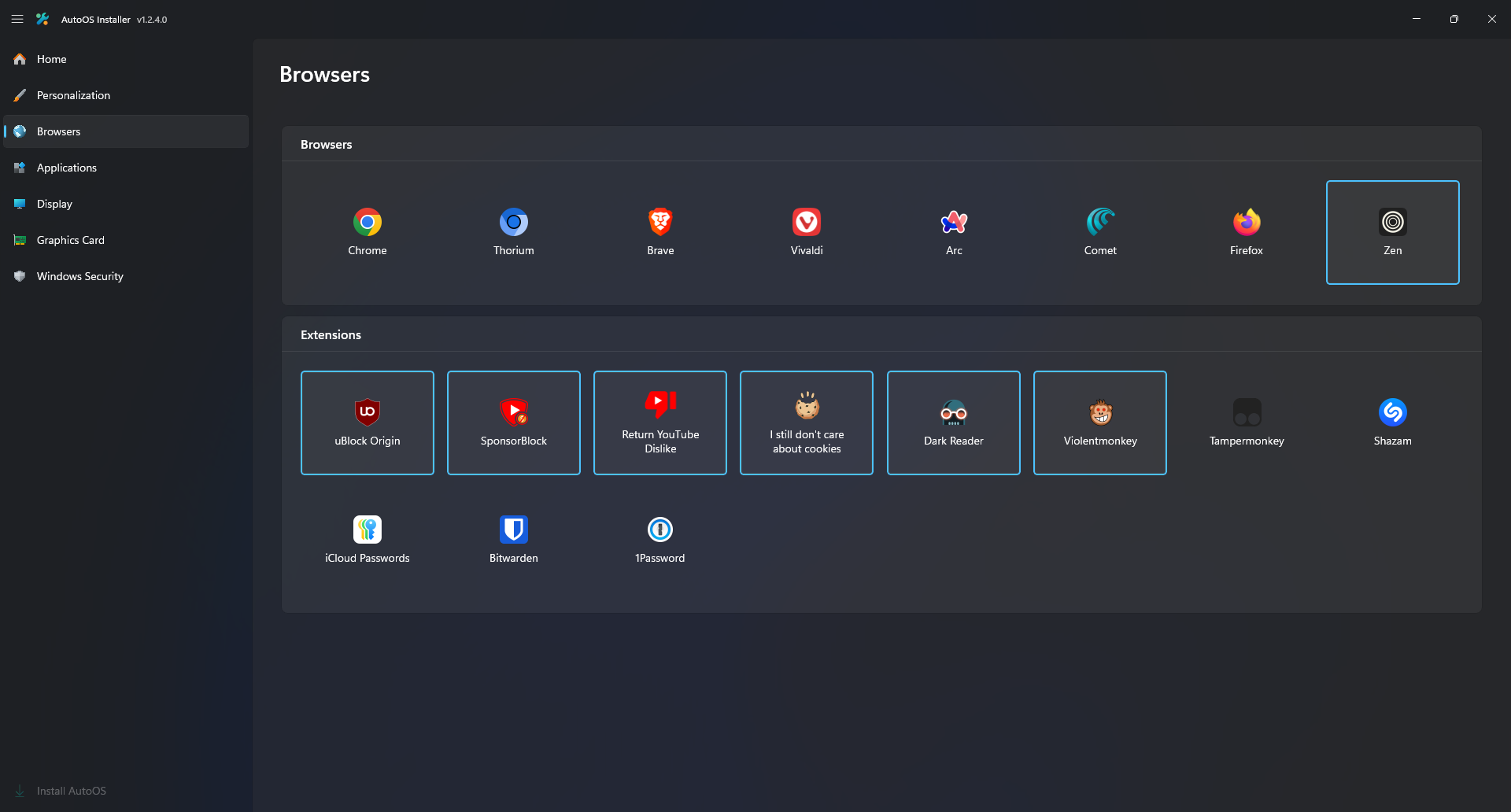
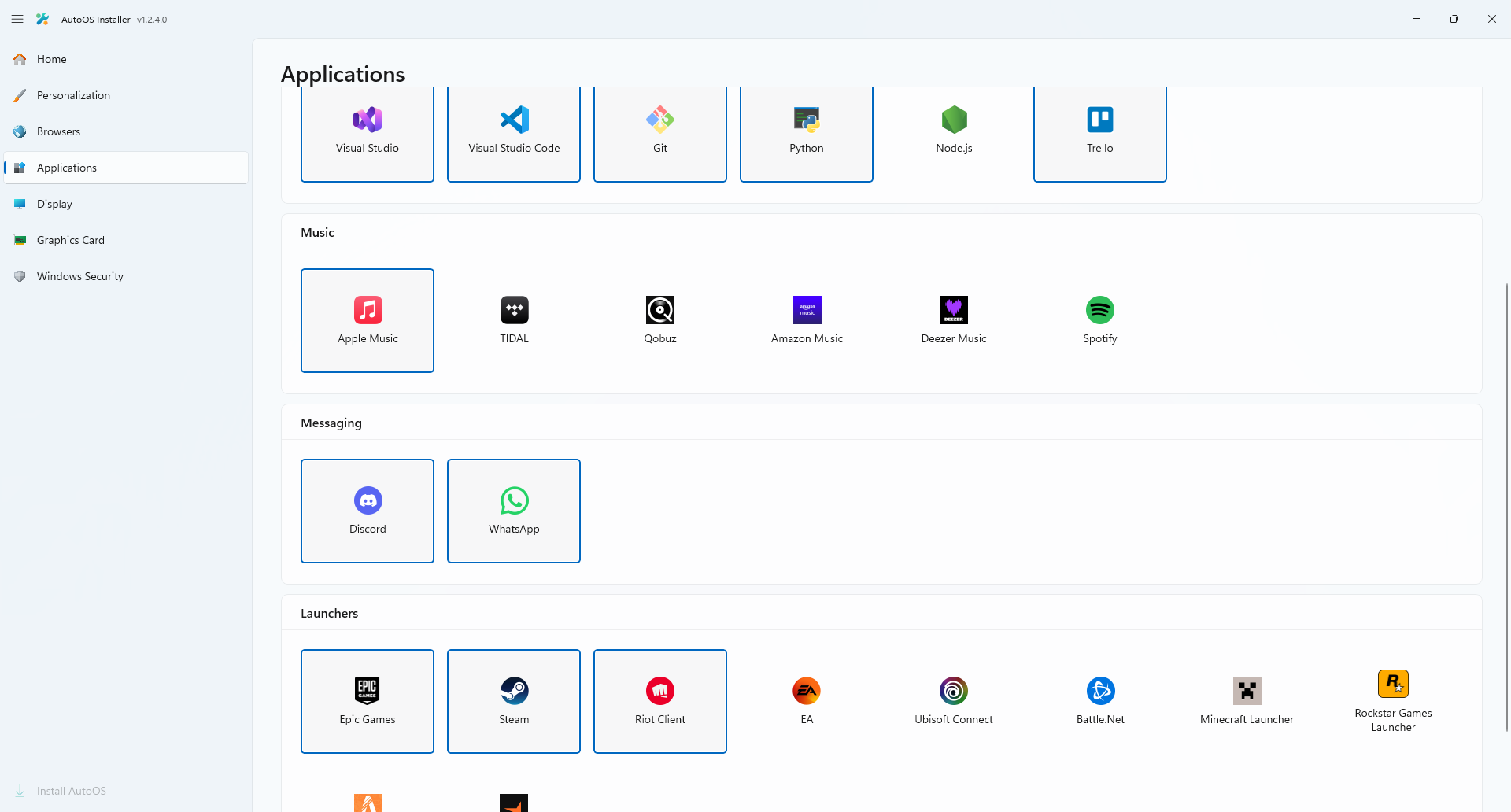
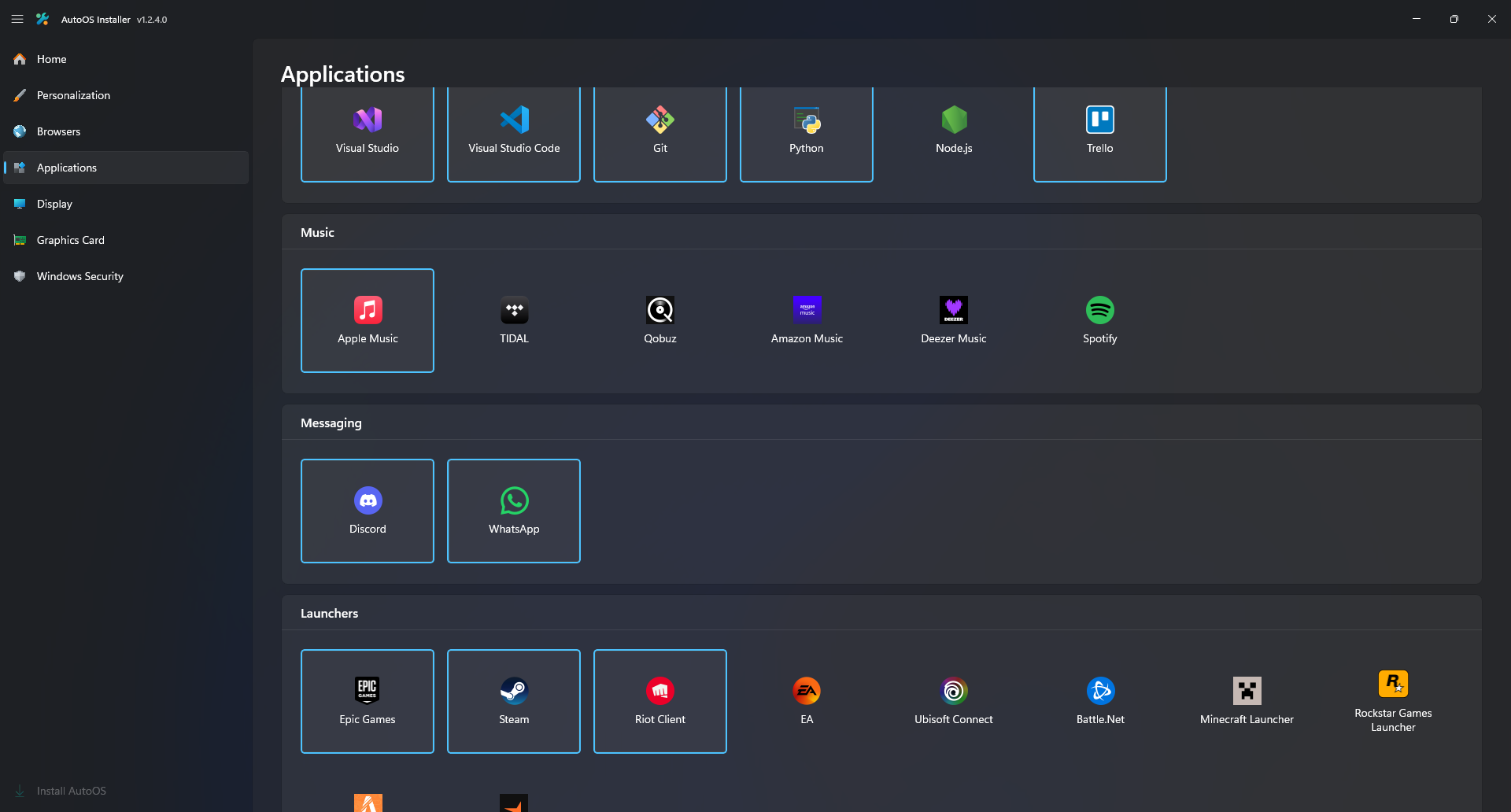
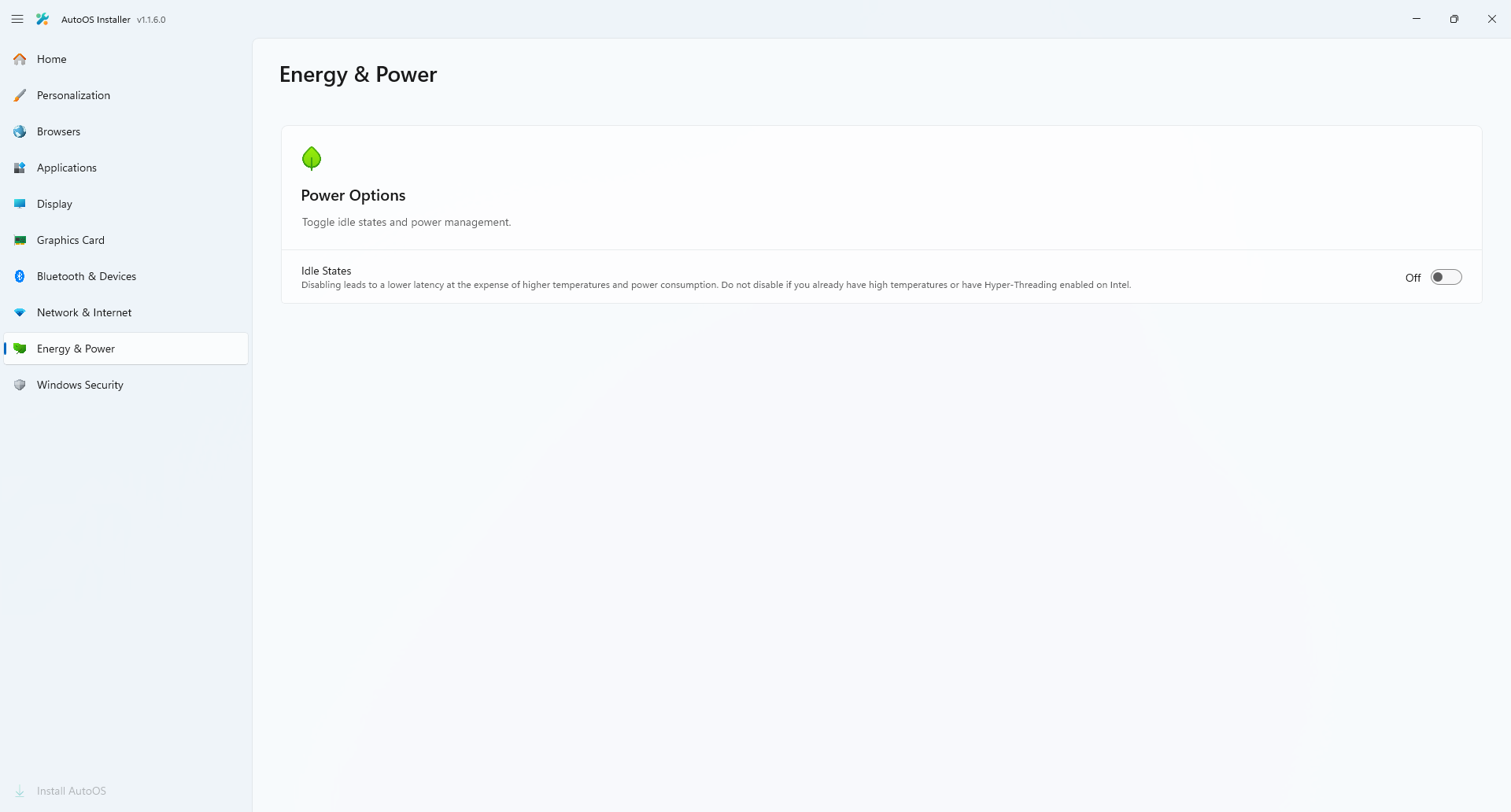
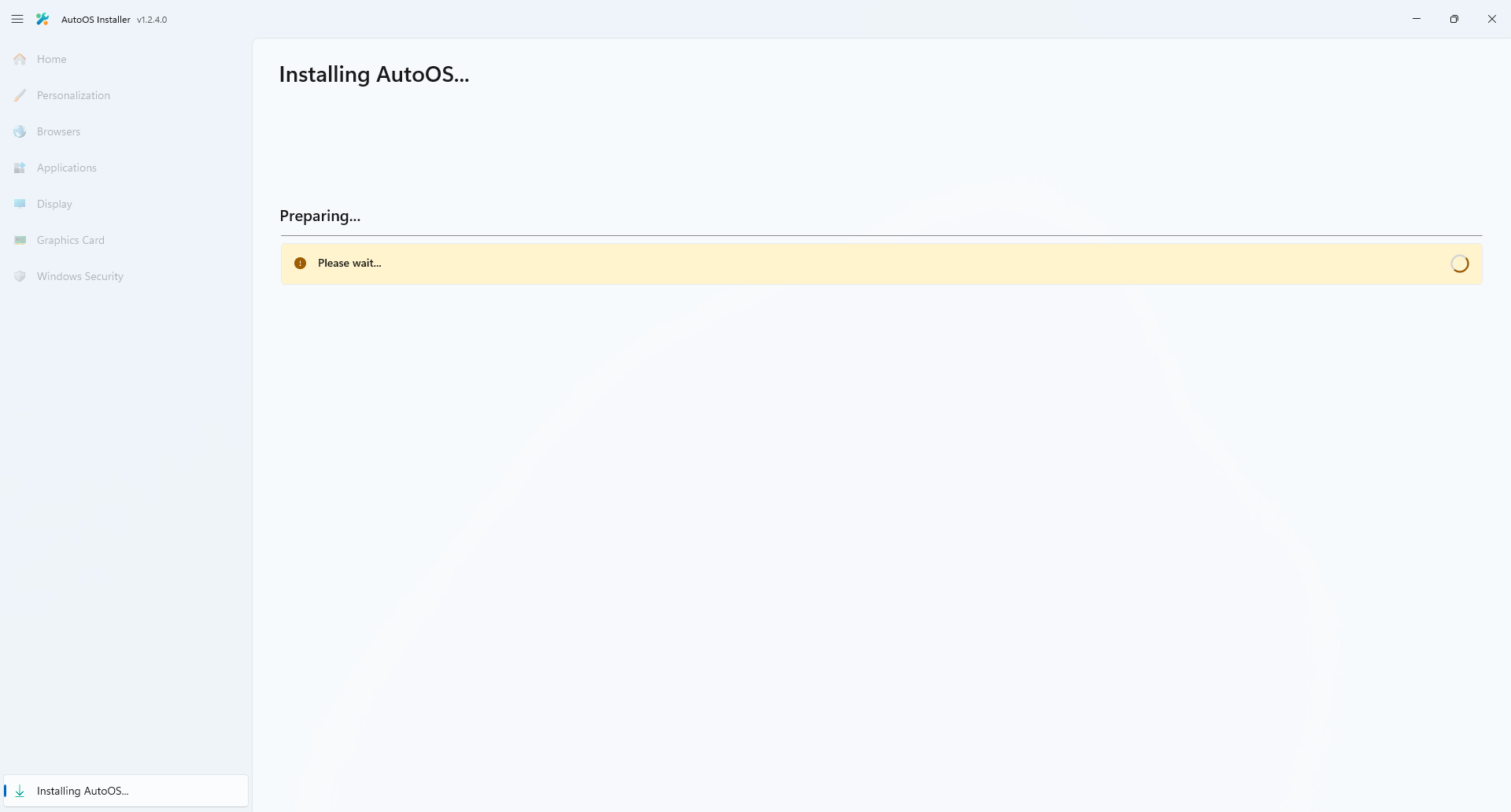
Step 9: Select your settings and click "Install AutoOS". This process will take around 30 minutes.
If you want to delete your old Windows partition and merge the unallocated space with the AutoOS partition, use Minitool Partition Wizard Free (decline each offer in the installer). Then use the Delete function on the old Windows partition and the Extend function on the AutoOS partition and max out the slider. Click appy and restart. Make sure to delete Minitool Partition Wizard Free again after you are done.
| Light | Dark |
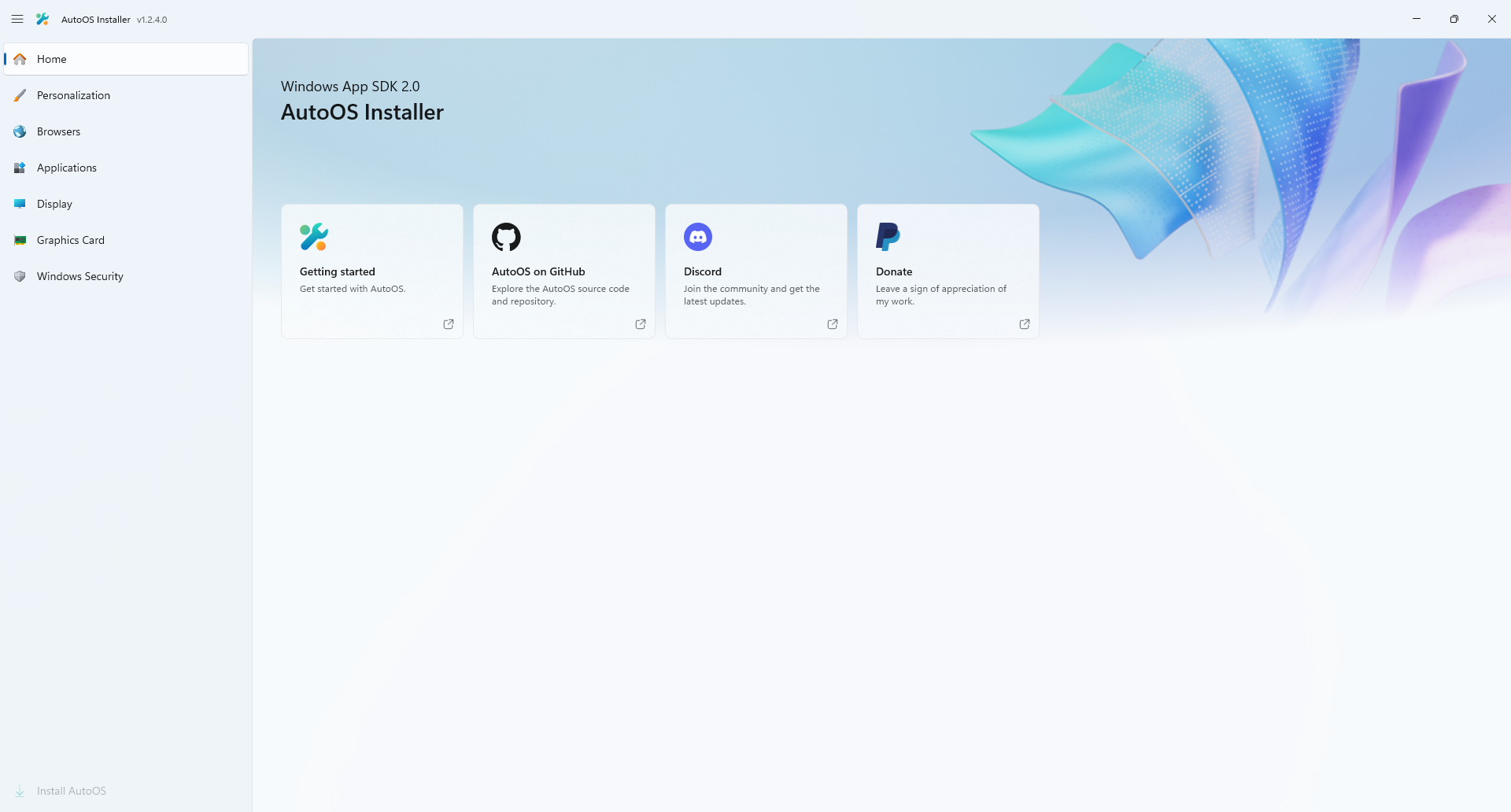 |
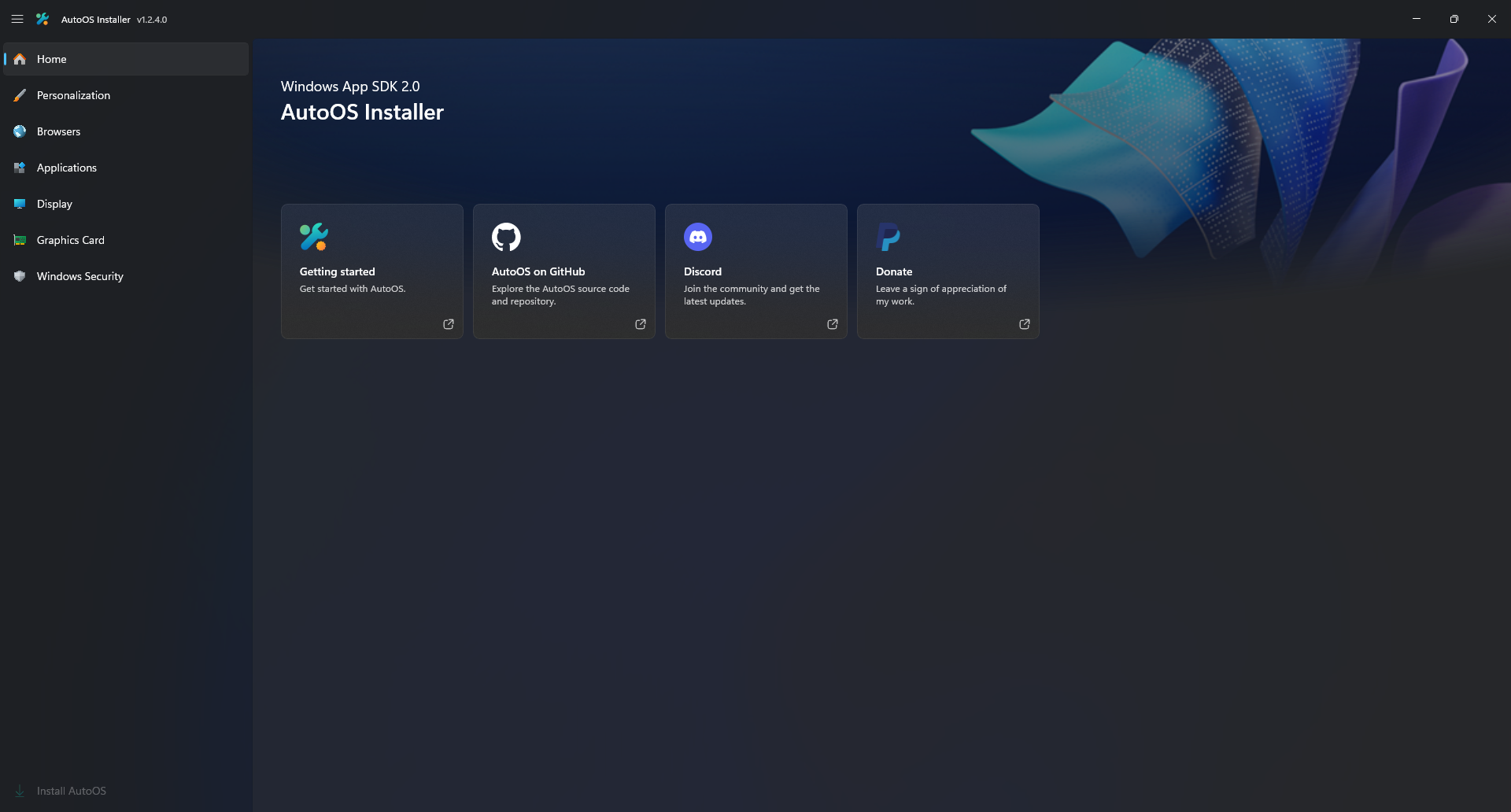 |
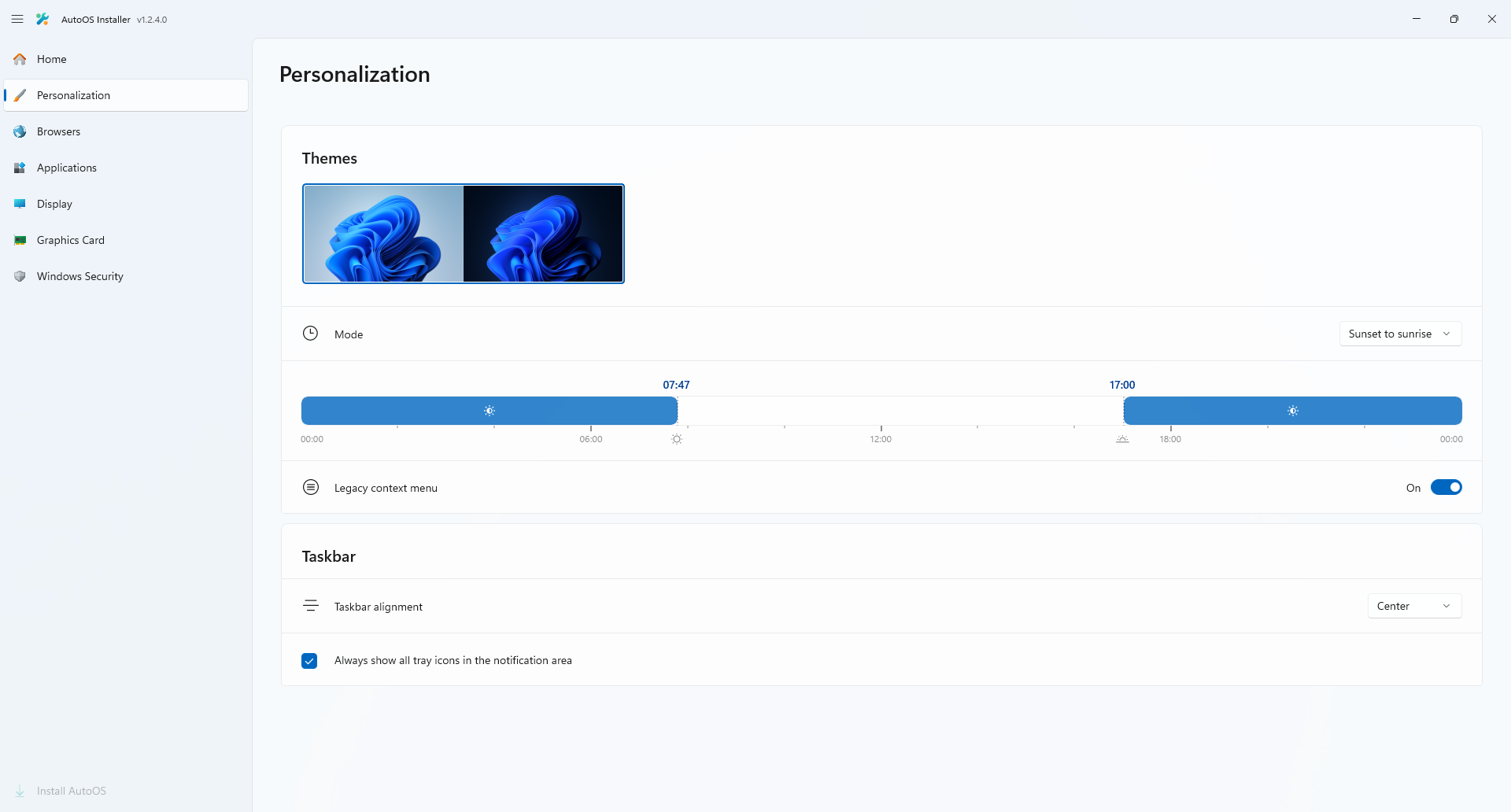 |
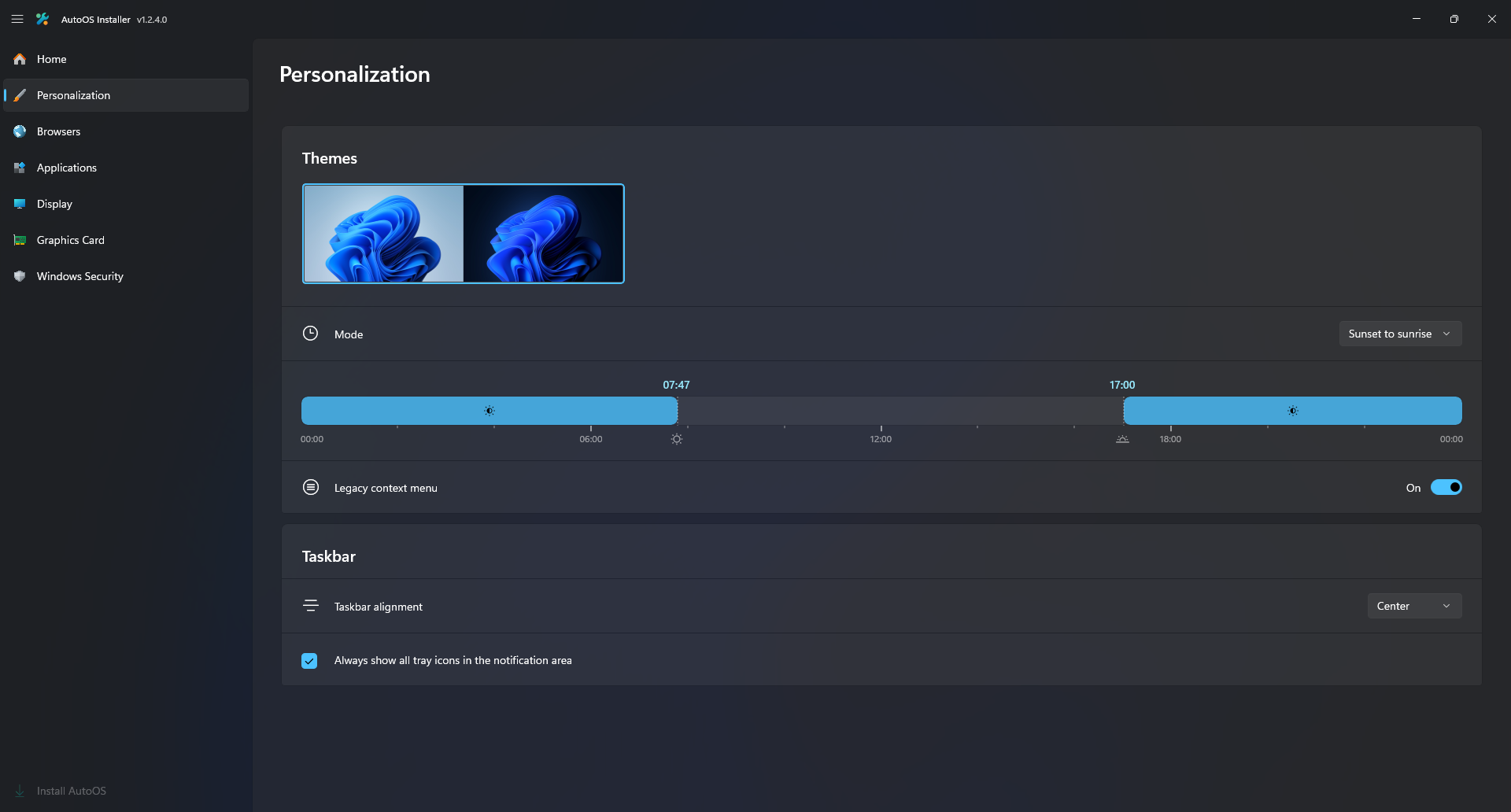 |
 |
 |
 |
 |
 |
 |
 |
 |
 |
 |
 |
 |
 |
 |
 |
 |
| Light | Dark |
 |
 |
 |
 |
 |
 |
 |
 |
 |
 |
 |
 |
 |
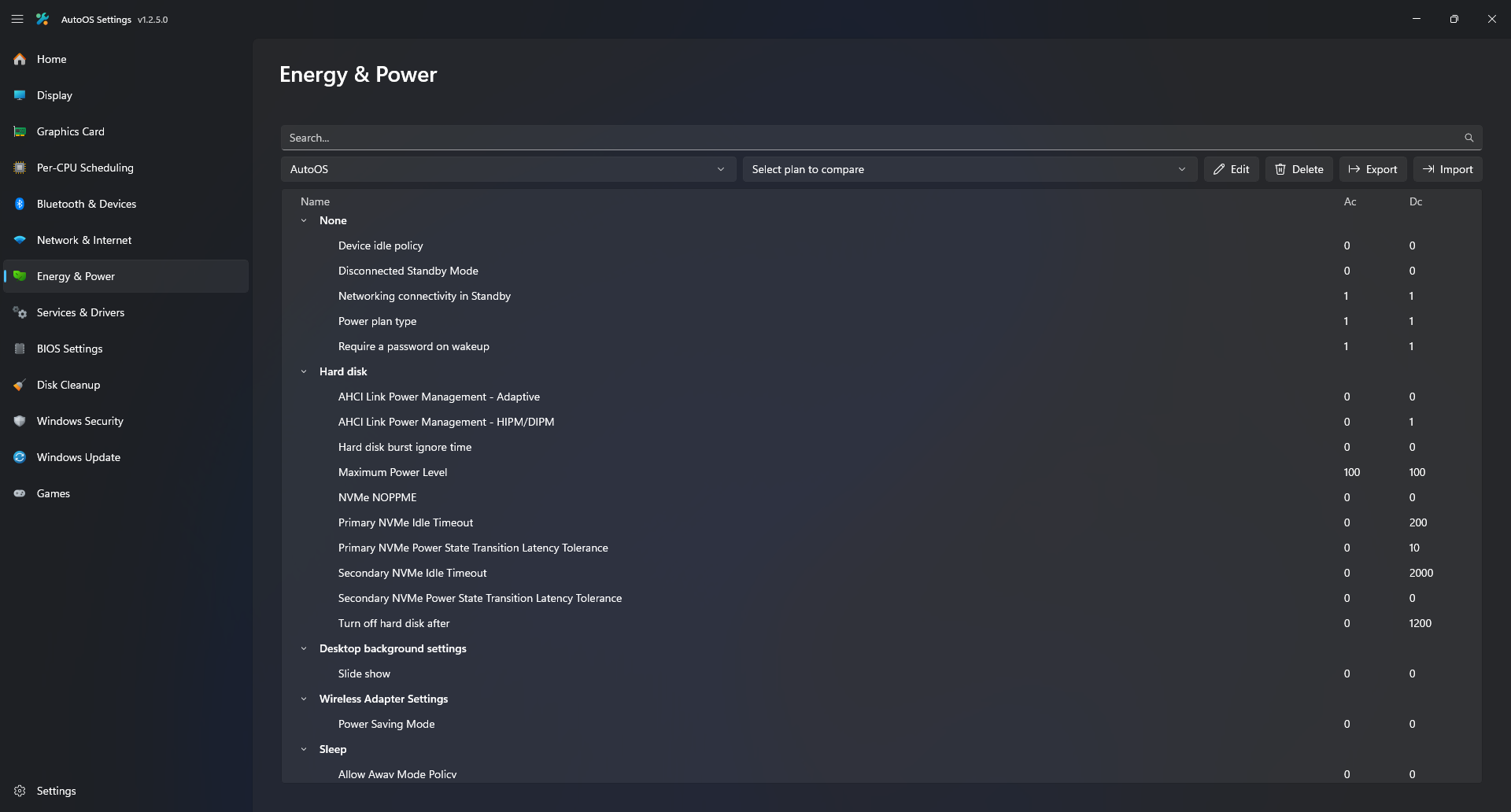 |
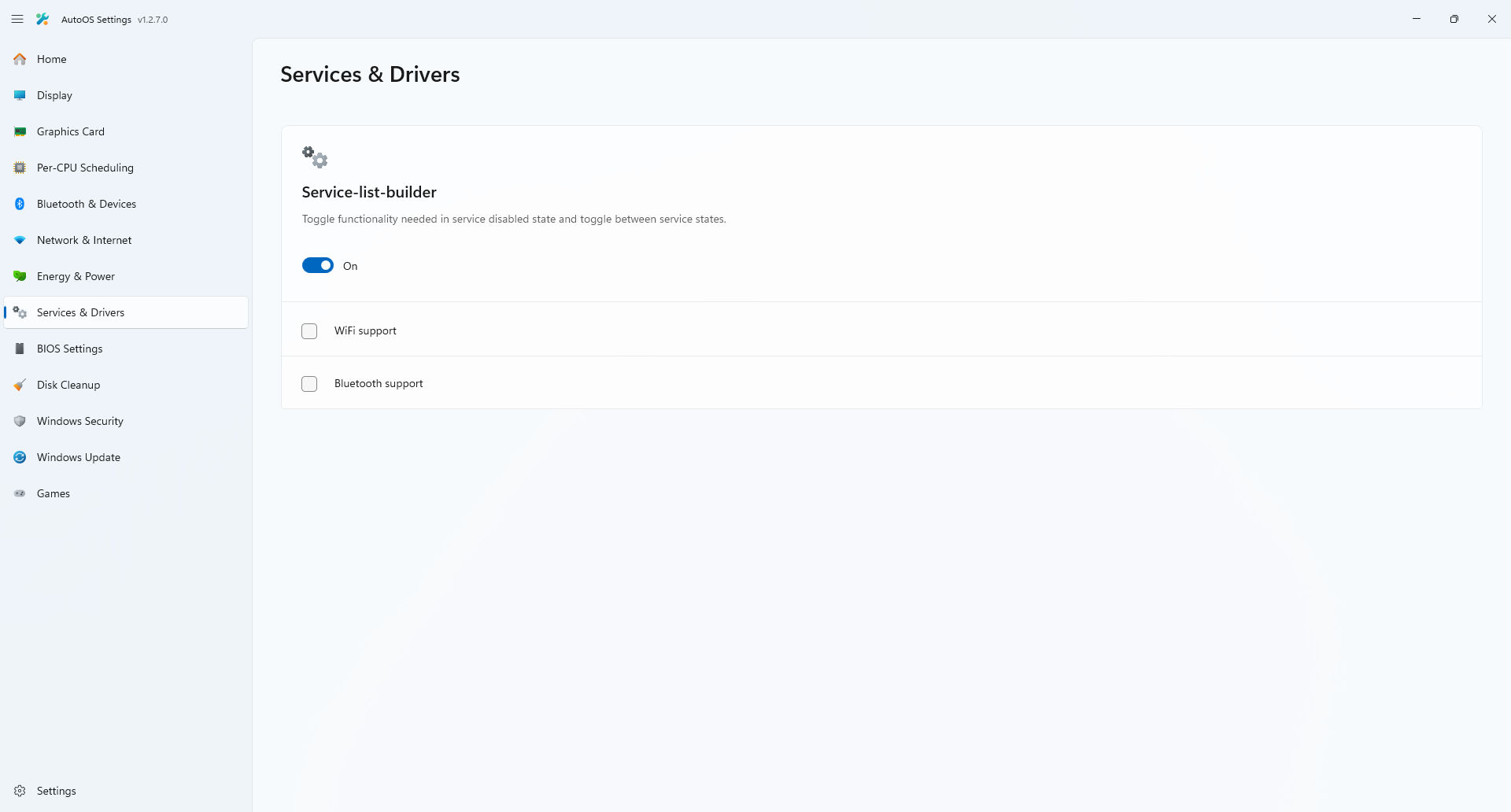 |
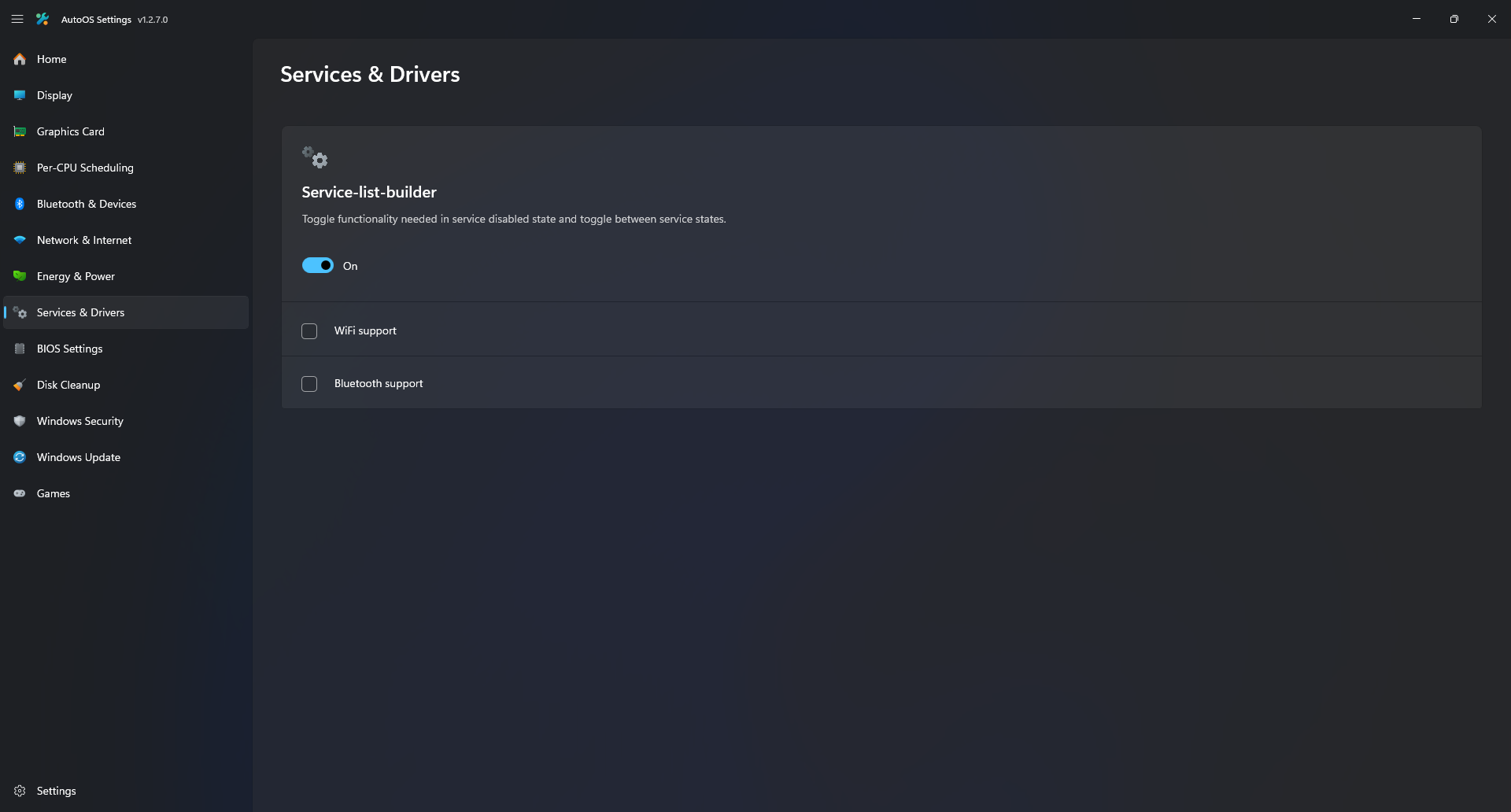 |
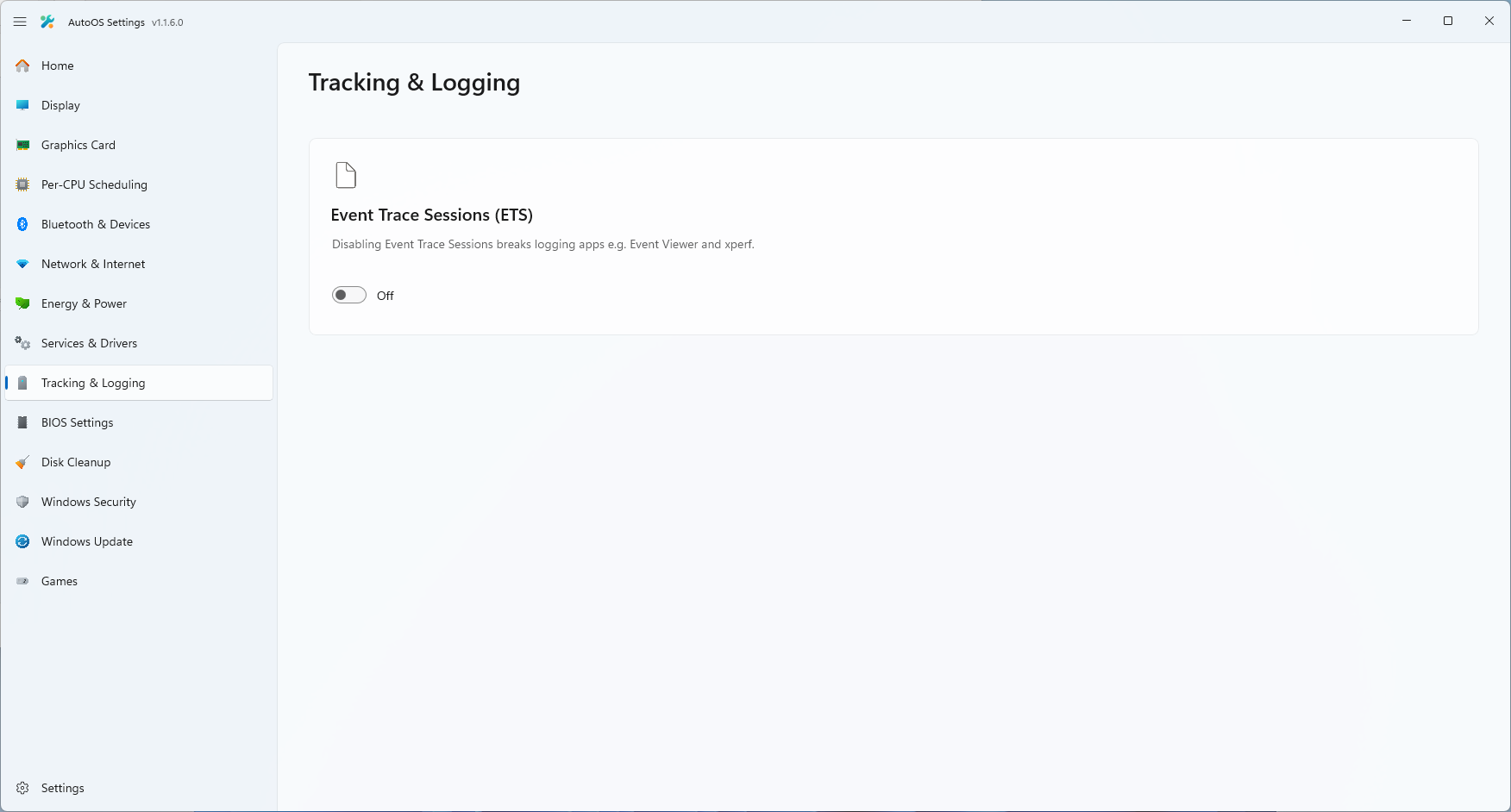 |
 |
 |
 |
 |
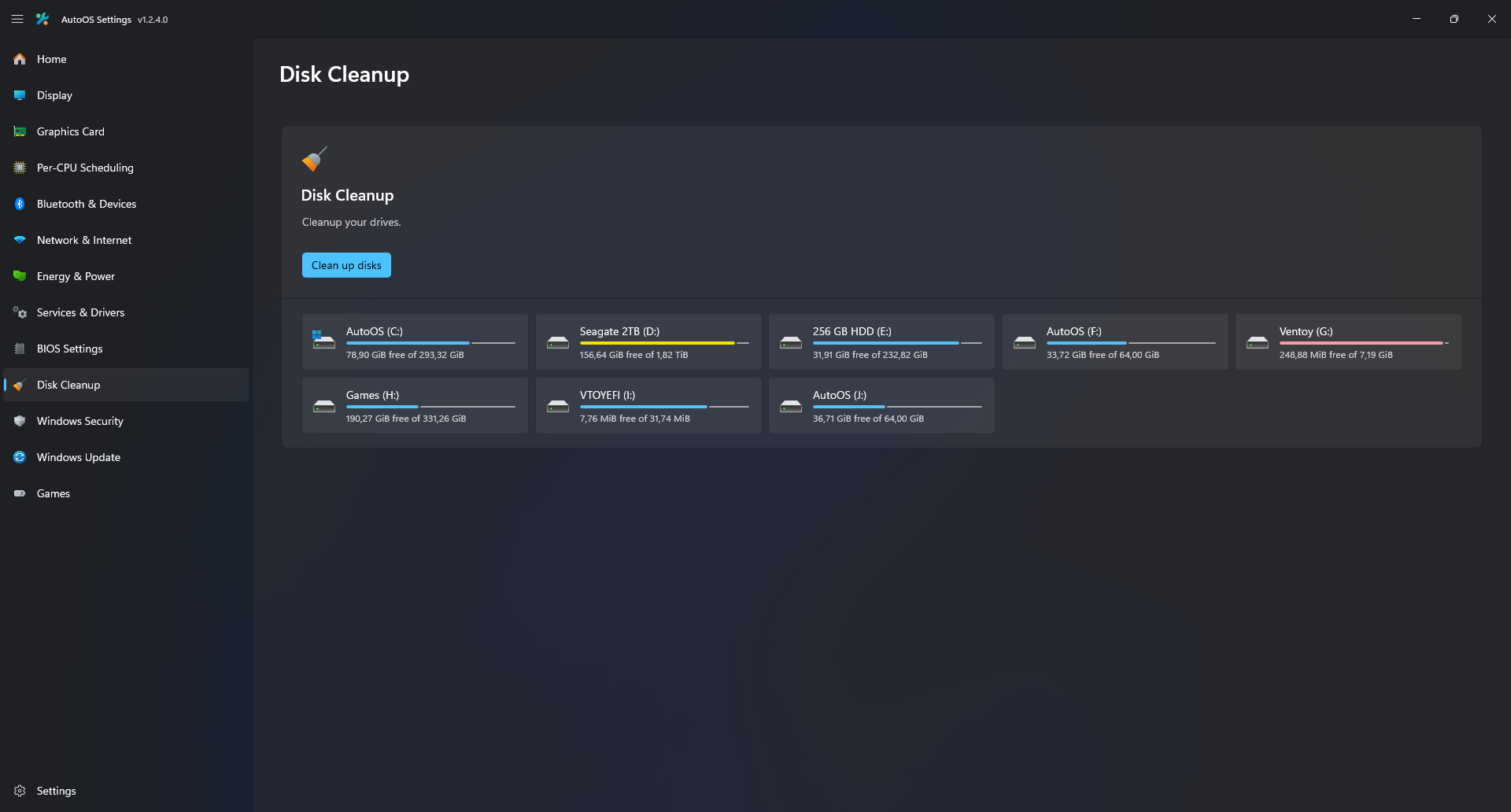 |
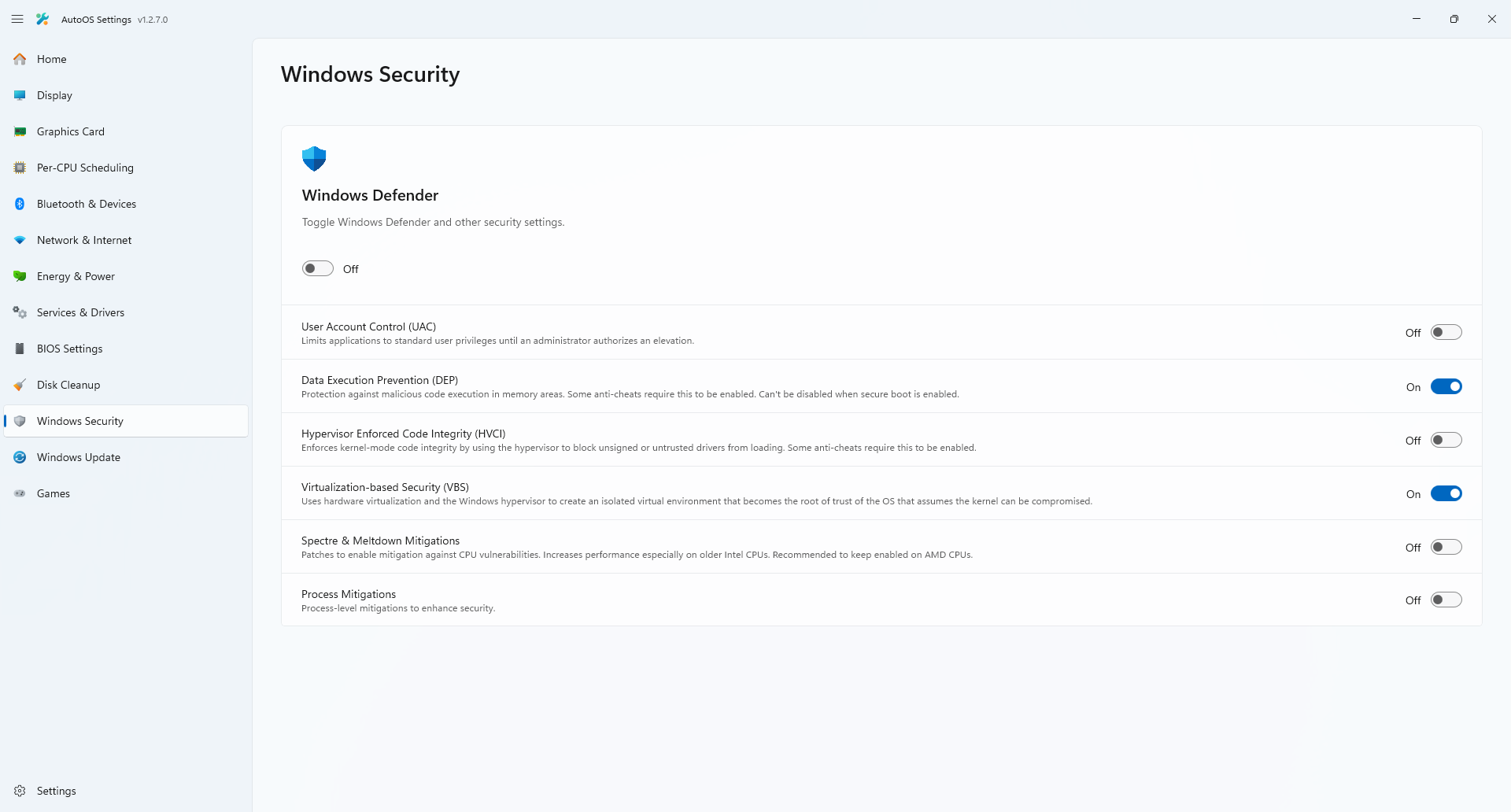 |
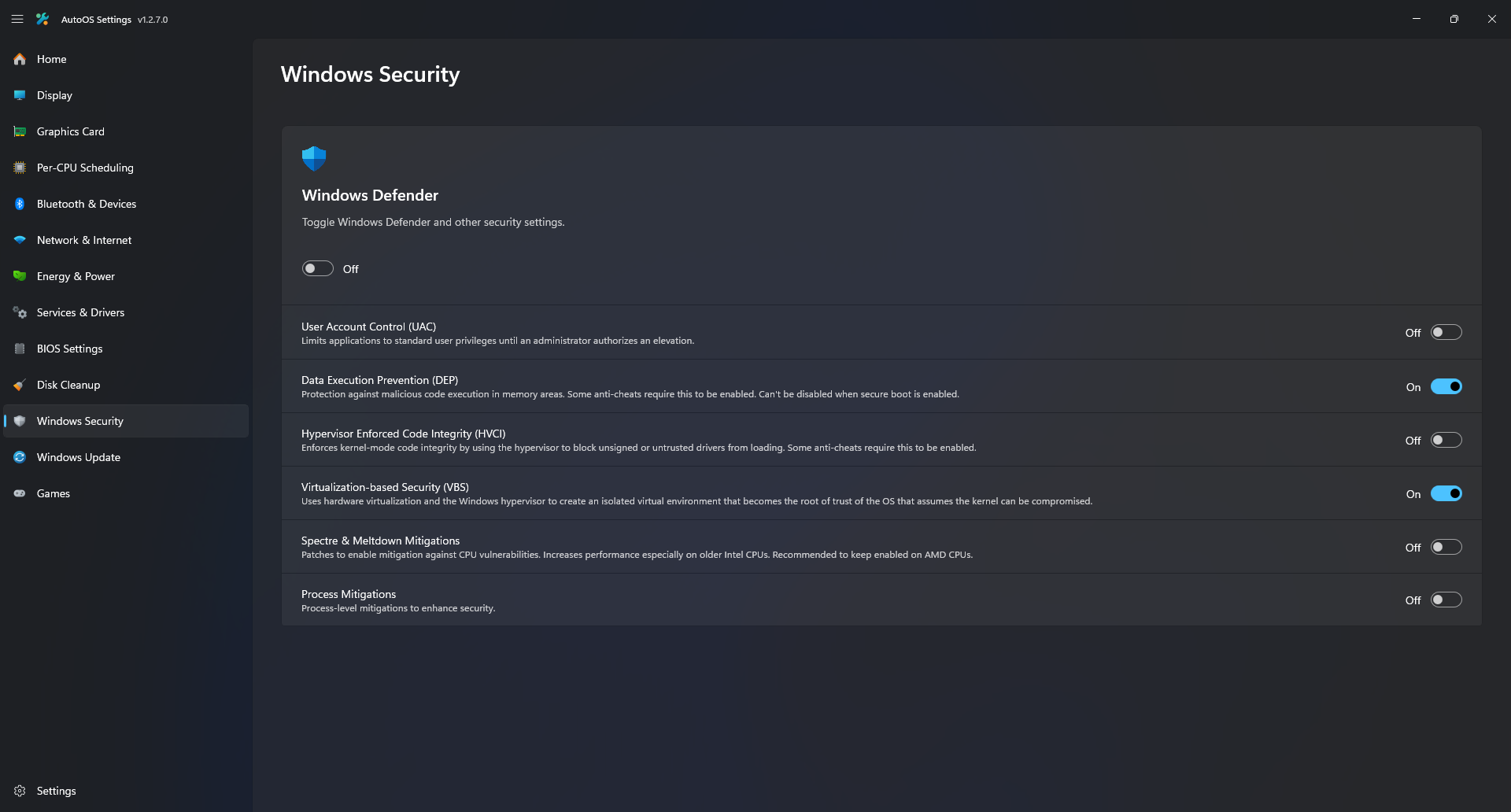 |
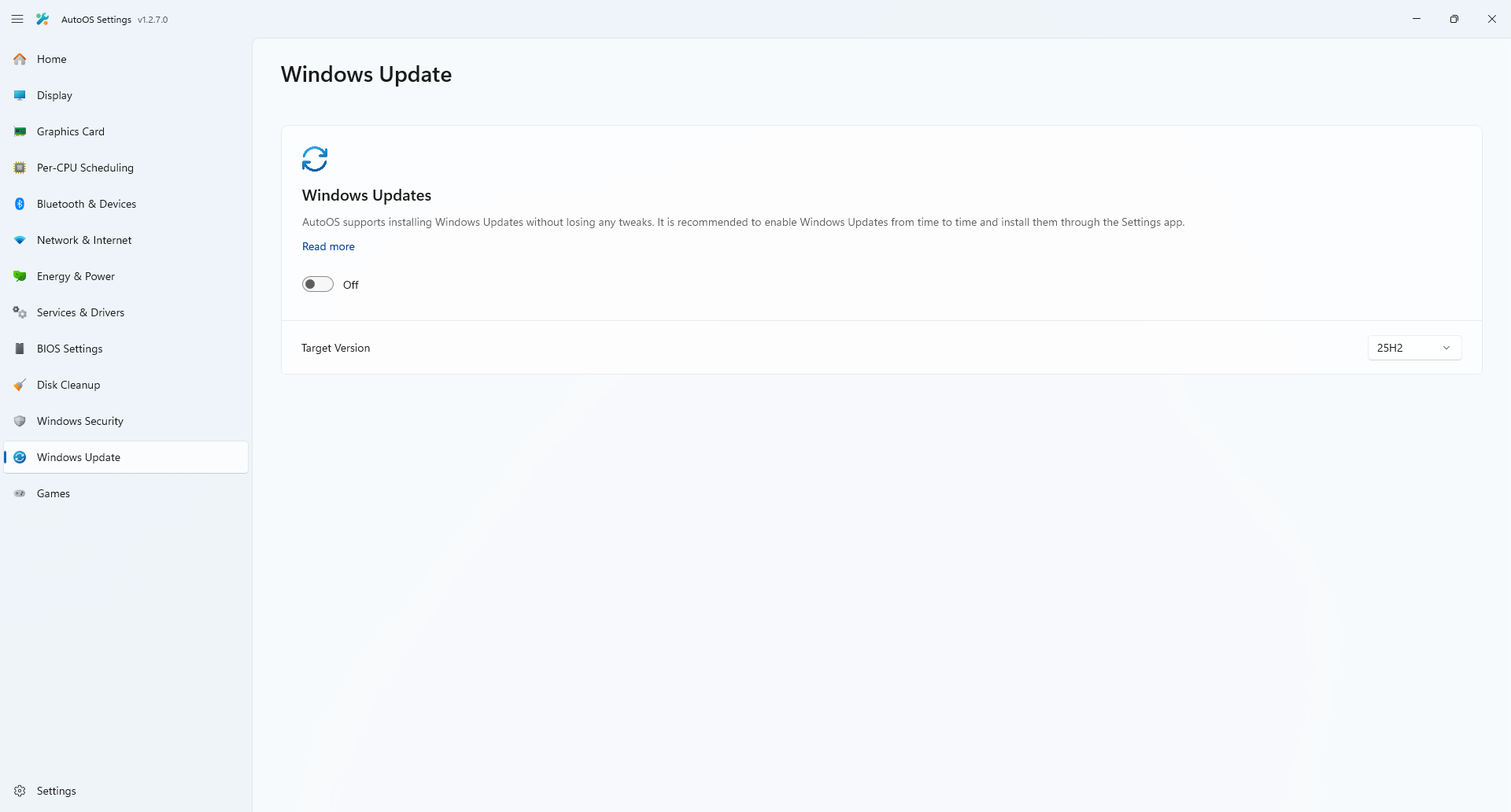 |
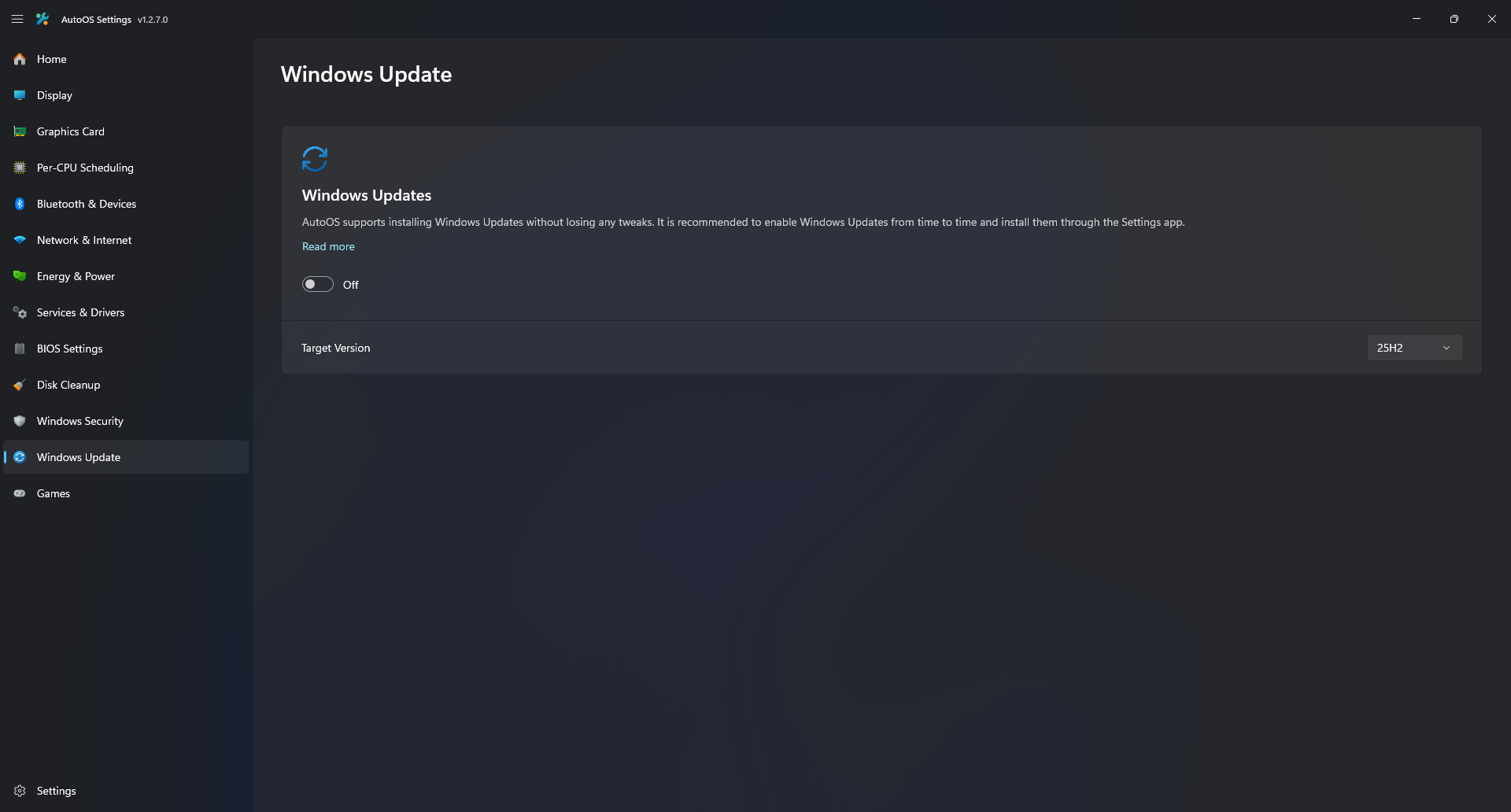 |
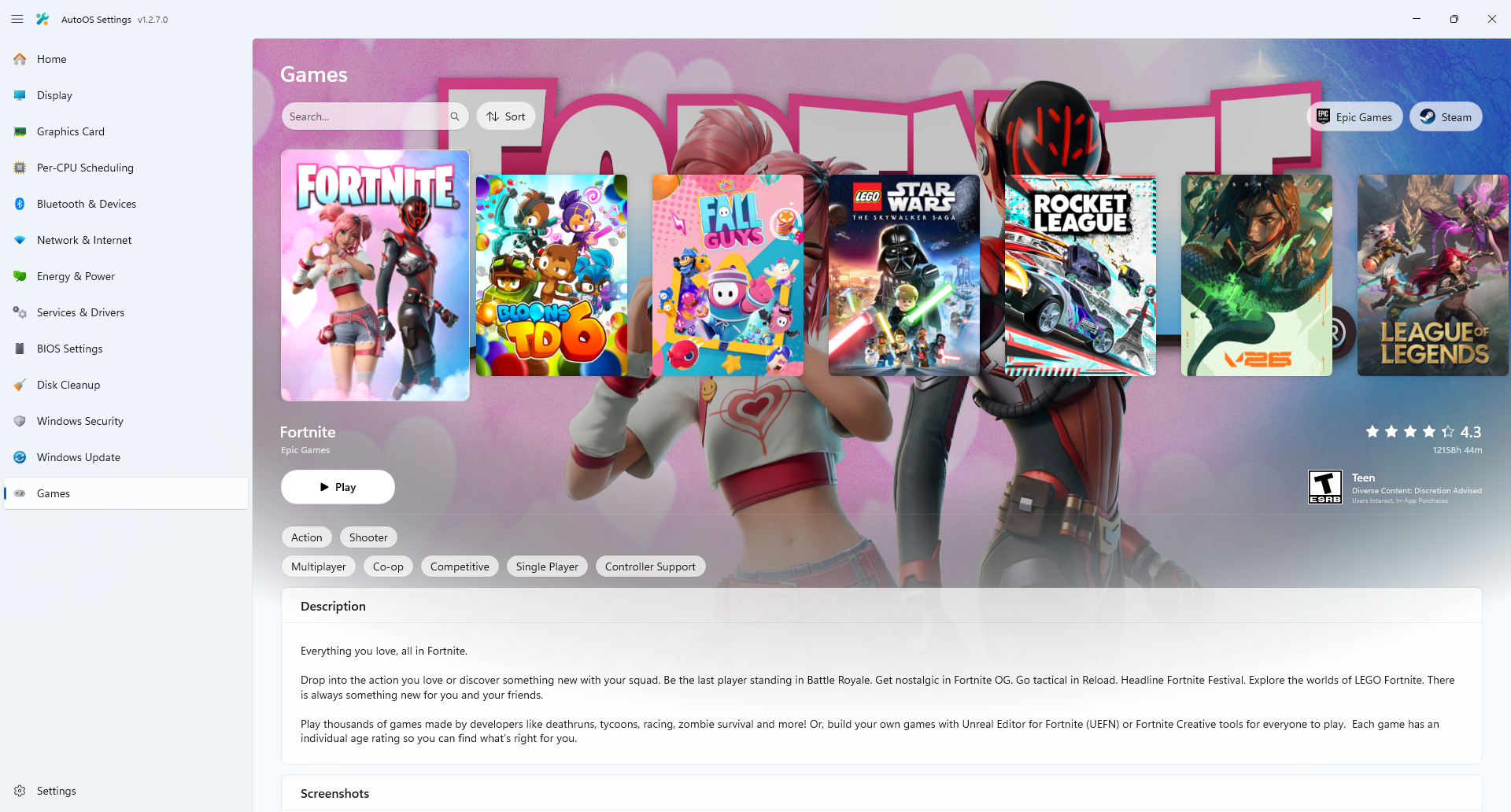 |
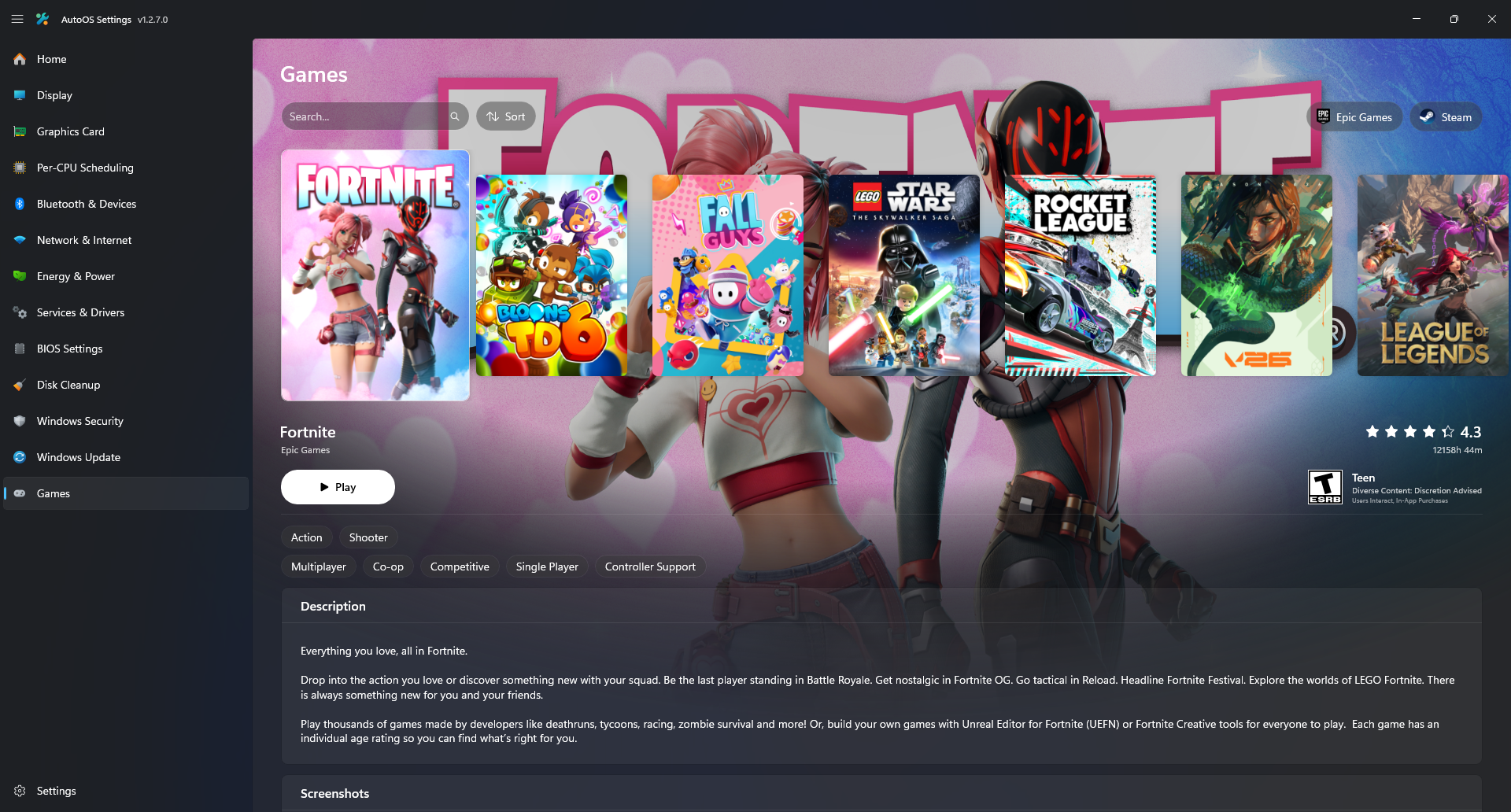 |
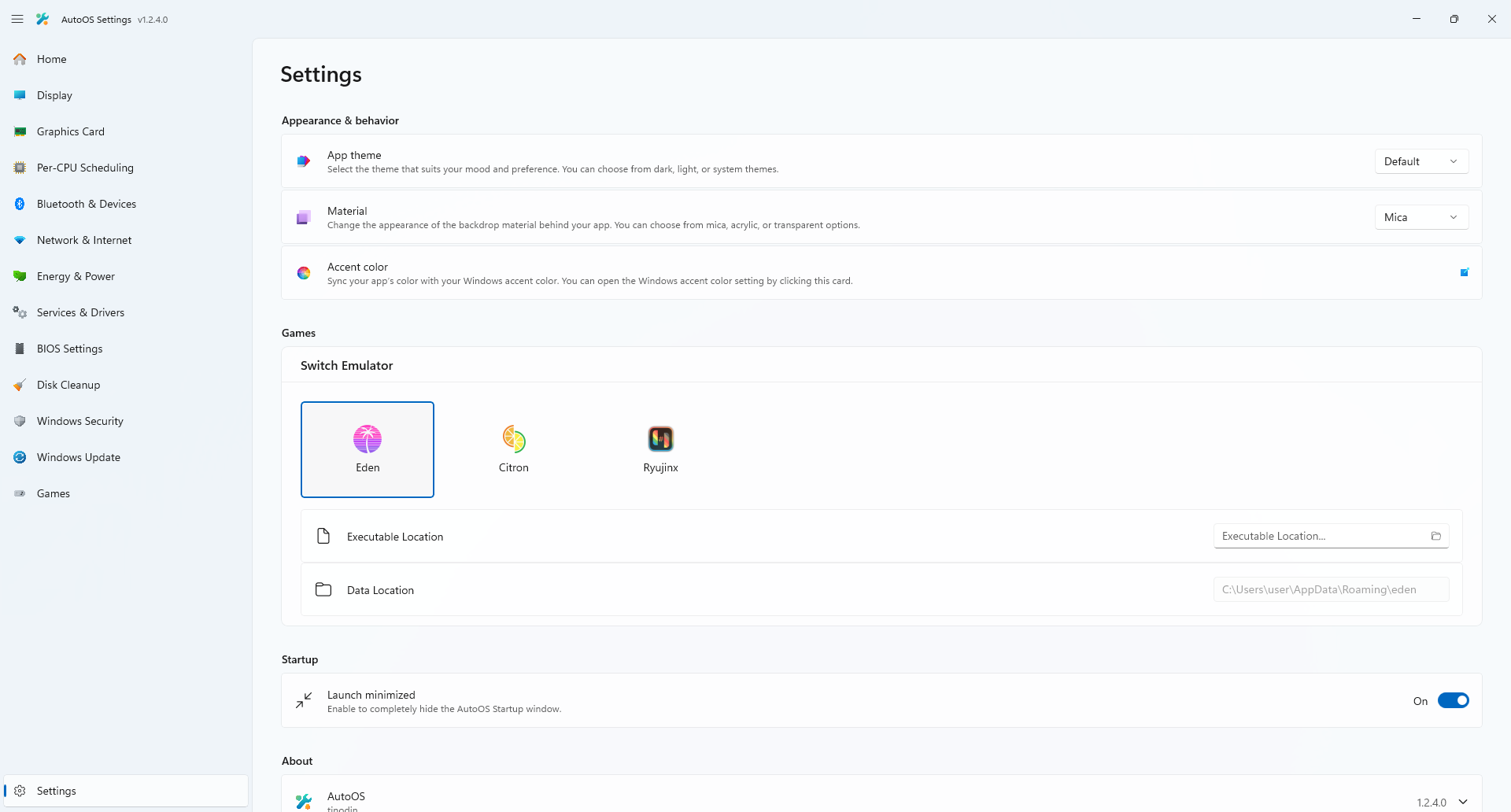 |
 |
Ensure that your installation includes the appropriate workloads:
- On the Workloads tab of the Visual Studio installer, check:
- .NET Desktop Development
- WinUI Application Development
Clone the repository and run this in the terminal inside of Visual Studio.
dotnet nuget add source https://pkgs.dev.azure.com/dotnet/CommunityToolkit/_packaging/CommunityToolkit-Labs/nuget/v3/index.json -n CommunityToolkit-Labs
Amitxv / Valleyofdoom:
Thank you for your PC-Tuning Guide and your useful utilities.
Without your guide this project wouldn't exist. It inspired me to attempt to automate it and ultimately start this project.
Revi Team:
Thank you for SVCGROUP.ps1 and for first introducing me to custom ISOs.
Peter:
Thank you for helping me with some BIOS Settings and NVIDIA tweaks.
Imribiy:
Thank you for your research on Configuring services and features and AMD GPU Tweaks.
Duckleeng:
Thank you for your research on Receive Side Scaling (RSS) and Windows 11 24H2 AutoBoost Behavior.
djdallmann:
Thank you for your research on Network Performance.
m417z (Michael Maltsev):
Thank you for creating Windhawk and for helping me to publish my mod Auto Theme Switcher.
ghost1372 (Mahdi Hosseini):
Thank you for creating DevWinUI. It inspired me to learn C# and rewrite this project in WinUI 3. I appreciate your quick responses, fixes to issues, and the helpful workflow file, which I adapted for this project.
rgl (Rui Lopes):
Thank you for creating uup-dump-get-windows-iso, which I adapted to automatically build the latest Windows release in order to speed up and simplify AutoOS installation.
cschneegans (Christoph Schneegans):
Thank you for creating unattend-generator, which helps AutoOS installation to be seamless.
This project is licensed under the GNU General Public License v3.0. See the LICENSE file for details.
-
NSudo
- Licensed under the MIT License.
- Source: M2TeamArchived/NSudo
-
nvidiaProfileInspector
- Licensed under the MIT License.
- Source: Orbmu2k/nvidiaProfileInspector
-
LowAudioLatency
- Licensed under the MIT License.
- Source: sppdl/LowAudioLatency
-
RadeonSoftwareSlimmer
- Licensed under the GNU General Public License v3.0.
- Source: GSDragoon/RadeonSoftwareSlimmer
- Changes: Added command line options for preinstall
- Fork: tinodin/RadeonSoftwareSlimmer
-
Service List Builder
- Licensed under the GNU General Public License v3.0.
- Source: valleyofdoom/service-list-builder
- Changes: Removed
shutdown /r /t 0from created lists, added--output-dirswitch because of MSIX restrictions. - Fork: tinodin/service-list-builder
-
Chiptool
- Licensed under the GNU General Public License v3.0.
- Source: LuSlower/chiptool
-
7-Zip
  7-Zip
  ~~~~~
  License for use and distribution
  ~~~~~~~~~~~~~~~~~~~~~~~~~~~~~~~~

  7-Zip Copyright (C) 1999-2025 Igor Pavlov.

  The licenses for files are:

    - 7z.dll:
         - The "GNU LGPL" as main license for most of the code
         - The "GNU LGPL" with "unRAR license restriction" for some code
         - The "BSD 3-clause License" for some code
         - The "BSD 2-clause License" for some code
    - All other files: the "GNU LGPL".

  Redistributions in binary form must reproduce related license information from this file.

  Note:
    You can use 7-Zip on any computer, including a computer in a commercial
    organization. You don't need to register or pay for 7-Zip.


GNU LGPL information
--------------------

    This library is free software; you can redistribute it and/or
    modify it under the terms of the GNU Lesser General Public
    License as published by the Free Software Foundation; either
    version 2.1 of the License, or (at your option) any later version.

    This library is distributed in the hope that it will be useful,
    but WITHOUT ANY WARRANTY; without even the implied warranty of
    MERCHANTABILITY or FITNESS FOR A PARTICULAR PURPOSE.  See the GNU
    Lesser General Public License for more details.

    You can receive a copy of the GNU Lesser General Public License from
    http://www.gnu.org/


BSD 3-clause License in 7-Zip code
----------------------------------

  The "BSD 3-clause License" is used for the following code in 7z.dll
    1) LZFSE data decompression.
       That code was derived from the code in the "LZFSE compression library" developed by Apple Inc,
       that also uses the "BSD 3-clause License".
    2) ZSTD data decompression.
       that code was developed using original zstd decoder code as reference code.
       The original zstd decoder code was developed by Facebook Inc,
       that also uses the "BSD 3-clause License".

  Copyright (c) 2015-2016, Apple Inc. All rights reserved.
  Copyright (c) Facebook, Inc. All rights reserved.
  Copyright (c) 2023-2025 Igor Pavlov.

Text of the "BSD 3-clause License"
----------------------------------

Redistribution and use in source and binary forms, with or without modification,
are permitted provided that the following conditions are met:

1. Redistributions of source code must retain the above copyright notice, this
   list of conditions and the following disclaimer.

2. Redistributions in binary form must reproduce the above copyright notice,
   this list of conditions and the following disclaimer in the documentation
   and/or other materials provided with the distribution.

3. Neither the name of the copyright holder nor the names of its contributors may
   be used to endorse or promote products derived from this software without
   specific prior written permission.

THIS SOFTWARE IS PROVIDED BY THE COPYRIGHT HOLDERS AND CONTRIBUTORS "AS IS" AND
ANY EXPRESS OR IMPLIED WARRANTIES, INCLUDING, BUT NOT LIMITED TO, THE IMPLIED
WARRANTIES OF MERCHANTABILITY AND FITNESS FOR A PARTICULAR PURPOSE ARE
DISCLAIMED. IN NO EVENT SHALL THE COPYRIGHT HOLDER OR CONTRIBUTORS BE LIABLE FOR
ANY DIRECT, INDIRECT, INCIDENTAL, SPECIAL, EXEMPLARY, OR CONSEQUENTIAL DAMAGES
(INCLUDING, BUT NOT LIMITED TO, PROCUREMENT OF SUBSTITUTE GOODS OR SERVICES;
LOSS OF USE, DATA, OR PROFITS; OR BUSINESS INTERRUPTION) HOWEVER CAUSED AND ON
ANY THEORY OF LIABILITY, WHETHER IN CONTRACT, STRICT LIABILITY, OR TORT
(INCLUDING NEGLIGENCE OR OTHERWISE) ARISING IN ANY WAY OUT OF THE USE OF THIS
SOFTWARE, EVEN IF ADVISED OF THE POSSIBILITY OF SUCH DAMAGE.

---


BSD 2-clause License in 7-Zip code
----------------------------------

  The "BSD 2-clause License" is used for the XXH64 code in 7-Zip.

  XXH64 code in 7-Zip was derived from the original XXH64 code developed by Yann Collet.

  Copyright (c) 2012-2021 Yann Collet.
  Copyright (c) 2023-2025 Igor Pavlov.

Text of the "BSD 2-clause License"
----------------------------------

Redistribution and use in source and binary forms, with or without modification,
are permitted provided that the following conditions are met:

1. Redistributions of source code must retain the above copyright notice, this
   list of conditions and the following disclaimer.

2. Redistributions in binary form must reproduce the above copyright notice,
   this list of conditions and the following disclaimer in the documentation
   and/or other materials provided with the distribution.

THIS SOFTWARE IS PROVIDED BY THE COPYRIGHT HOLDERS AND CONTRIBUTORS "AS IS" AND
ANY EXPRESS OR IMPLIED WARRANTIES, INCLUDING, BUT NOT LIMITED TO, THE IMPLIED
WARRANTIES OF MERCHANTABILITY AND FITNESS FOR A PARTICULAR PURPOSE ARE
DISCLAIMED. IN NO EVENT SHALL THE COPYRIGHT HOLDER OR CONTRIBUTORS BE LIABLE FOR
ANY DIRECT, INDIRECT, INCIDENTAL, SPECIAL, EXEMPLARY, OR CONSEQUENTIAL DAMAGES
(INCLUDING, BUT NOT LIMITED TO, PROCUREMENT OF SUBSTITUTE GOODS OR SERVICES;
LOSS OF USE, DATA, OR PROFITS; OR BUSINESS INTERRUPTION) HOWEVER CAUSED AND ON
ANY THEORY OF LIABILITY, WHETHER IN CONTRACT, STRICT LIABILITY, OR TORT
(INCLUDING NEGLIGENCE OR OTHERWISE) ARISING IN ANY WAY OUT OF THE USE OF THIS
SOFTWARE, EVEN IF ADVISED OF THE POSSIBILITY OF SUCH DAMAGE.

---


unRAR license restriction
-------------------------

The decompression engine for RAR archives was developed using source
code of unRAR program.
All copyrights to original unRAR code are owned by Alexander Roshal.

The license for original unRAR code has the following restriction:

  The unRAR sources cannot be used to re-create the RAR compression algorithm,
  which is proprietary. Distribution of modified unRAR sources in separate form
  or as a part of other software is permitted, provided that it is clearly
  stated in the documentation and source comments that the code may
  not be used to develop a RAR (WinRAR) compatible archiver.

--
- Source: 7-Zip
- Custom Resolution Utility (CRU)
Copyright (C) 2012-2022 ToastyX
https://monitortests.com/custom-resolution-utility

Permission is hereby granted, free of charge, to any person obtaining a copy
of this software the rights to use, copy, and/or distribute copies of the
software subject to the following conditions:

The above copyright notice and this permission notice shall be included in
all copies of the software.

THE SOFTWARE IS PROVIDED "AS IS" WITHOUT WARRANTY OF ANY KIND, EXPRESS OR
IMPLIED. IN NO EVENT SHALL THE AUTHOR BE LIABLE FOR ANY CLAIM, DAMAGES, OR
OTHER LIABILITY IN CONNECTION WITH THE USE OF THE SOFTWARE.
- Source: Custom Resolution Utility (CRU)
- DeviceCleanup
Allowed:
- usage in any environment, including commercial
- include in software products, including commercial
- include on CD/DVD of computer magazines

Not allowed:
- modify any of the files
- offer for download by means of a "downloader" software
- Source: DeviceCleanup
- DriveCleanup
Allowed:
- usage in any environment, including commercial
- include in software products, including commercial
- include on CD/DVD of computer magazines

Not allowed:
- modify any of the files
- offer for download by means of a "downloader" software
- Source: DriveCleanup