In this project we play Google's T-rex game using Reinforcement Learning. The RL algorithm is based on the Deep Q-Learning algorithm [1] and is implemented from scratch in TensorFlow.
===========================================================================
CHECK OUT THE ACCOMPAGNYING BLOGPOST - it contains a lot more useful information.
===========================================================================
- Python 3.5 or higher
- Pillow 4.3.0
- scipy 0.19.1
- tensorflow 1.7.0 or higher
- optional: tensorflow tensorboard
Tested on MacOs, Debian, Ubuntu, and Ubuntu-based distros.
Start by cloning the repository
$ git clone https://github.com/vdutor/TF-rexWe recommend creating a virtualenv before installing the required packages. See virtualenv or virtualenv-wrapper on how to do so.
The dependencies can be easly installed using pip.
$ optional: open the virtualenv
$ pip install -r requirements.txtA simple webserver is required to run the T-rex javascript game.
The easiest way to achieve this is by using python's Simple HTTP Server module.
Open a new terminal and navigate to TF-Rex/game, then run the following command
$ cd /path/to/project/TF-Rex/game
$ python2 -m SimpleHTTPServer 8000
The game is now accessable on your localhost 127.0.0.1:8000.
This approach was tested for Chrome and Mozilla Firefox.
First, all the commandline arguments can be retrieved with
$ cd /path/to/project/TF-Rex/tf-rex
$ python main.py --help
Quickly check if the installation was successful by playing with a pretrained Q-learner.
$ python main.py --notraining --logdir ../trained-modelThis command will restore the pretrained model, stored in ../trained-model and play the T-rex game.
IMPORTANT: The browser needs to connect with the python side. Therefore, refresh the browser after firing python main.py --notraining --logdir ../trained-model.
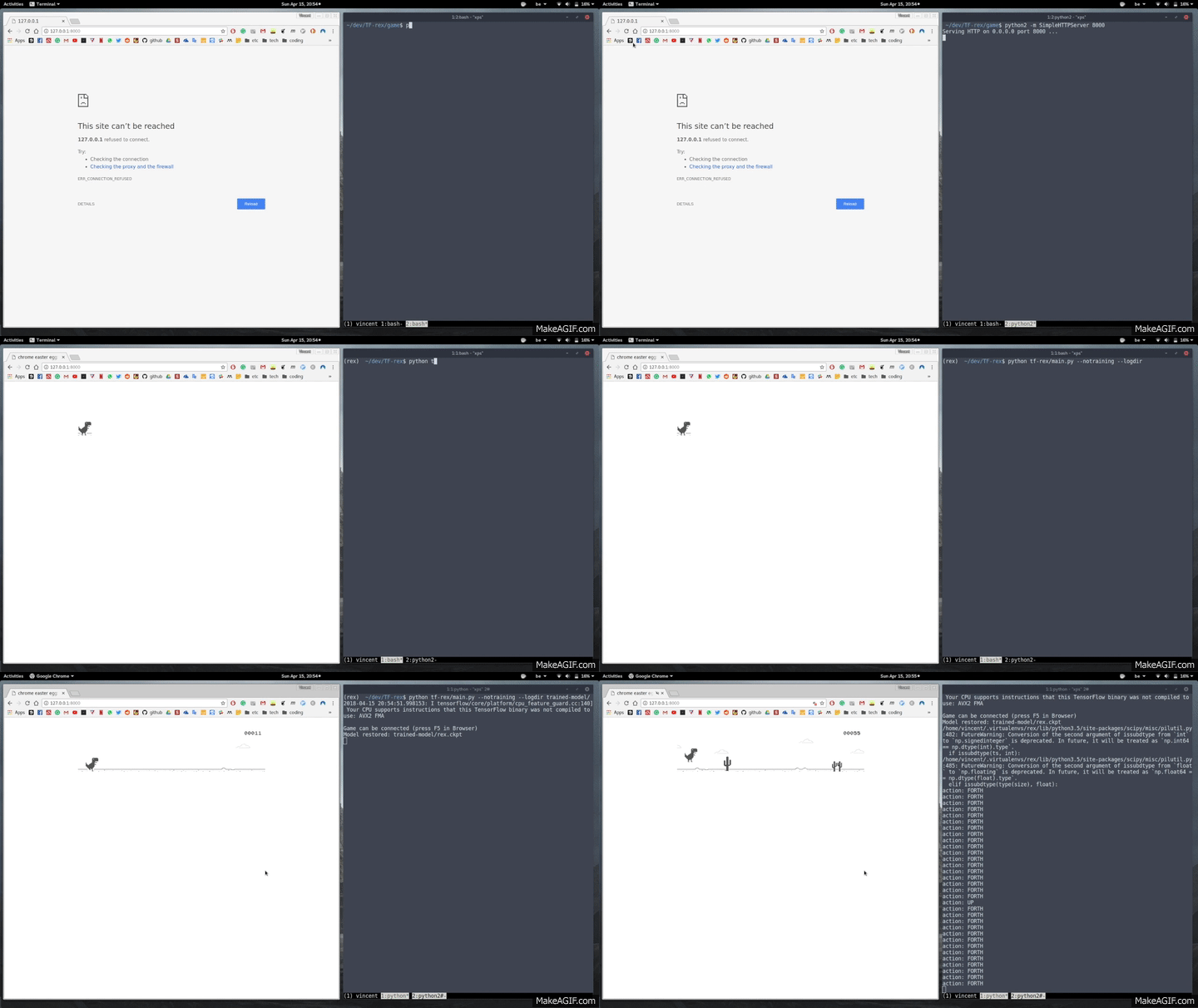
Training a new model can be done as follows
$ python main.py --logdir logsAgain, the browser needs to be refreshed to start the process. The directory passed as logdir argument will be used to store intermediate tensorflow checkpoints and tensorboard information.
While training, a different terminal can be opened to launch the tensorboard
$ tensorboard --logdir logsThe tensorboards will be visible on http://127.0.0.1:6006/.