Create Function App
This solution will utilize an Azure Function App to run PowerShell for changes to a SharePoint Site.
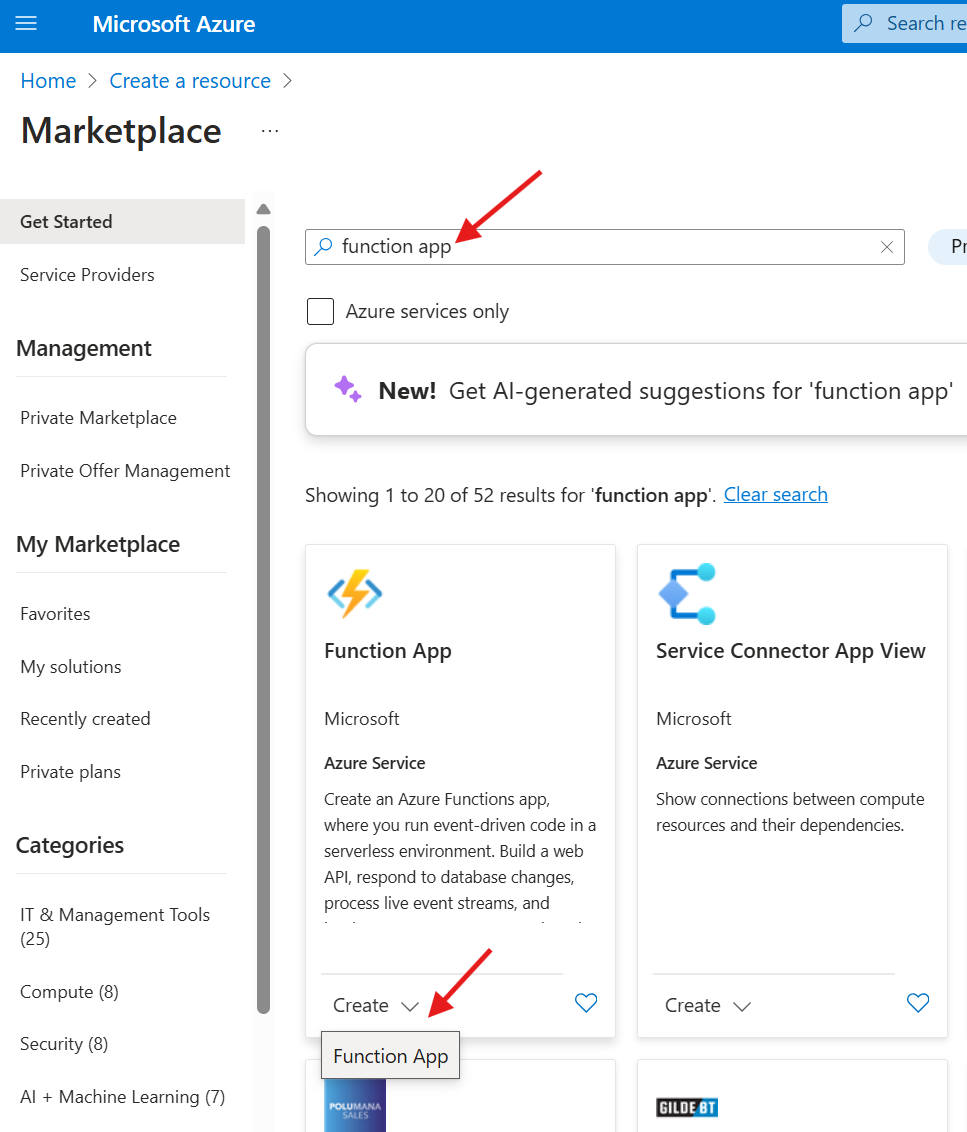
Access Microsoft Azure and create a resource.

Search for function app, and select Function App after clicking on the Create button.
Select Consumption and then Select. The default Flex Consumption plan will not create the default files we need for this solution.

Fill in the required sections and then click on Review + Create.
